
What is SWAPP
SWAPP is an AI-driven automation tool designed specifically for the architecture industry, capable of reducing the tedious work of documentation and modeling tasks and ensuring document consistency and accuracy. SWAPP is based on automated dimensioning, tagging, and annotation to improve work efficiency, while supporting integration with mainstream BIM software such as Revit. SWAPP provides customized services according to company standards and continuously evolves to meet specific needs. The tool focuses on data security, protecting clients' intellectual property, and serves as an auxiliary tool for architects, ensuring creativity and documentation accuracy in the design process.
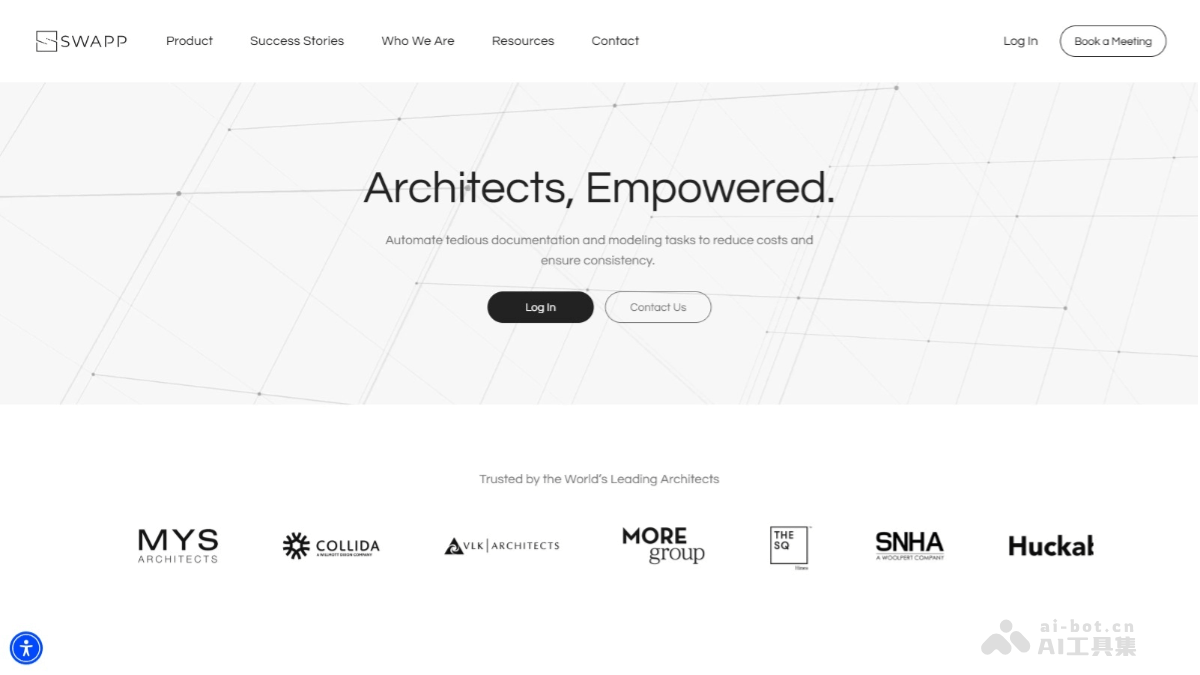
SWAPP's Main Features
- Automated Document Generation: Automatically creates and updates building construction documents, reducing manual workload.
- Dimensioning and Tagging: Automatically adds dimensions and labels to project elements, ensuring document accuracy and consistency.
- Annotation and View Adjustment: Supports complete annotation, adjusting the readability and aesthetics of each view according to company standards.
- AI Learning and Adaptation: Learns from existing projects, follows and adapts to company-specific standards and processes.
- Cloud BIM Storage Integration: Seamlessly integrates with cloud BIM storage solutions, facilitating access to and sharing of project data.
- Integration with BIM Tools: Integrates with mainstream BIM tools (such as Revit), adapting to existing workflows.
SWAPP's Official Website Address
- Official Website Address:swapp.ai
SWAPP's Application Scenarios
- Architectural Design and Modeling: During the design phase, automatically generates and updates 2D drawings and 3D views of building models, reducing the workload of manual drafting.
- Construction Document Preparation: Automatically generates detailed documents required for construction, including floor plans, elevations, sections, and construction details.
- Project Management: During project management, helps track project progress and automatically updates documents that need adjustment due to design changes.
- BIM Data Output: Supports efficient data output from BIM models, meeting the needs of different phases and stakeholders.
- Quality Control and Review: Assists in design review, ensuring all documents and models comply with industry standards and company specifications.