
What is SVG Converter
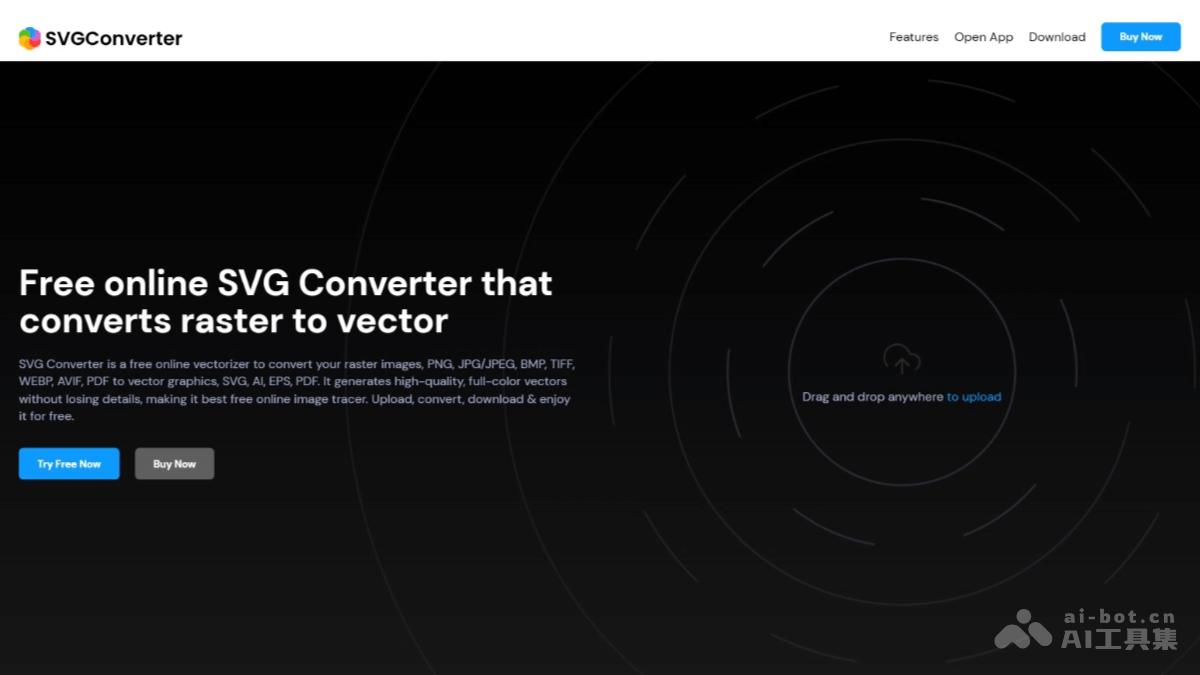
SVG Converter is an online vectorization tool that supports quickly converting various bitmap images (such as JPG, PNG, BMP, etc.) into vector graphics (such as SVG, AI, EPS, PDF, etc.). SVG Converter supports multiple file formats and features high-quality output, pixel-level adjustment, multi-layer support, and more. It is simple to operate and completes conversion in seconds. It is suitable for web design, graphic editing, artistic creation, and many other scenarios, and is ideal for needs that require converting images into vector formats for infinite scaling without loss of clarity.
Main Features of SVG Converter
- Format Conversion: Convert various bitmap image formats (such as PNG, JPG, BMP, TIFF, WEBP, AVIF, PDF) into vector graphic formats (such as SVG, AI, EPS, PDF).
- High-Quality Output: Generate full-color vector graphics, preserve image details, and support pixel-level precision adjustment.
- User-Friendly Interface: A clean and intuitive operation interface that supports drag-and-drop upload, suitable for users without a technical background.
- Color and Transparency Adjustment: Support custom color palettes and adjust the color and transparency of the output vector image.
- Multi-Layer Support: Generate multi-layer vector graphics, making it convenient for users to further edit and optimize.
- Cross-Platform Compatibility: Support multiple operating systems and mainstream browsers, making it convenient for users to use on different devices.
SVG Converter Official Website Address
- Official Website Address:svgconverter.app
SVG Converter Product Pricing
- Lifetime License: $20. One-time payment, enjoy lifetime updates and upgrade services.
SVG Converter Application Scenarios
- Web Design and Development: Convert images into SVG format to achieve high-definition display and fast loading on web pages, maintaining image clarity at different resolutions.
- Graphic Editing and Optimization: Convert low-resolution images into vector graphics, making it easier to further edit, adjust colors, or optimize file size without losing details.
- Logo Design and Printing: Convert design drafts into vector formats to ensure that logos remain clear when enlarged, reduced, or used for printing, suitable for commercial use.
- Artistic Creation and Painting: Convert sketches, paintings, or photos into vector graphics, making it easier to digitize, enhance artistic effects, or recreate.
- Signatures, Charts, and Maps: Convert signatures, charts, or maps into vector formats, making them easier to use on digital platforms and reducing noise and errors in images.