
What is Superhuman
Superhuman is an AI-driven email client that improves users' efficiency in handling emails. Through features such as smart classification, quick replies, and read status tracking, it helps users save time and increase productivity. Superhuman is designed for teams using Gmail or Outlook, and supports real-time collaboration and communication. Superhuman provides social insights and calendar integration, enabling users to manage emails and scheduling on one platform. Superhuman's goal is to simplify email management, reduce the time users spend on email, and allow them to focus on more important tasks.
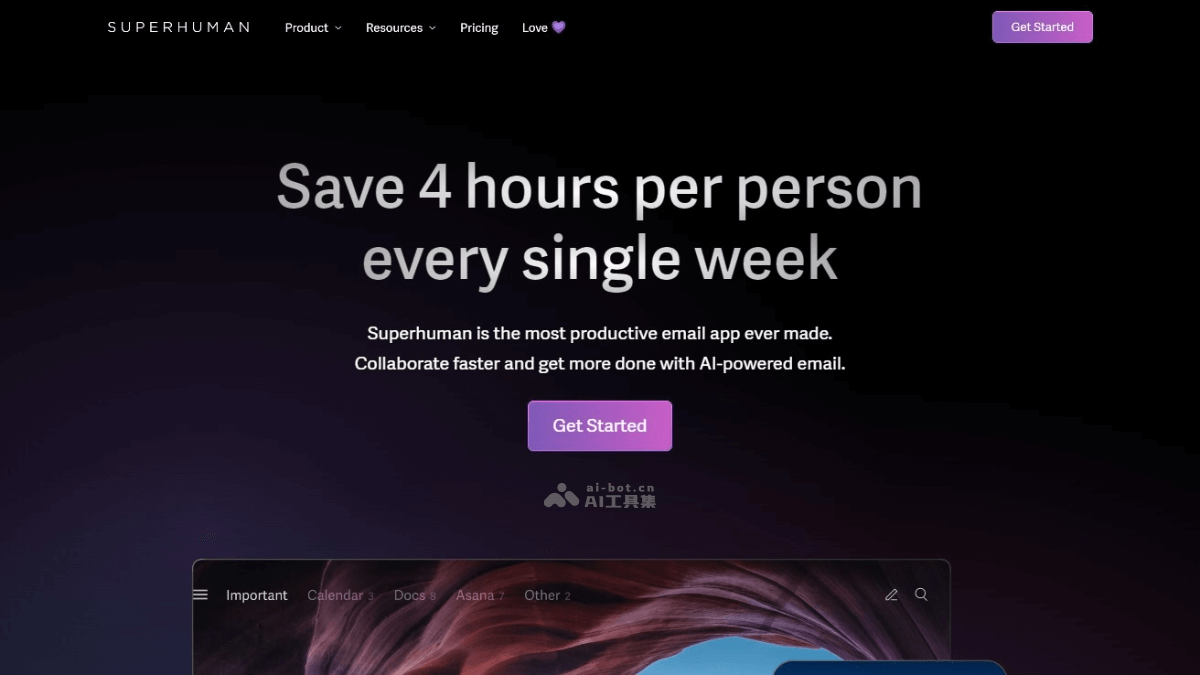
Superhuman's main features
- AI-assisted writing: Uses AI to help users quickly compose emails that match their tone and style.
- Split inbox: Automatically categorizes incoming emails into different folders or labels, making it easier for users to manage emails more effectively.
- Read status: Allows users to see when recipients open emails, making it easier to track the read status of important messages.
- Team collaboration: Provides features for sharing emails and real-time collaboration among team members, accelerating communication and decision-making.
- Social insights: Integrates access to social media platforms such as LinkedIn, Facebook, and Twitter, making it convenient for users to view recipients' social profiles directly within email.
- Calendar integration: Allows users to view and schedule calendar events from the email client without switching to other applications.
Superhuman's official product website
- Official product website:superhuman.com
Superhuman's use cases
- Sales teams: Use the read status feature to track prospects' feedback on sales proposals, and use AI-assisted writing to quickly reply to customer inquiries.
- Administrative assistants: Manage a busy inbox, quickly classify and process emails with the split inbox feature, and use calendar integration to schedule meetings and reminders.
- Marketing teams: Collaborate on email marketing campaigns, and use team sharing and read status features to track the effectiveness of email marketing campaigns and user engagement.
- Project management: Project managers use Superhuman to monitor project progress, ensuring smooth communication among team members through real-time email updates and team collaboration features.
- Customer support: Customer support teams use Superhuman's quick reply feature to improve response speed, while also using read status to ensure customer issues are resolved promptly.
- Recruiters: Use the social insights feature to quickly understand candidates' backgrounds, and use the calendar tool to schedule interviews and follow-ups.