
What is Suno v5.5
Suno V5.5 isSunoan AI music generation model launched by, marking a major transition from "generation is completion" to "refined production." The model adds three major features: Voices voice customization, Custom Models custom models, and My Taste personalized recommendations. Users can use AI-generated content as creative material, deeply edit it through track separation, clip recombination, style blending, and other methods, and then export stems for post-production. The model makes instrument separation clearer and mixing more refined in terms of audio quality.
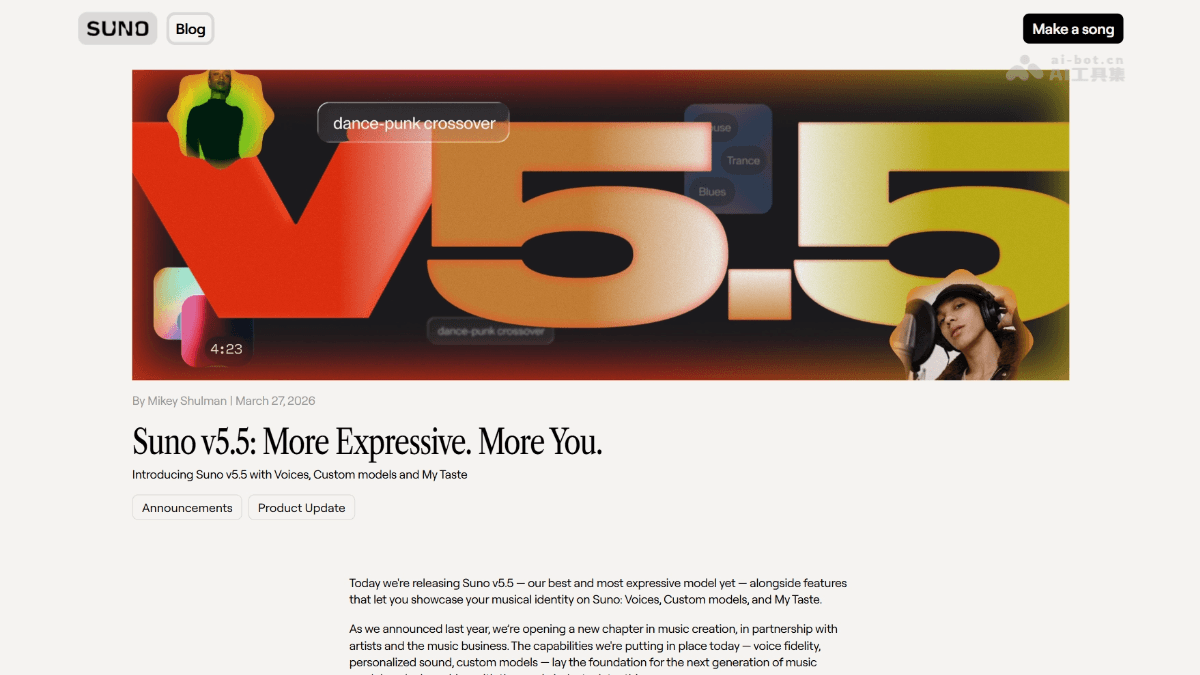
Main features of Suno v5.5
- Voices voice customization: Supports users in creating and using personalized custom voice models to generate music, achieving more unique vocal expression.
- Custom Models custom models: Supports users in training exclusive music generation models, creating unique personal music styles and voice fingerprints.
- My Taste intelligent recommendations: The system can learn user preferences and continuously optimize generation results to match personal taste.
- Refined editing workflow: Shifts from simple "prompt-based generation" to a hybrid production mode of "generation + editing," allowing users to deeply adjust generated content.
- Track separation export: Supports exporting generated music as stem files (Stems), making it convenient to import into external digital audio workstations for professional post-production.
- Mashup recombination feature: Supports changing the style or blending different versions while preserving the song structure, enabling more flexible creative experimentation.
- Comprehensive audio quality improvement: Instrument separation is clearer, mixing is more refined, and the commercial feel is stronger, with more stable performance in styles such as standard pop and hip-hop.
Key information and usage requirements for Suno v5.5
-
Release time: Officially launched in March 2025, it is a major version update for the Suno platform.
-
Product positioning transition: Shifts from an AI tool of "generation is completion" to a hybrid production system of "generation + editing," requiring users to create with a "producer mindset."
-
Voices voice customization: Supports users in creating and using personalized custom voice models to achieve unique vocal expression.
-
Custom Models custom models: Supports users in training exclusive music generation models to create personal unique voice fingerprints and music styles.
-
My Taste intelligent recommendations: The system learns user preferences and continuously optimizes generation results to match personal taste, achieving an experience that understands you better the more you use it.
-
Paid subscription: A paid Suno plan subscription is required to access all V5.5 features; the free version cannot use custom models and advanced editing tools.
-
Sample quality: Using Voices and Custom Models requires uploading audio samples for training, with clear requirements for sample audio quality and format.
Core advantages of Suno v5.5
- Deep personalization: Through Voices and Custom Models, users can create unique exclusive voices and music styles, escaping the homogenized output of general models.
- Professional workflow integration: The track separation export feature allows Suno to integrate into the professional music production chain, and AI-generated content can seamlessly connect with external DAWs for refined post-processing.
- Intelligent Learning Evolution: The My Taste system continuously learns user preferences, generating increasingly precise results the more it is used, greatly reducing the time cost of repeatedly debugging prompts.
- Creative Flexibility: The Mashup recombination feature supports freely transforming styles or mixing versions while maintaining the song structure, providing infinite possibilities for experimental creation.
- Commercial-Grade Audio Quality: Instrument separation is clearer and mixing is more refined, with generated results meeting higher commercial release standards, reducing post-production repair workload.
How to Use Suno v5.5
- Basic Access: Visit Suno the official website, log in to your account, and ensure your paid subscription plan is active to unlock all V5.5 features.
- Create Custom Voices: Go to the Voices feature page and upload high-quality audio samples for voice training.
- Train Custom Models: In the Custom Models module, upload representative music works or style samples to train a generation model that matches your personal style.
- Generate and Edit: Use trained Voices or Custom Models to input prompts and generate music. After obtaining initial results, enter the editing interface for fine-tuning adjustments.
- Stem Separation and Export: For satisfactory works, use the Stems export feature to download vocals, drums, bass, instruments, etc. as separate tracks, and import them into DAWs such as Ableton or Logic for post-production mixing.
Comparison of Suno v5.5 with Similar Competitors
| Dimension | Suno V5.5 | Udio | AIVA |
|---|---|---|---|
| Core Positioning | AI production platform (generation + editing) | AI generation tool (prompt-driven) | Classical and film/TV scoring specialist |
| Personalization Capability | Voices custom voices, Custom Models training of exclusive models | Preset voice style selection, no support for custom training | Style template selection, no voice cloning feature |
| Editing Features | Stem separation and export, Mashup recombination, fine-tuning adjustments | Basic editing, no stem export | Music theory parameter adjustment, no audio-level editing |
| Audio Quality Characteristics | Commercial-grade mixing, stable performance in pop/hip-hop | Strong musicality, natural and smooth melodies | Solid classical music theory, good orchestral texture |
| Best Scenarios | Professional music production, personalized creation, stem post-production | Rapid inspiration generation, one-time output of complete songs | Film/TV scoring, game background music, classical style |
| Workflow | Generate → Edit → Export stems → Fine-tune in external DAW | Prompt → Generate → Accept/Reject | Parameter adjustment → Generate → Directly export finished product |
| User Threshold | Requires music production fundamentals, relatively high time investment | Low threshold, suitable for beginners to get started quickly | Requires some music theory knowledge, more professional-oriented |
Application Scenarios of Suno v5.5
- Independent Music Production: Musicians use Voices to clone their own voices and quickly produce demos or complete works without the need for expensive recording equipment and venues.
- Film/TV and Game Scoring: Creators train Custom Models to build a personal style library, batch-generate customized background music for different scenarios, and export via track separation for post-production mixing.
- Advertising and Marketing Content: Brands use My Taste to quickly generate music assets that match their tone, and the Mashup feature supports multiple versions of the same theme adapted to different distribution channels.
- Podcasts and Audio Content: Hosts create exclusive voice models to produce intro, outro, and transition music with a consistent style for their shows, maintaining brand voice consistency.
- Social Media Creation: Short video creators use fine-grained editing and style mixing features to quickly produce personalized BGM adapted to platform algorithms, enhancing content recognizability.