
What is StudyX
StudyX is an AI learning assistant for students, using AI technology to help students complete homework efficiently and improve learning efficiency. StudyX supports instant homework answers across multiple subjects and provides step-by-step explanations and detailed explanations. It performs excellently in math problem solving, academic writing, and exam preparation. StudyX is equipped with 24/7 expert support, personalized learning tools, and abundant community resources to help students better master knowledge. StudyX is suitable for various student groups and improves learning efficiency.
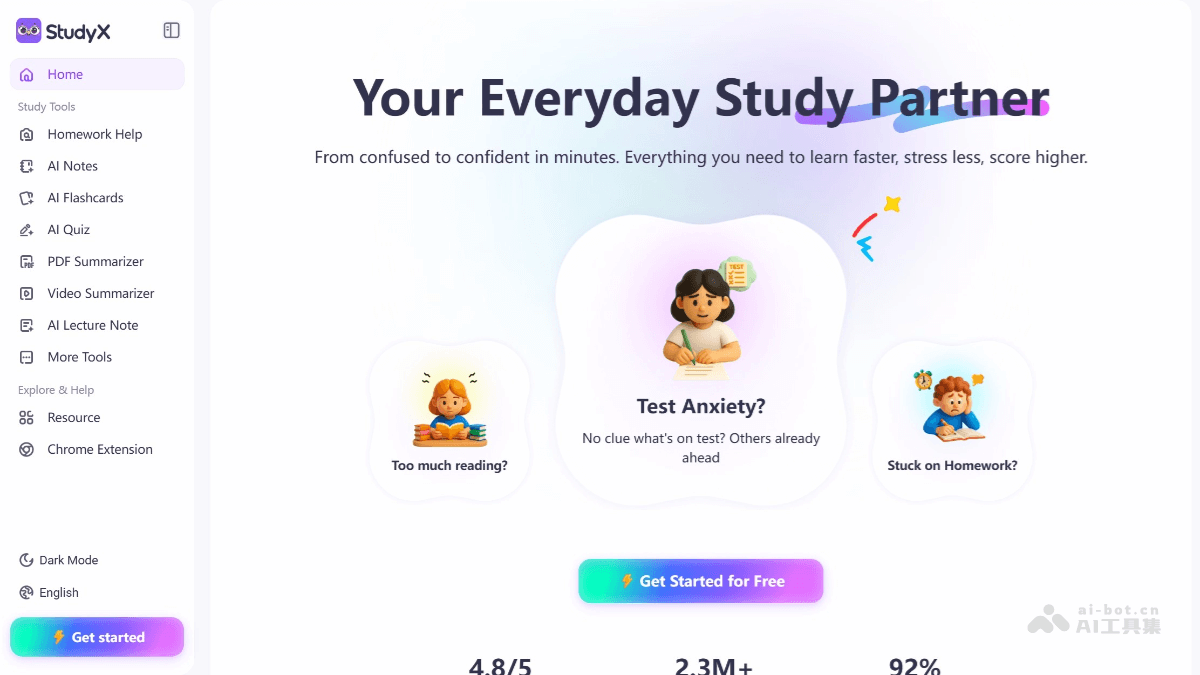
Main Features of StudyX
-
AI Homework Answers: Users can input questions via text, photos, or formulas to get detailed solution steps, with an answer accuracy rate as high as 98%.
-
Community Q&A: Connects students and experts worldwide, sharing questions and answers, and promoting learning exchanges.
-
Academic Resource Search: Access a library of over 75 million academic questions, supporting paper citations and in-depth research.
-
Writing Assistance: Generates article drafts, checks grammar, and optimizes content to improve writing quality.
-
Math Formula Recognition: Recognizes handwritten or printed formulas and quickly solves complex math problems.
-
Code Generator: Generates code in programming languages such as Python and Java, with detailed explanations.
-
Personal Learning Space: Saves and organizes homework questions, tracks learning progress, and helps with exam preparation.
-
Multilingual Support: Supports input and answers in multiple languages, suitable for global users.
StudyX Official Website Address
- Official Website Address:studyx.ai
How to Use StudyX
-
Visit the Official Website: Visit the official website of StudyxAI and try it for free without registration.
-
Register an Account: After registering an account, you can increase the number of free answers and save learning records.
-
Use the Web Version: Enter questions or upload images on the webpage to get answers.
-
Download the App: Search for "StudyX" in the App Store or Google Play, download and install the app, and use it after logging in.
-
Install the Browser Extension: Search for "StudyX: AI Homework Helper" in the Chrome Web Store, click "Add to Chrome," and after installation, use it directly through the icon in the upper-right corner of the browser.
StudyX Use Cases
- Quickly Solve Homework Problems: Students input text, take photos, or upload PDF files to quickly get step-by-step solutions and detailed explanations for difficult problems across subjects, saving time and improving learning efficiency.
- Math Learning and Exam Preparation: Provides detailed math solution steps and formula derivations to help students understand math concepts, suitable for preparing for math exams or solving complex math problems.
- Multidisciplinary Learning Support: Covers multiple subjects such as math, science, language, and history, allowing students to get instant help in different subjects and improve comprehensive learning ability.
- Personalized Learning and Review: Students save homework questions in their personal learning space, making it convenient to review and organize knowledge points and prepare for exams.
- Global Community Exchange: Students participate in community discussions, exchange learning experiences with other students and experts, and broaden their learning horizons.