
What is Step AI Desktop Companion
Step AI Desktop Companion (Xiaoyue) is an intelligent assistantStep AIlaunched that resides in the upper right corner of the desktop. It supports parallel multi-task processing, can execute multiple tasks simultaneously without disturbing the user's current work. The tool can connect to the local operating system, view and manage local files, supports internet access, and completes complex task planning and execution. Step AI Desktop Companion supports the "Miaoji" feature, allowing users to create commonly used instruction templates for reuse, and supports setting scheduled tasks with precise reminders. Step AI Desktop Companion can improve work efficiency, proactively cares about users, and provides personalized care reminders.
The Windows version of Step AI Desktop Companion is now officially available. At the same time, Step AI Desktop Companion has received an important upgrade, supporting calls to third-party tools such as Excel and QQ Mail to enable cross-application operations. The global memory feature (currently only supported on the Mac version) can record computer activity traces and generate review reports. The synchronized app feature (currently only supported on the Mac version) can "see" the current window, automatically identify the file, webpage, or application being used, and realize "ask what you see," greatly improving operating efficiency.
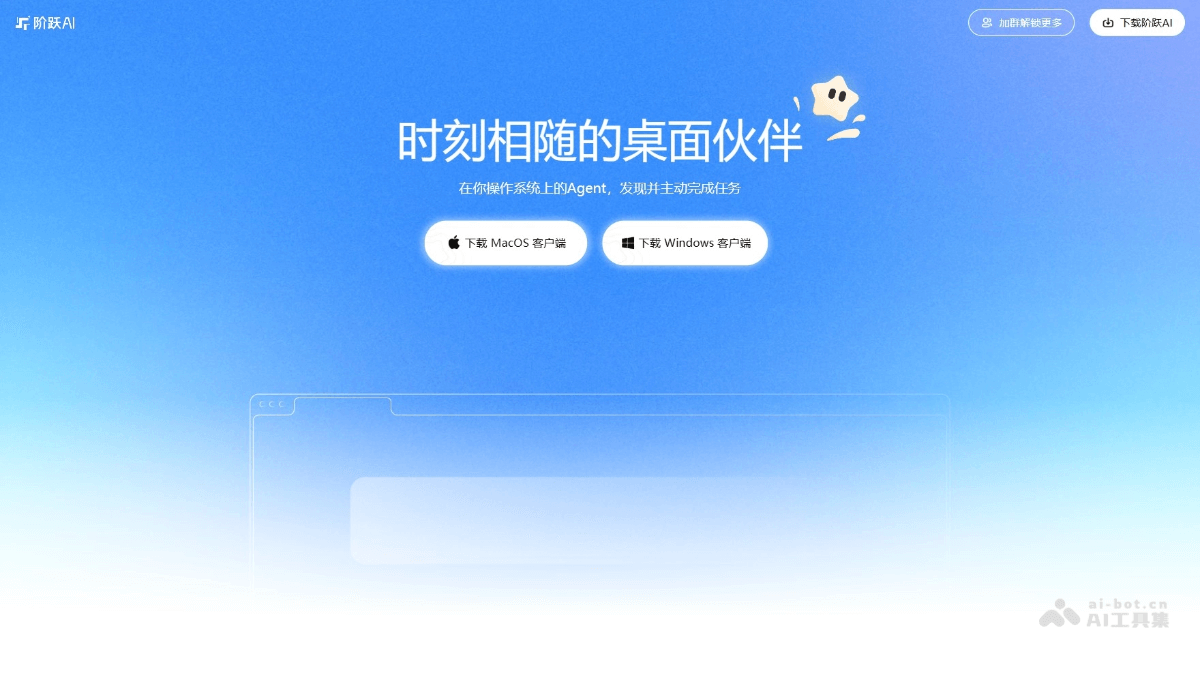
Main features of Step AI Desktop Companion
-
Parallel multi-task processing: Supports running multiple tasks simultaneously, with background operations that do not disturb the user's current work and reminders when tasks are completed.
-
Local and internet interaction: Connects to the local operating system, can view and manage local files, and also supports internet access, autonomously completing task planning, information collection, analysis and processing, and local file generation.
-
Scheduled tasks and reminders: Supports users in setting periodic tasks, with Xiaoyue providing precise reminders and executing on time, such as monitoring data and reminding about matters.
-
Local file processing: Supports searching, creating, and editing local files, and automatically organizing document data, such as invoice reimbursement organization and spreadsheet price comparison.
-
"Miaoji" feature: Users can create and save commonly used instruction templates for one-click reuse, improving work efficiency.
- Supports calling third-party tools: Connects to 16 tools including Excel, QQ Mail, and Feishu via MCP to enable cross-application operations.
- Global memory feature: Automatically records computer activity traces and generates daily review reports to help users trace work content.
- Synchronized app feature: Automatically identifies the content of the current window and fills it into the input box as context, realizing "ask what you see."
How to use Step AI Desktop Companion
- Download and install: Visit the Step AI Desktop Companion download address https://www.stepfun.com/download,选择系统版本,下载并安装。
- Launch and invoke: After installation is complete, Xiaoyue resides in the upper right corner of the desktop as a floating window. Click the floating window to wake it up and use it.
- Enter instructions: Enter instructions in Xiaoyue's input box. Enter "/" to bring up the "Miaoji" feature, select or enter a specific task instruction, and Xiaoyue will perform the corresponding operation according to the instruction.
- Multi-task processing: Supports parallel multi-tasking, allowing multiple tasks to run simultaneously in the background. A reminder will pop up when tasks are completed, and users can view progress in the task window and take over or interrupt tasks at any time.
- Local file operations: By entering relevant instructions, search, create, and edit local files, such as organizing invoices and editing documents, to efficiently process local file data.
- Internet Interaction: Connect to the internet to perform tasks such as information gathering, analysis, and processing, for example generating documents based on online information and analyzing data, enabling coordinated online and offline operations.
- Scheduled Task Settings: Enter "/设置提醒" or "/定时任务" to set up recurring tasks, such as daily monitoring of e-commerce bestsellers and reminders for important matters; Xiaoyue executes and reminds the user on time.
- Using the "妙计" Feature: Enter "/" to bring up the "妙计" feature, select or create personalized instruction templates, and reuse common operations with one click to improve work efficiency, such as quickly filling out forms and generating reports.
Application Scenarios of the StepFun AI Desktop Companion
- Interview Experience Summary: Enter instructions to have Xiaoyue quickly generate a document of interview experience and precautions based on interview experience notes on the internet, helping users efficiently prepare for interviews.
- E-commerce Bestseller Tracking: Set up a scheduled task to have Xiaoyue monitor best-selling product information on e-commerce platforms daily and generate a dashboard, helping e-commerce practitioners grasp market trends.
- Invoice Reimbursement Organization: Automatically rename and classify invoice files on the desktop by invoice date, simplifying the financial reimbursement process.
- Spreadsheet Price Comparison: Enter instructions to have the AI calculate product prices based on the latest exchange rates, compare price differences across different platforms, and generate a price comparison spreadsheet to facilitate purchasing decisions.
- Form Filling: Enter instructions to have the AI fill personal information into a specified form, saying goodbye to tedious copy-and-paste operations.