
Prompting is the skill for effectively using generative AI image models. The structure of a prompt directly affects the quality, creativity, and accuracy of the generated image. Stable Diffusion 3.5 excels in customizability, efficient performance, diverse outputs, and versatile styles, making it an ideal choice for both beginners and experts. This guide provides practical prompting tips for SD3.5 so you can quickly and accurately refine image concepts.
You canStability.aiaccess all SD 3.5 models.
Constructing Prompts
Make the SD3.5 model your best tool for creative image generation. By clearly expressing your ideas in natural language, you can provide the model with optimal prompts to generate images that match your vision.
To effectively construct prompts, first identify the key elements:
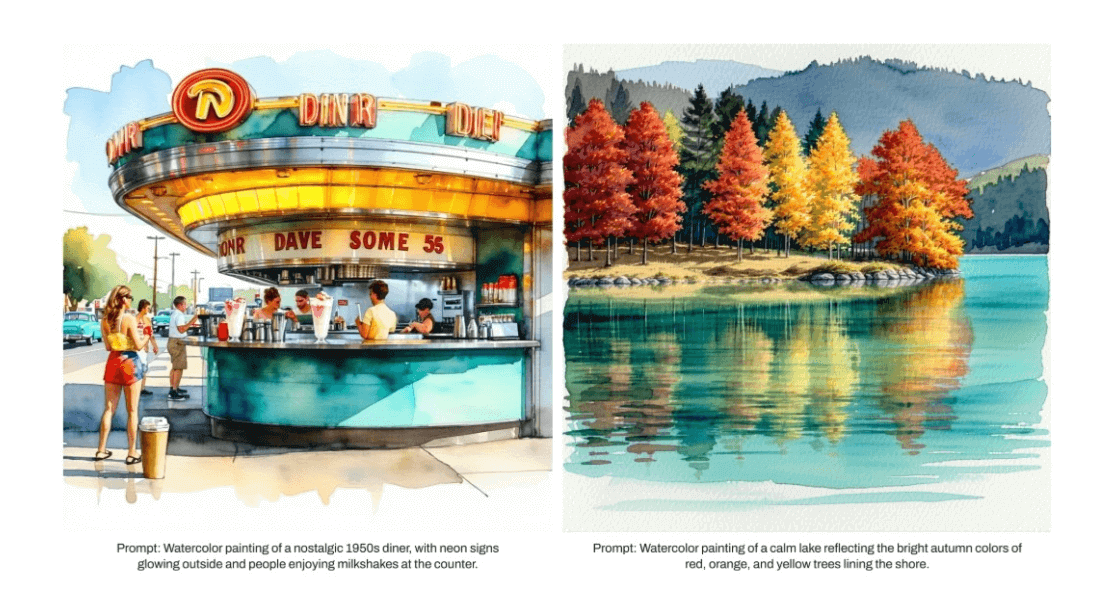
- Style: Clarify the aesthetic direction, such as illustration style, painting medium, digital art style, or photography. Experiment with and combine styles such as line art, watercolor, oil painting, surrealism, expressionism, and product photography.
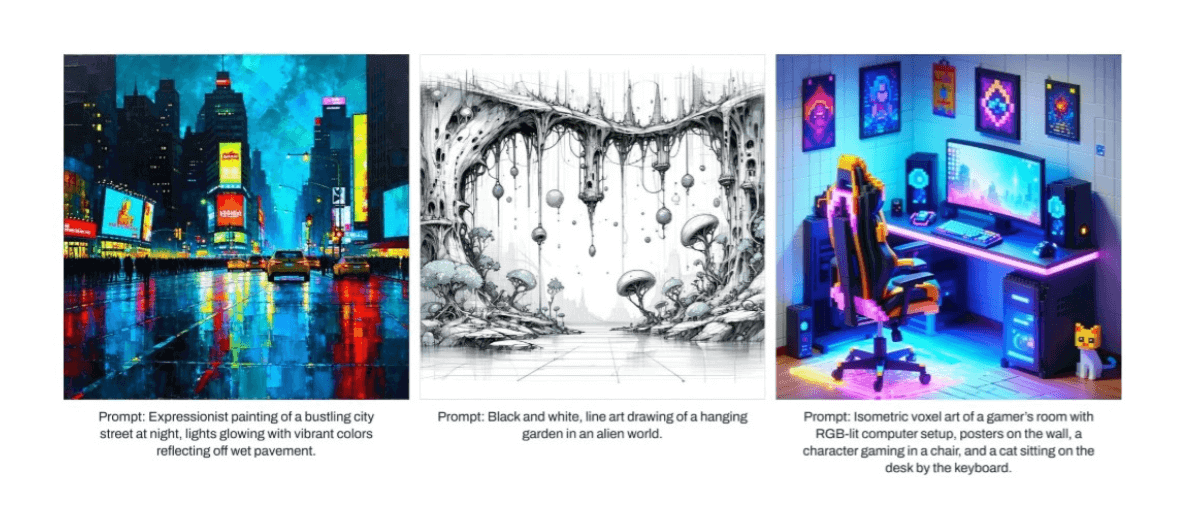
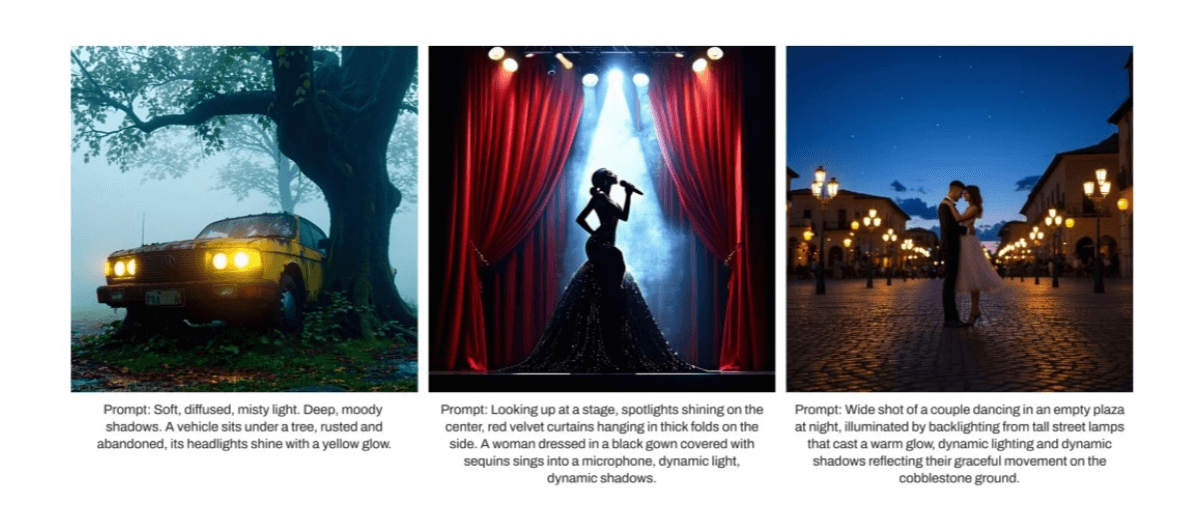
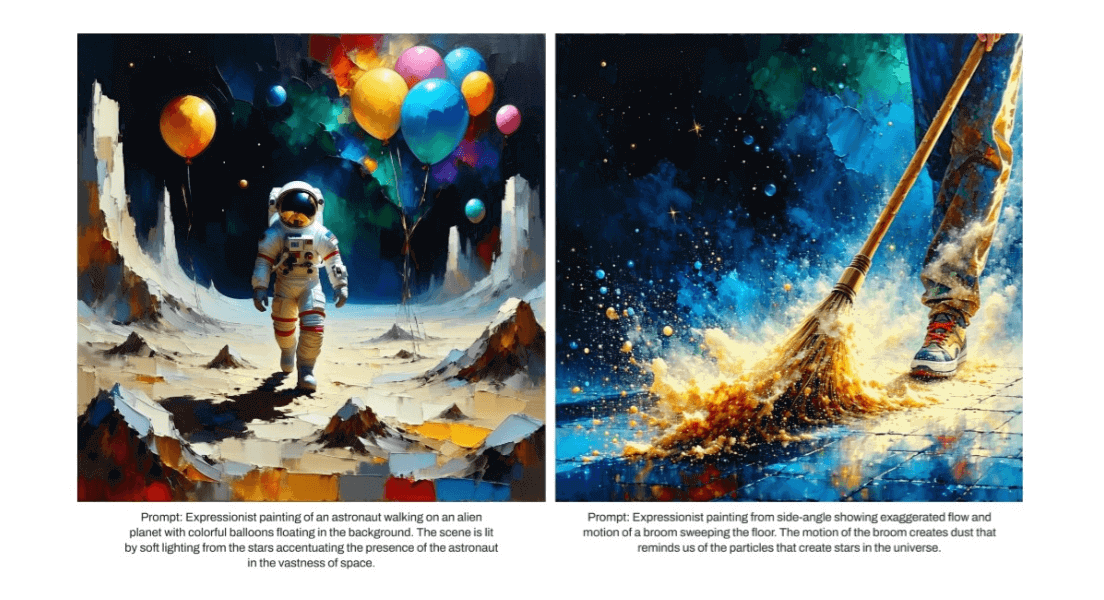
- Subject and Action: If your image has a subject, the prompt should first emphasize its presence, and then emphasize any action the subject subsequently takes. Consider the following images and prompts.
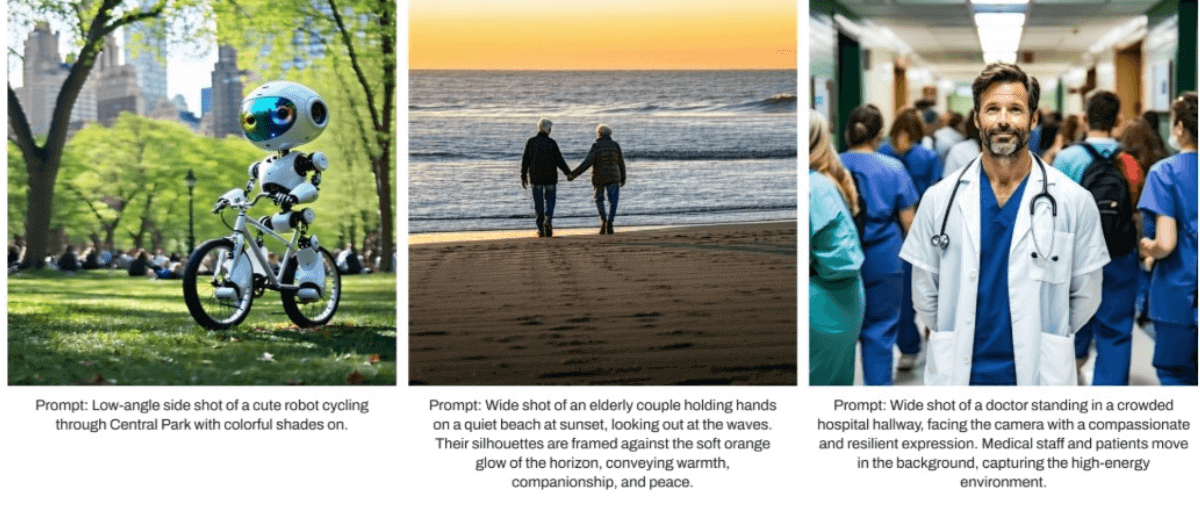
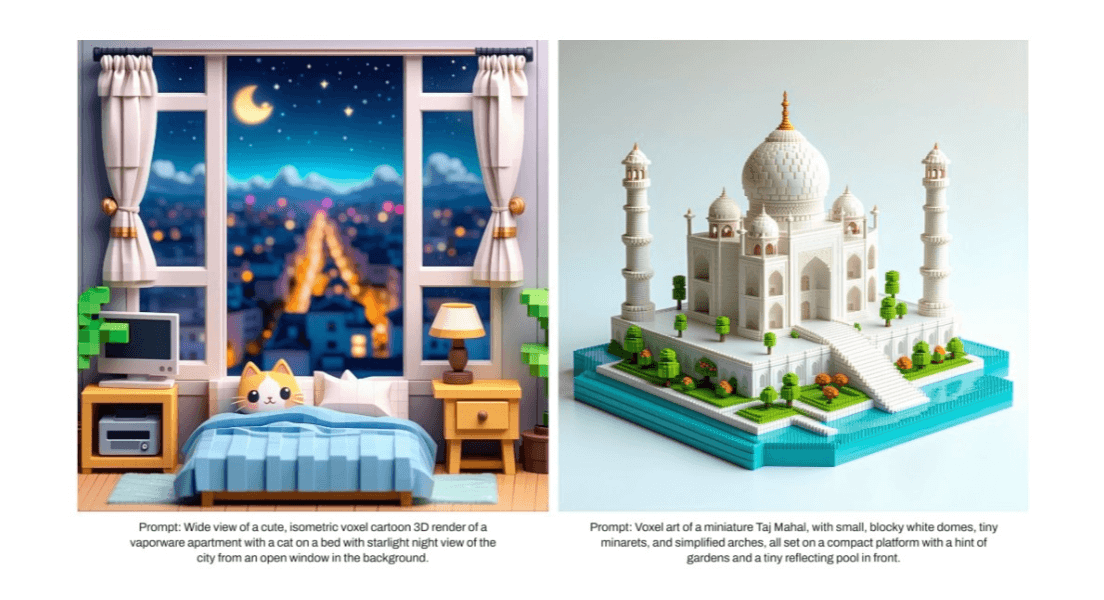
- Composition and Framing: Describe the desired composition and framing of the image by specifying a close-up shot or a wide-angle view.
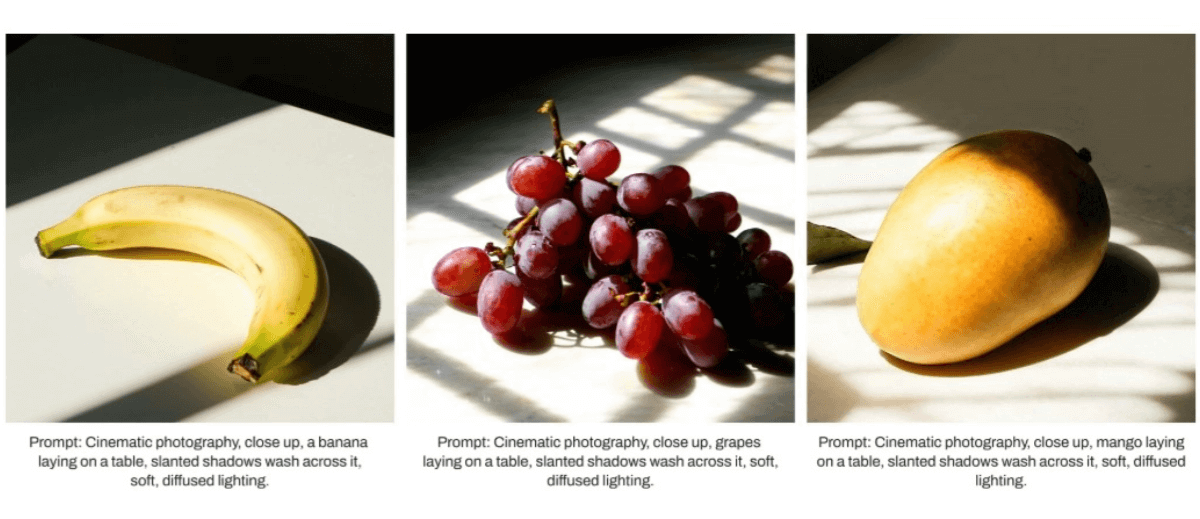
- Lighting and Color: Use terms such as "backlighting," "hard edge lighting," and "dynamic shadows" to describe the lighting or shadows in the scene.
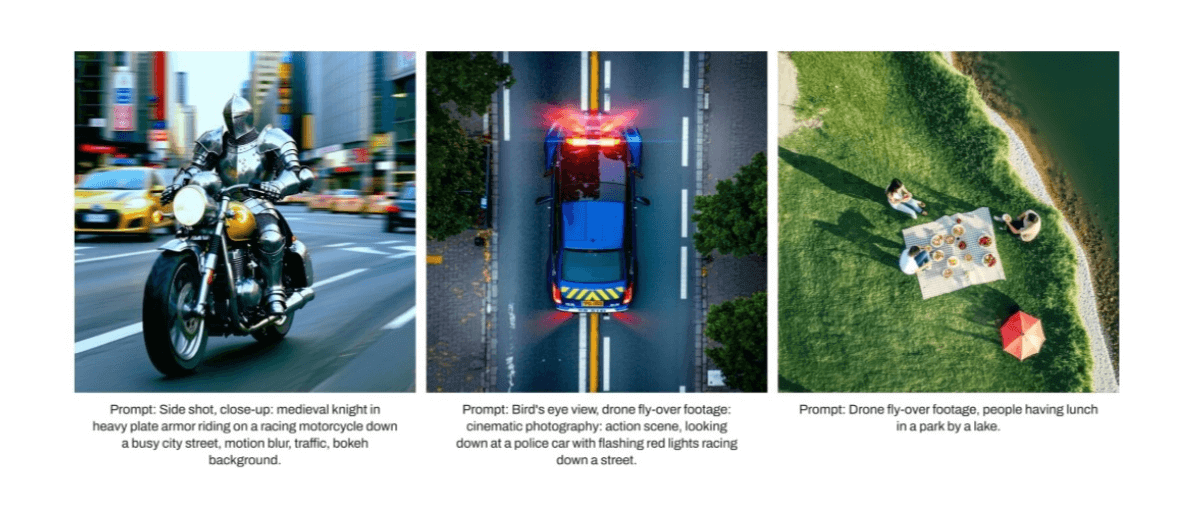
- Technical Parameters: Use cinematic terminology to specify technical parameters to guide the desired perspective and framing. Terms such as "bird's-eye view," "close-up," "crane shot," and "wide-angle shot" help effectively guide composition. Consider using terms such as "fisheye lens" to achieve a curved look for a distinctive visual effect.
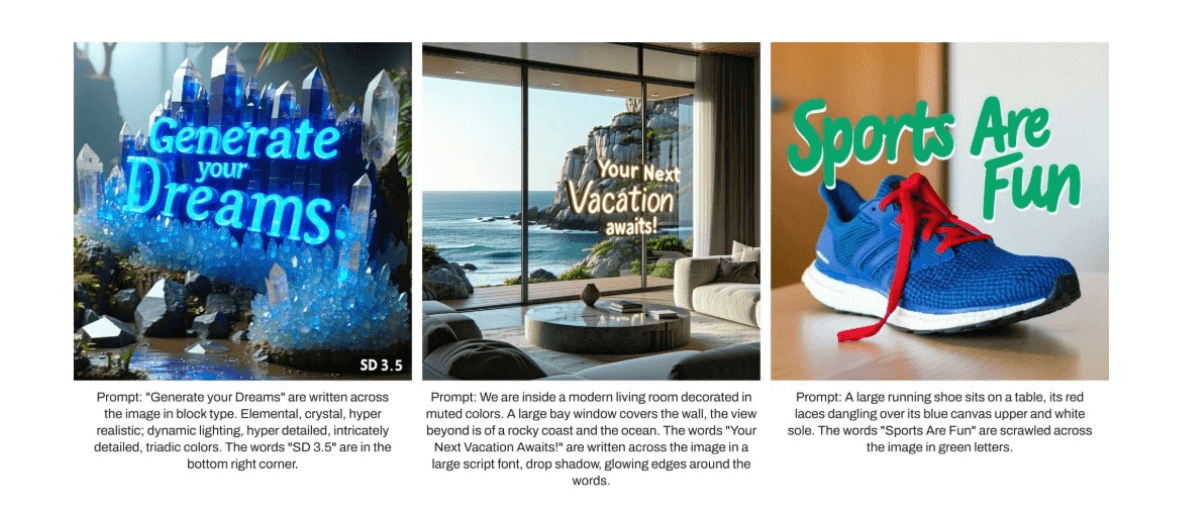
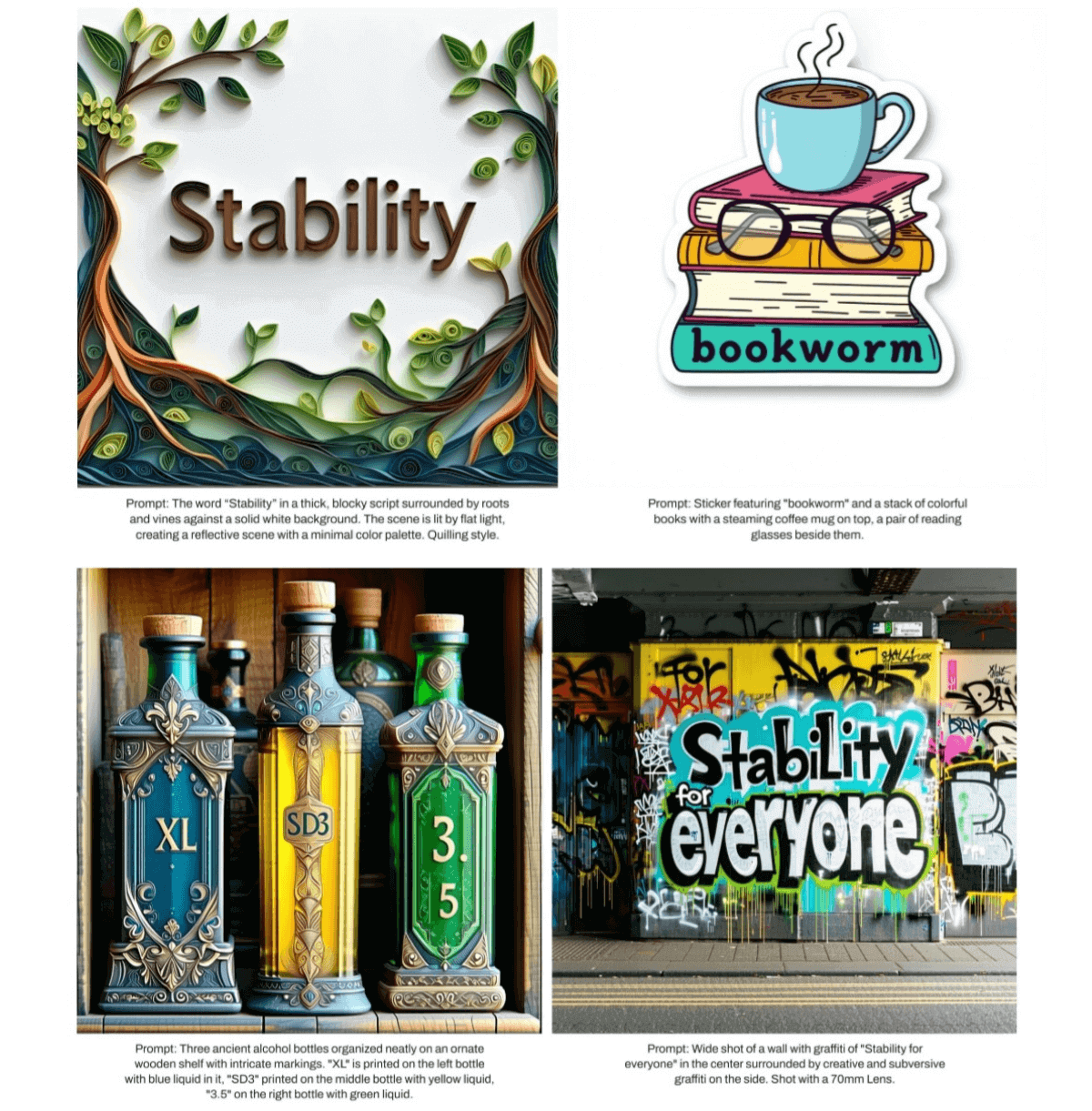
- Text: SD3.5 models can incorporate text into images. For best results, enclose the text in "double quotation marks" and keep the desired word or phrase short.
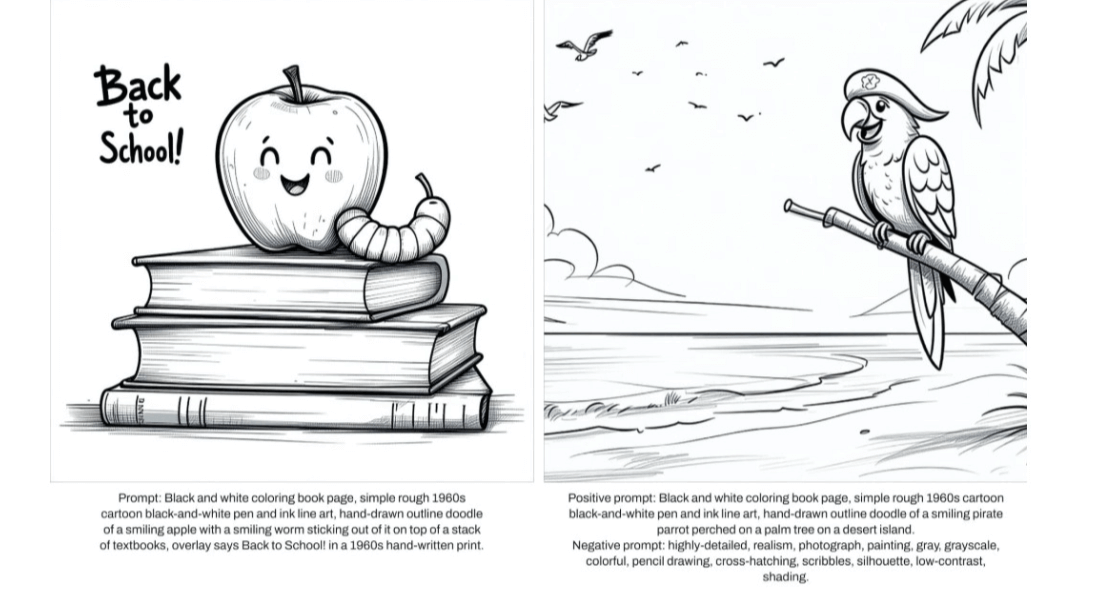
- Negative Prompts: Negative prompts allow precise control over color and content. While the main prompt shapes the overall image, negative prompts refine the image by filtering out unwanted elements, textures, or tones, thereby helping achieve a focused, polished result. This provides better control over the final image, ensuring distractions are minimized and the output closely aligns with your intended vision.
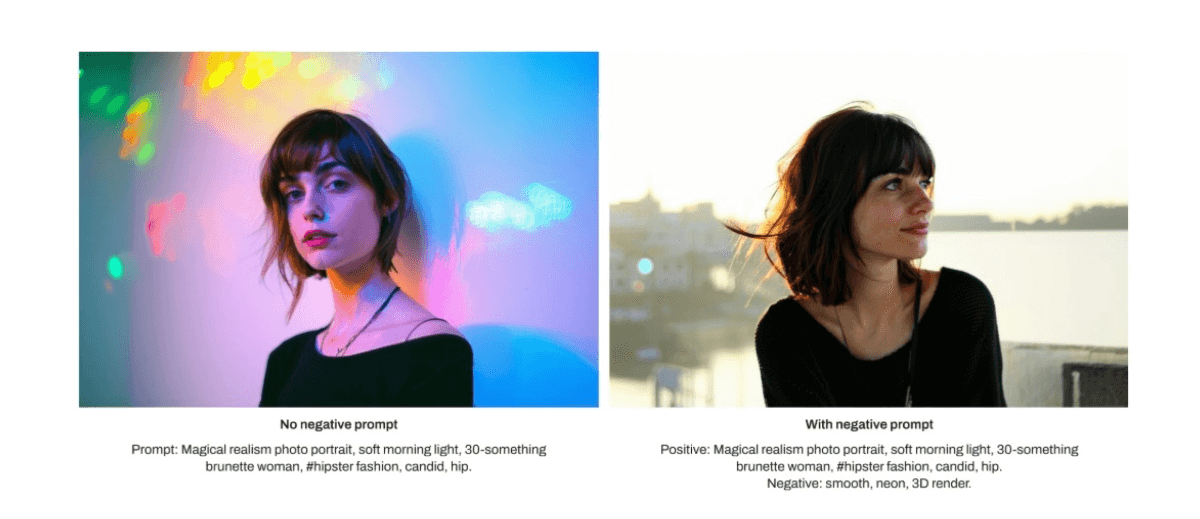
Image Showcase
Below are examples using the provided prompts to showcase each style covered.
Text
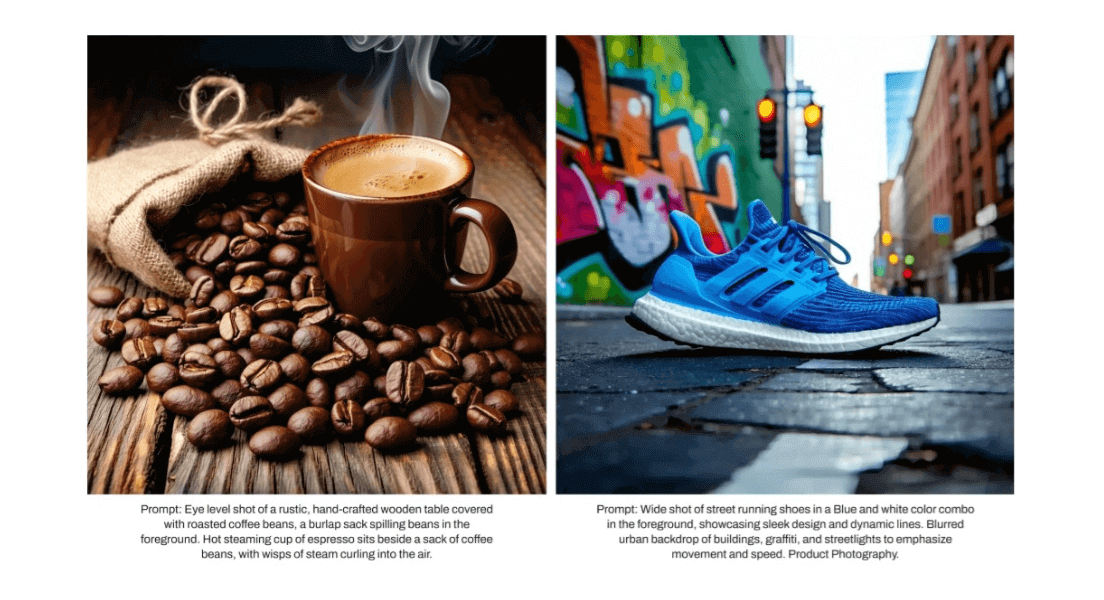
Photography
Line Art
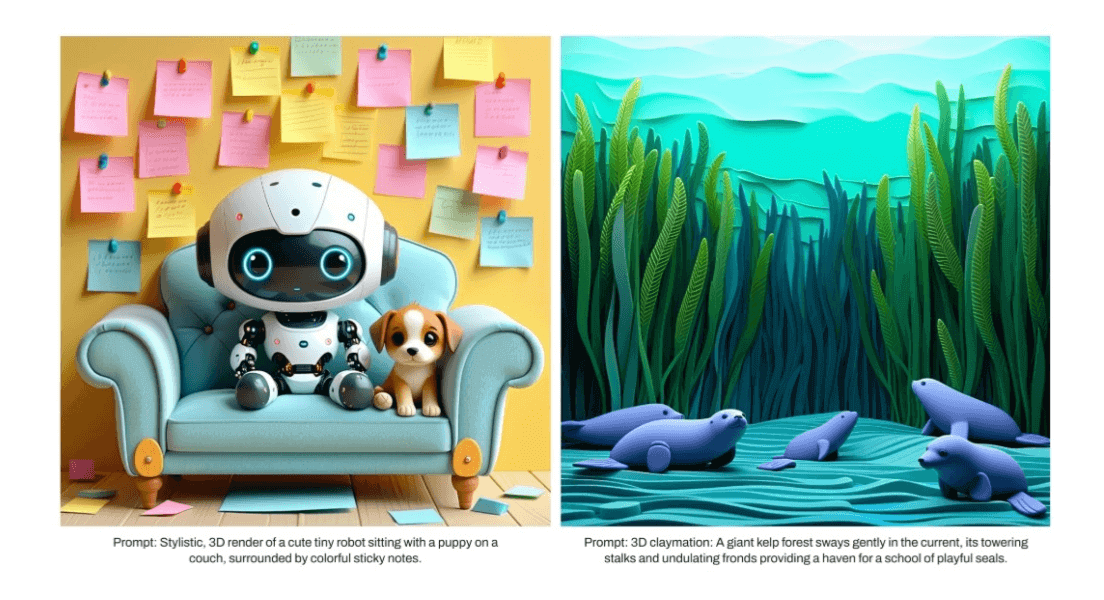
3D Art
Expressionist Art
Watercolor Painting
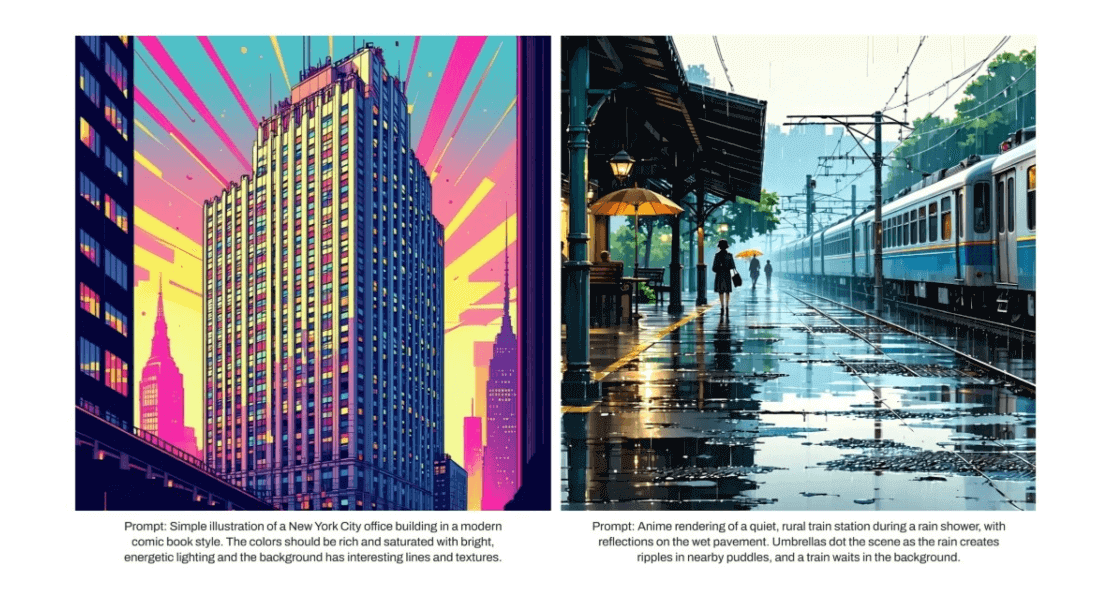
Digital Illustration
Voxel Art
Conclusion
Image generation models are diverse, allowing us to easily visualize ideas. However, to get the best results from these models, we need to fully describe our needs to the model. SD3.5 offers state-of-the-art models that can understand natural language prompts. This capability means we can describe what we want to the model just as we would to another person.
By following the practices listed in this guide, such as defining themes, actions, lighting, composition, etc., we can get the best results from each model. By referring to the best practices listed in this guide, the creative process using SD3.5 models can be more efficient.
All SD 3.5 models can be accessed atStability.ai.
Looking forward to the works you create!