
What is Spokenly
Spokenly is an intelligent voice dictation app designed for Mac and iPhone, supporting over 100 languages with automatic language detection, suitable for multilingual users and international teams. It offers a "local-first" mode where all voice data is processed only locally, ensuring privacy and security. Spokenly supports real-time transcription, with text displayed in real time as you speak, and users can choose from multiple engines ranging from ultra-fast to highest accuracy based on their needs. It integrates AI models such as GPT-4 to automatically optimize grammar, adjust text formatting, and adapt content based on context. Spokenly's Agent mode allows users to control their Mac through voice commands, enabling mouse-free operation such as searching the web, launching apps, and more. It provides complete voice input history management with search, playback, and export functions, making it easy for users to review and manage.
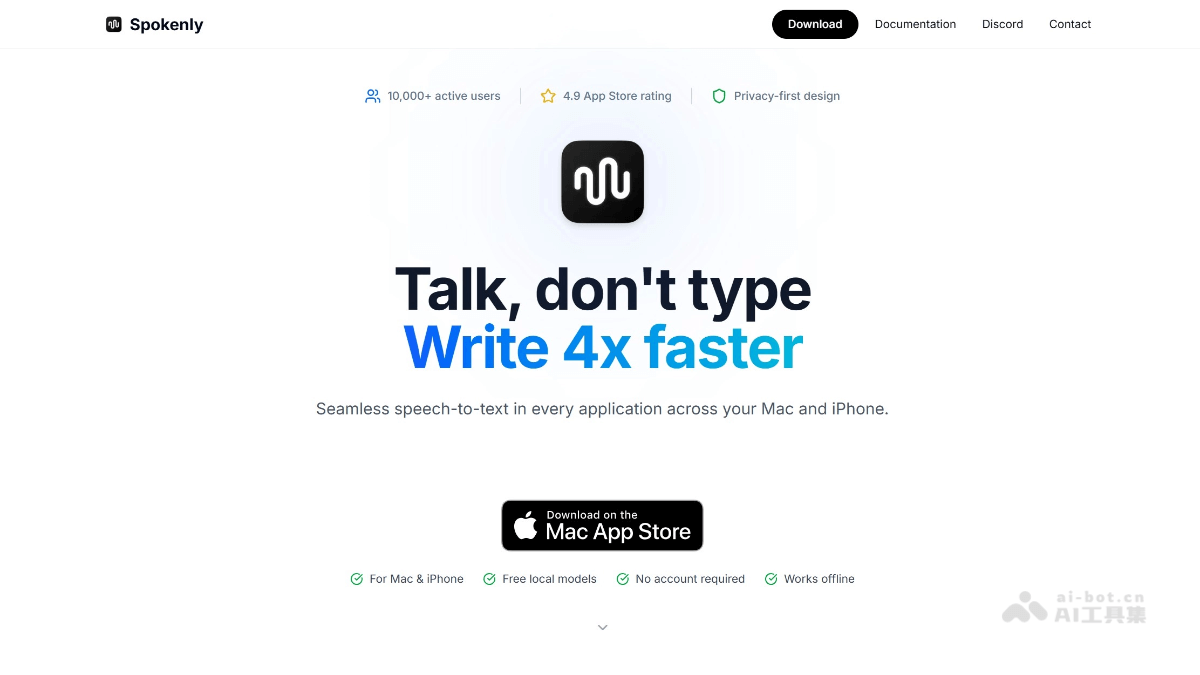
Spokenly's main features
-
Multilingual support: Supports over 100 languages with automatic language detection, suitable for multilingual users and international teams.
-
Privacy protection: Offers a local mode where all voice data is processed only locally, ensuring privacy and security.
-
Real-time transcription: Text is displayed in real time as you speak, with multiple engine options ranging from ultra-fast to high accuracy.
-
AI text processing: Integrates AI models such as GPT-4 to automatically optimize grammar, adjust formatting, and adapt to different contexts.
-
Agent mode: Control your Mac through voice commands for mouse-free operation, such as searching the web and launching apps.
-
History management: Saves all voice input history, supports search, playback, and export, making it easy for users to review.
-
Free to use: Local models are completely free with no account required, while cloud models offer more advanced features.
-
Offline mode: Supports offline use, ensuring voice-to-text works even without an internet connection.
How to use Spokenly
- Visit the platform: Visit Spokenly's official website https://spokenly.app/。
-
Install and set up: Download and install the Spokenly app on Mac or iPhone. On first launch, you can follow the prompts to select language and preference settings.
-
Choose a mode: Choose "Local mode" to ensure privacy, or use "Cloud mode" for more advanced speech recognition features.
-
Start dictating: Open the app where you need to enter text (such as notes, email, documents, etc.), select the corresponding input source in Spokenly, start speaking, and the text will appear in real time in the target app.
-
Use Agent mode: Control your Mac through voice commands, such as "search the web" or "open app," for mouse-free operation.
-
Manage history: View, search, or export previous voice transcription records in the Spokenly app for easy future reference or editing.
-
Optimize text: Use AI features to optimize grammar, adjust formatting, or expand content in transcribed text, improving text quality.
-
Switch languages: In multilingual environments, you can switch languages at any time, and Spokenly will automatically detect and adjust the recognition language.
Spokenly's use cases
-
Quick notes: Quickly record key points and ideas by voice during meetings, classes, or moments of inspiration, without manual input.
-
Document Writing: When writing long articles, reports, or emails, use voice instead of keyboard input to improve writing efficiency.
-
Programming Assistance: Programmers can input code comments by voice or quickly record development ideas, reducing manual input.
-
Multilingual Communication: In international team meetings or cross-language communication, transcribe conversations in different languages in real time.
-
Accessibility Assistance: Help people with disabilities or users who prefer voice operation control the computer through voice commands, improving convenience of operation.
-
Content Creation: Bloggers, writers, or video creators can quickly generate scripts or copy through voice.