
What is Speech 2.6
Speech 2.6 is a brand-newspeech generationmodel launched by MiniMax, designed specifically for a new generation of voice agents, featuring ultra-low latency (less than 250 milliseconds) to ensure smooth real-time conversations; it supports direct conversion of non-standard text formats such as URLs, email addresses, and phone numbers in multiple languages, without cumbersome preprocessing. Through Fluent LoRA technology, the model further improves phonetic naturalness and the fluency of voice cloning, and can generate high-quality speech even when the original material has an accent or is not fluent. The model is suitable for various scenarios such as intelligent customer service and smart hardware, supports 40+ languages, and provides users with an efficient and natural voice interaction experience. Users can use the model through the MiniMax Open Platform andMiniMax Audiothe official website.
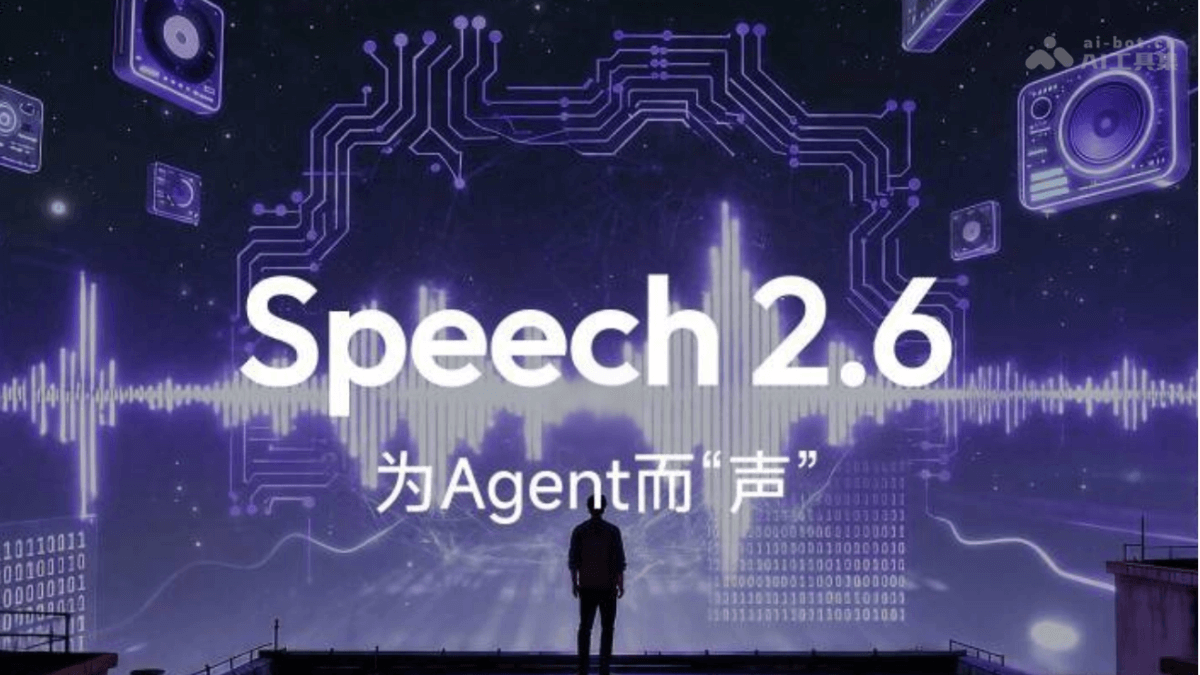
Main features of Speech 2.6
-
Ultra-low latency: End-to-end latency is less than 250 milliseconds, ensuring fast and smooth audio generation in scenarios such as real-time conversations.
-
Seamless handling of professional formats: Supports direct conversion of non-standard text formats such as URLs, email addresses, phone numbers, dates, and amounts in multiple languages, without cumbersome text preprocessing.
-
Higher naturalness and Fluent LoRA: Improves phonetic naturalness and supports voice cloning, preserving features such as the accent and speech quirks of the original voice. Fluent LoRA technology makes speech more fluent and natural, and can generate high-quality speech even when the original material has an accent or is not fluent.
-
Multilingual support: Supports 40+ languages, suitable for voice interaction scenarios worldwide.
-
Efficient voice interaction: Suitable for various scenarios such as intelligent customer service and smart hardware, providing a smooth and natural voice interaction experience.
How to use Speech 2.6
- Register and log in: Visit theMiniMax Audioofficial website, register an account, and log in.
- Select speech synthesis: In the left navigation bar, click the "Speech Synthesis" option to enter the speech synthesis page.
- Enter text: Enter the text content you want to convert to speech in the text input box.
- Select voice and model: Below the input box, select your preferred voice (such as "Steady Executive") and speech synthesis model (such as "speech-2.6-hd").
- Select application scenario: As needed, select the application scenario for speech synthesis, such as "News Broadcast," "Storytelling," "Film and TV Dubbing," etc.
- Generate audio: Click the "Generate Audio" button, and the platform will generate speech based on the entered text and selected parameters.
- Download or play audio: The generated speech can be played online or downloaded locally for saving.
Application scenarios of Speech 2.6
-
Customer service: In call centers or online customer service systems, provide natural and smooth voice interaction to enhance the customer experience.
-
Audiobooks: Generate high-quality speech narration for e-books, online articles, or educational materials.
-
Voice assistants: In smart home devices, mobile phones, or in-vehicle systems, serve as voice assistants to provide voice interaction services.
-
Broadcasting and podcasts: Generate professional-level speech for radio programs, news broadcasts, or podcast content.
-
Language learning: In language learning applications, provide accurate pronunciation demonstrations and language practice.