
Getting AI to generate a beautiful webpage is no longer novel.
The tricky part is whether it can be iterated on continuously.
Many AI pages look great at first glance, but when we want to add another page, the AI may suddenly "lose its memory" and generate a completely new page with a different color scheme and layout.
That's fine for a demo, but if you really want to use it for an official website, product prototype, or client proposal, it becomes a headache. What we really need is a design asset that can be continuously modified, expanded, and handed off to others.
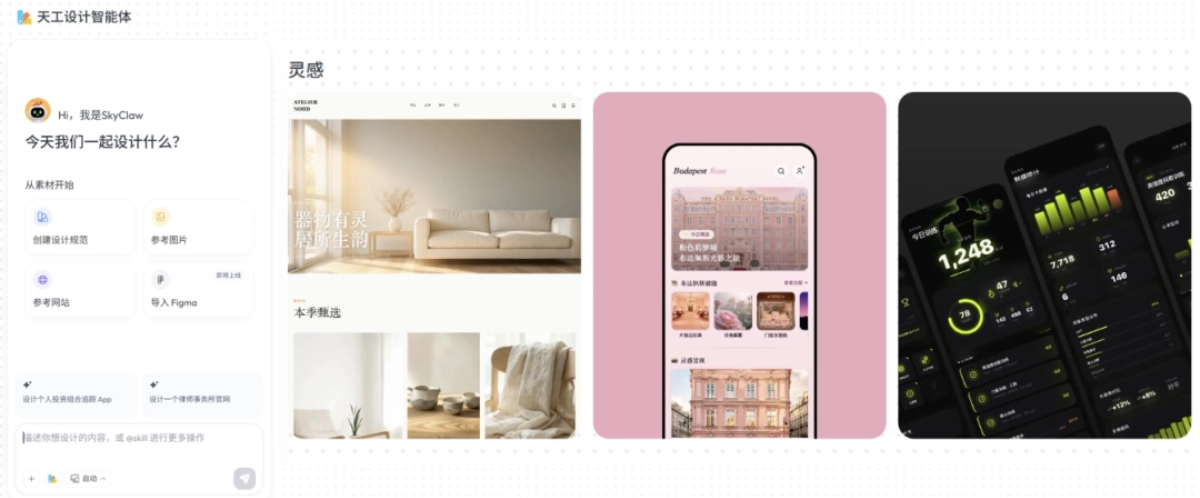
Recently, Kunlun Wanwei releasedSkywork3.1, which introduced the Skywork Design Agent, placing design on an infinite canvas. We throw in the PRD, brand materials, reference websites, and screenshots, and the Skywork Design Agent will help you generate a continuously modifiable webpage or App UI project.
Without further ado, let's go straight to the hands-on test.
01. Skywork Design Agent Hands-On Test
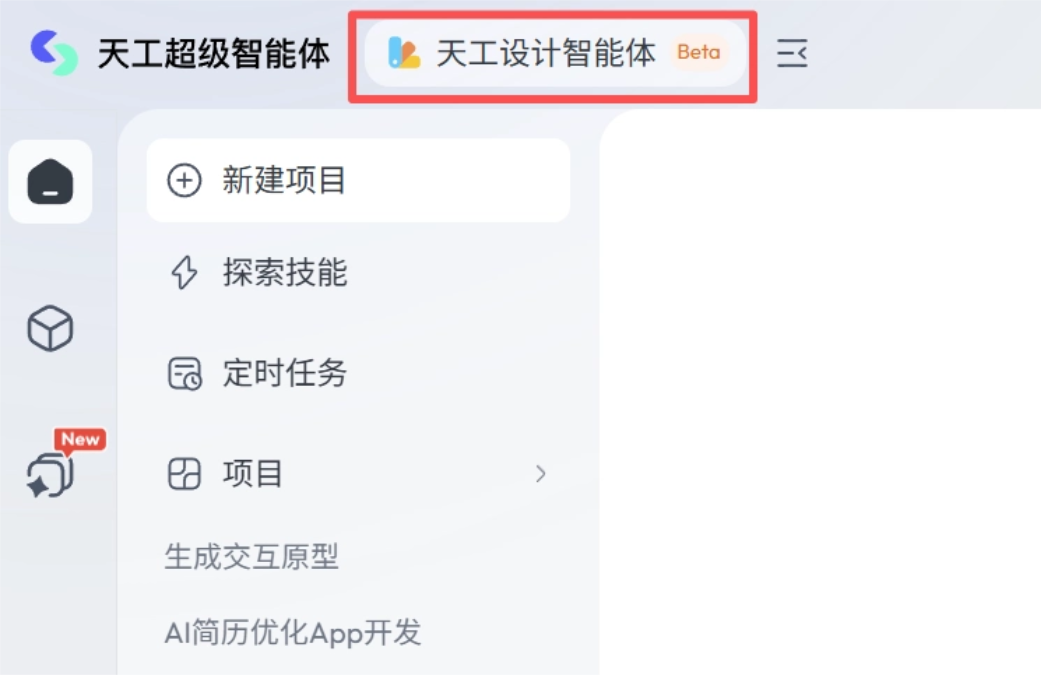
We open the Skywork Super Agent official website and select the Skywork Design Agent in the upper left corner of the page.
In the Skywork Design Agent, you can complete the design by directly entering your requirements.
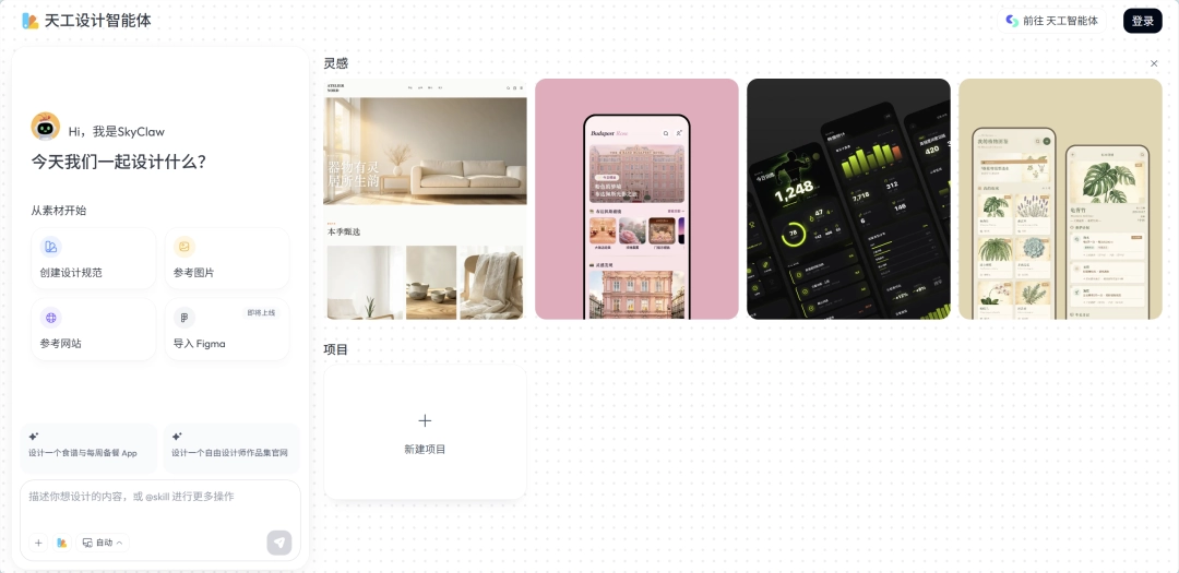
case 1: Webpage design
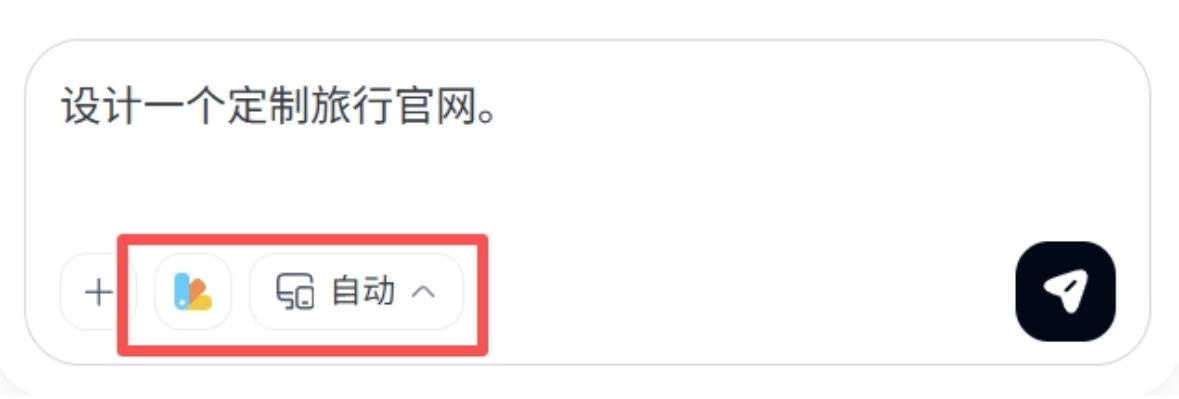
Design a custom travel official website.
Below the input box, you can customize the theme color and choose whether to generate a desktop webpage or a mobile page.
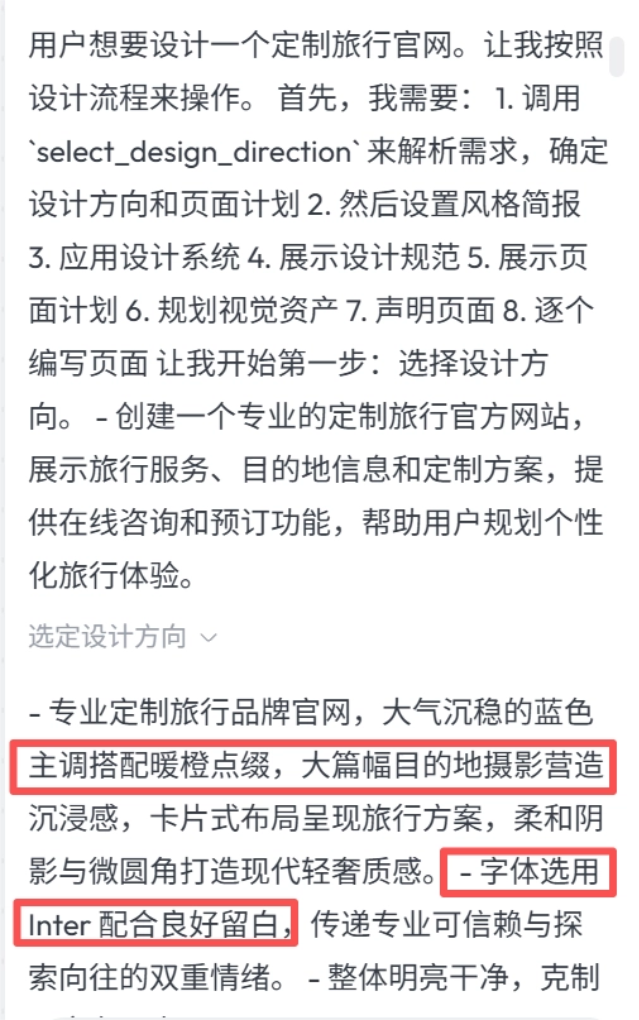
The Skywork Design Agent does not directly start writing code, but insteadfirst understands our real needs and plans the design process。
The first step is to determine the design direction: how to match the color tones, how to design the fonts and font sizes, and how to arrange the pages. Simply put, it converts abstract descriptions into reusable design specifications.
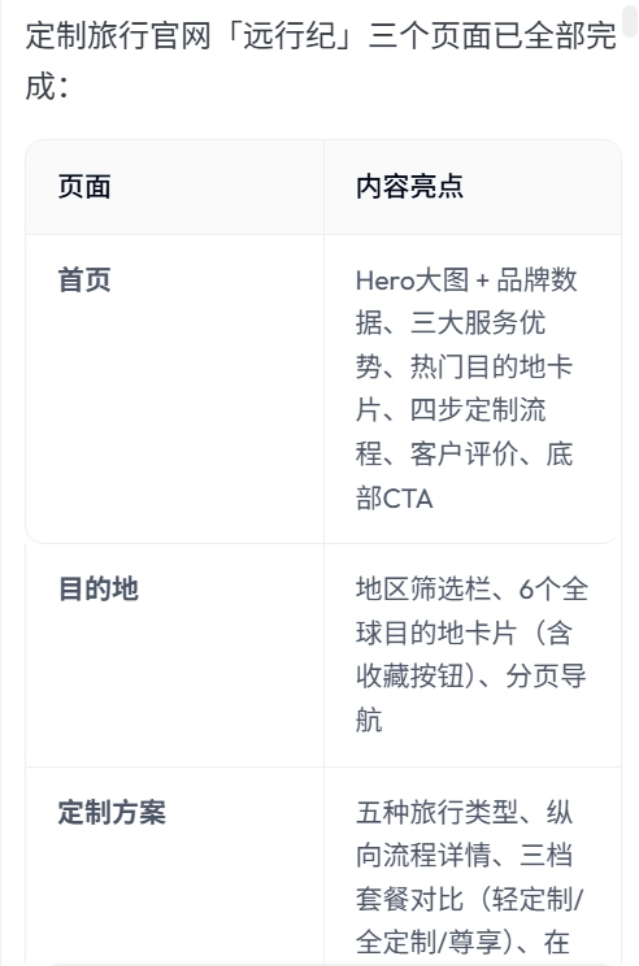
The Skywork Design Agent proactively breaks the project into three core pages: Home, Destinations, and Custom Plans, and uses a table to explain the content highlights of each page. It organizes the information architecture entirely like a real official website project.
Let's take a look at the final generated result:
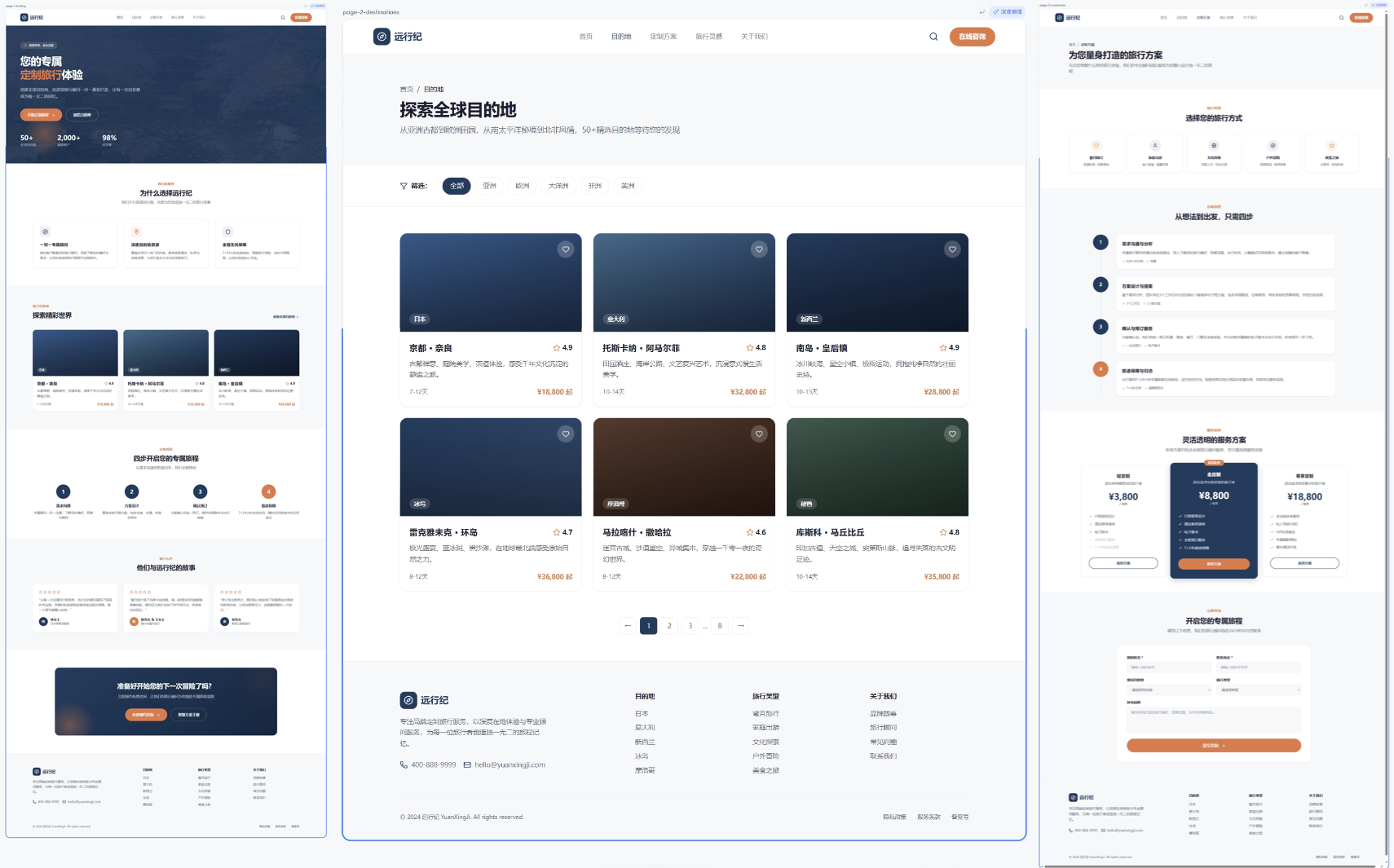
The completeness of the finished product is higher than I expected.
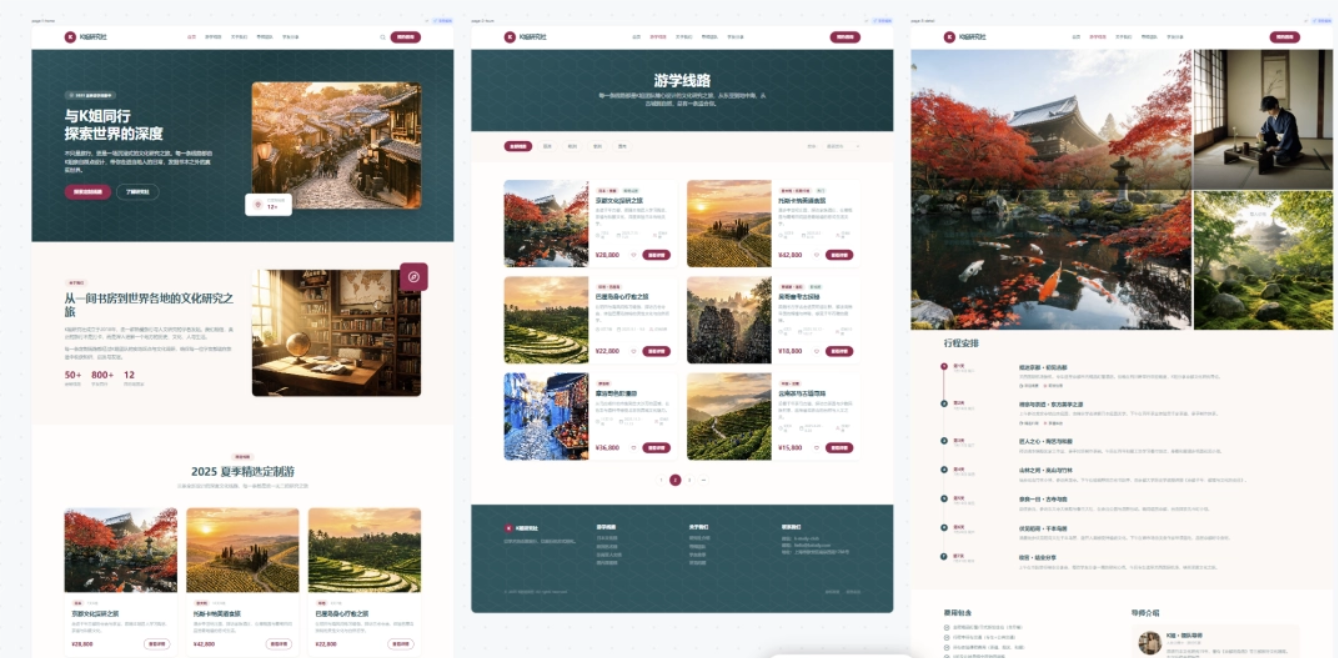
The three pages respectively showcase travel services, destination information, and custom plans, each with its own focus, but they maintain a unified navigation, footer, cards, buttons, and brand color.The design specifications, page structure, and component styles remain consistent across all pages, and it feels very polished.
The Skywork Design Agent also proactivelyrecommends follow-up questionsto help us continuously optimize:
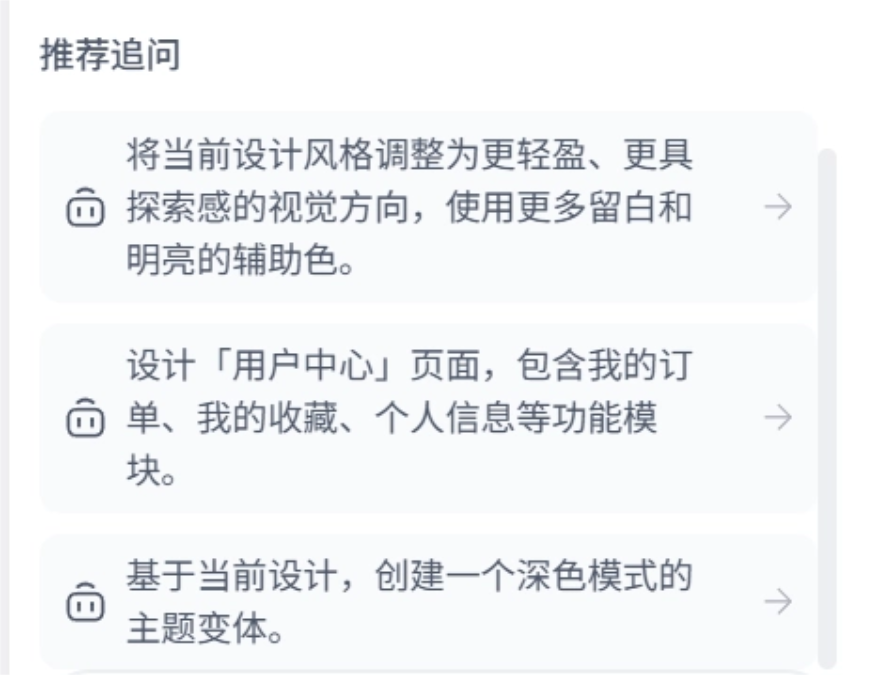
We directly enter the optimization direction, for example:
Change it to an Art Deco travel style.
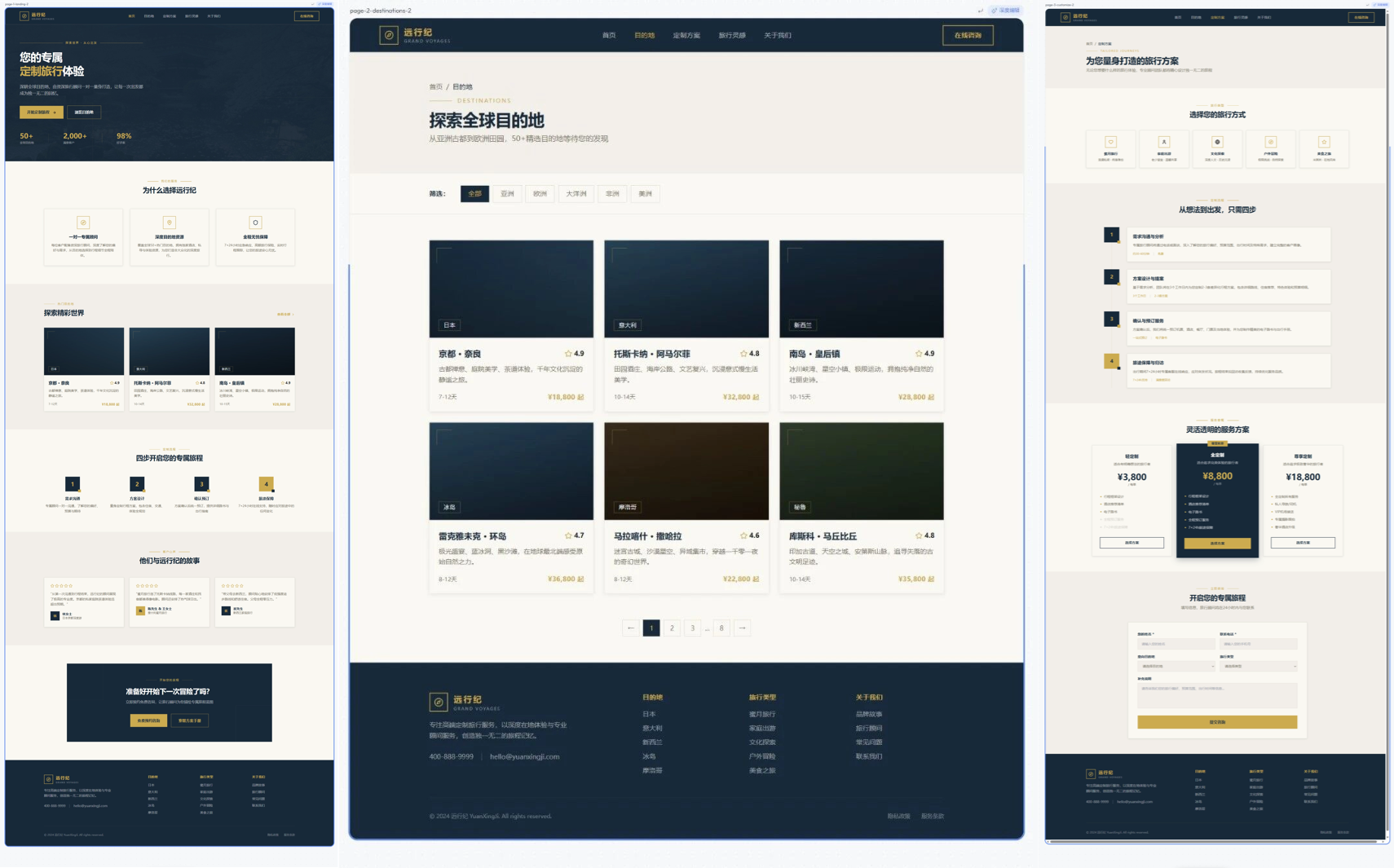
The Skywork Design Agent can continue modifying on the basis of the original project, preserving the page structure while adjusting the visual language. This version looks much more high-end.
We can alsolet the Skywork Design Agent automatically generate suitable images for all image placeholder areas, making the final design more visually appealing.
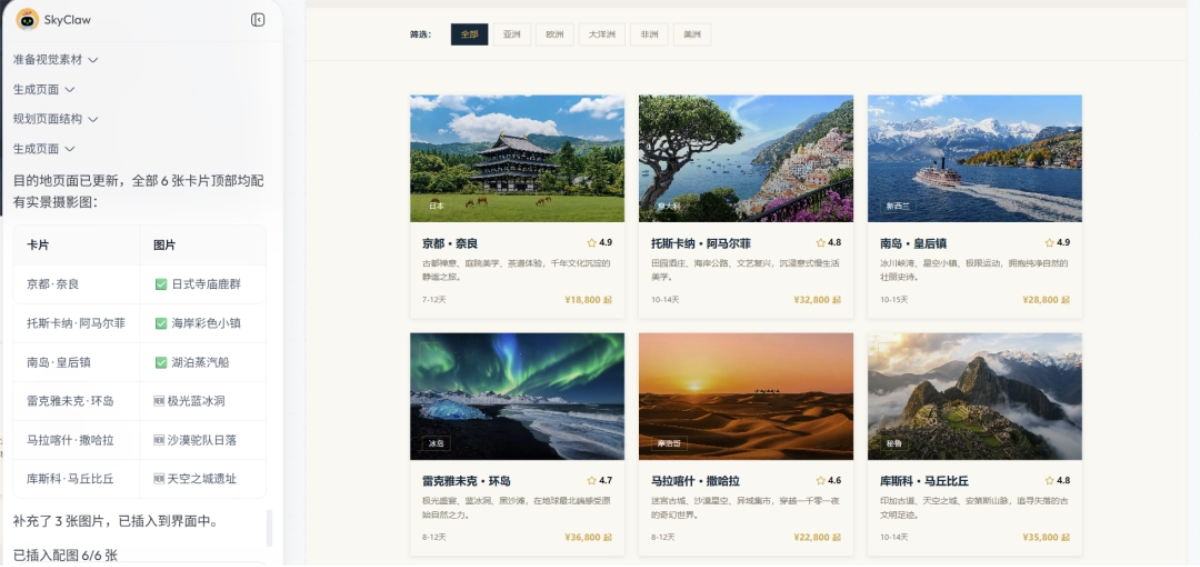
In the upper right corner of each design image there is adeep editbutton.
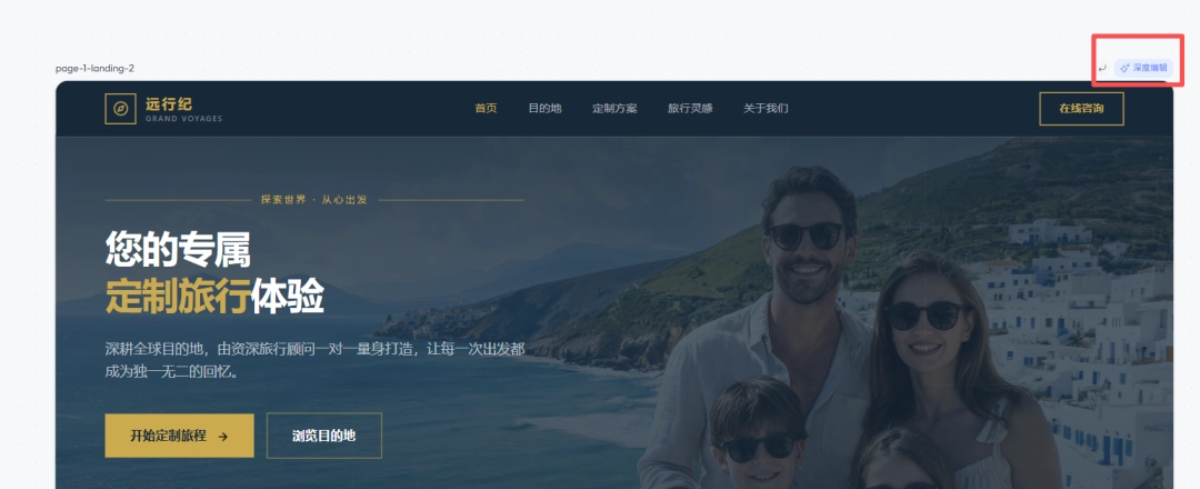
After selecting it, when we click on elements on the page, we can see on the right side of the screen information such as the module's text font, font size, color, element dimensions, layout, and box model, and it also supports direct modification:
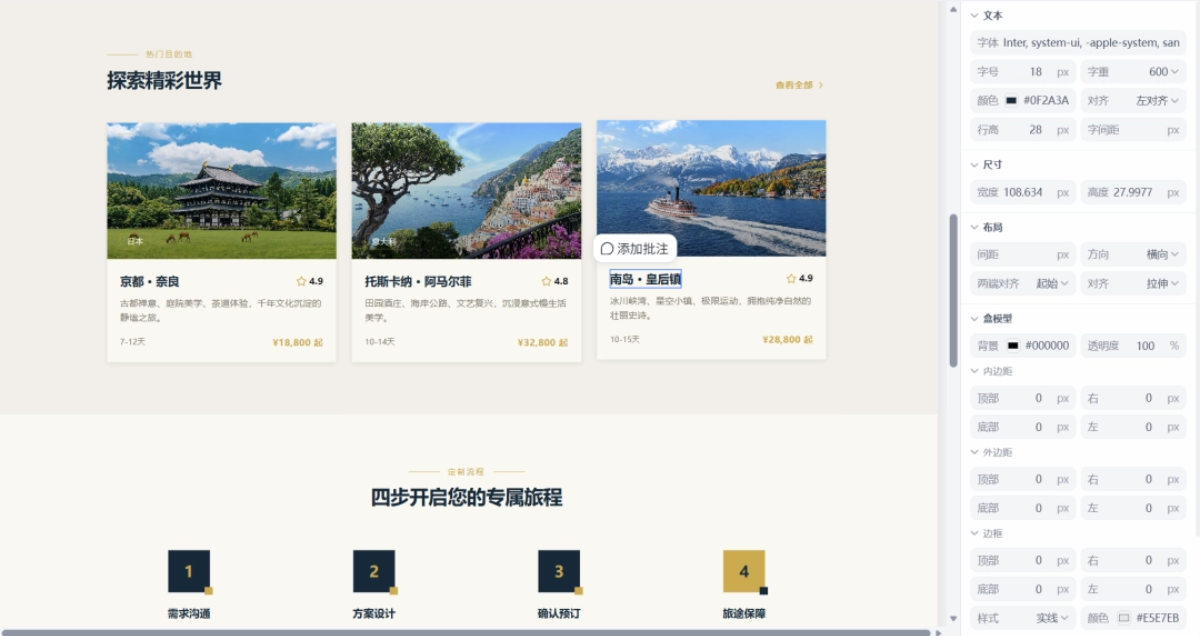
Each place on the page can also have annotations added individually for modification. For example, select the title and add an annotation:
Change the title to: Meet a Different Kind of Scenery.
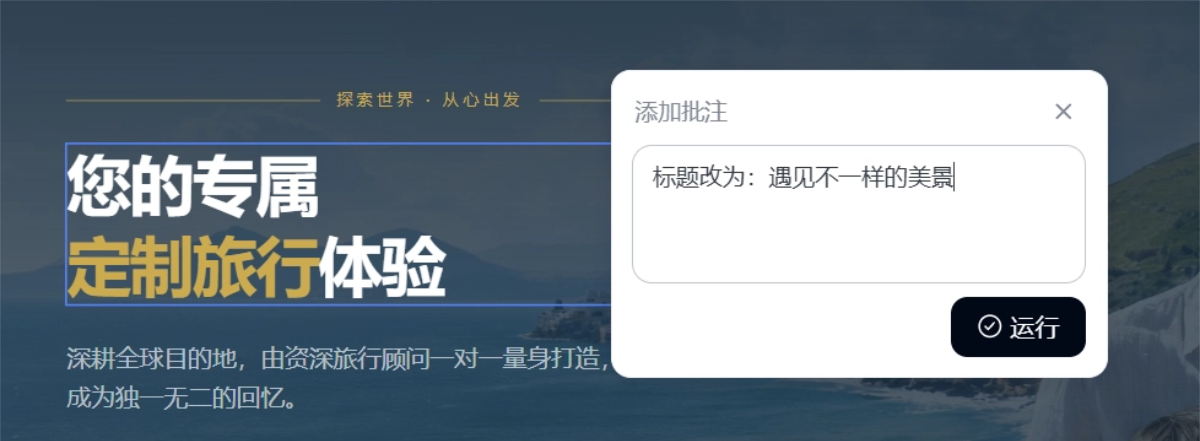
Tiangang Design Agent automatically extracts the design specifications and helps us complete the modifications. The layout, typesetting, and font sizes are exactly the same as the original.
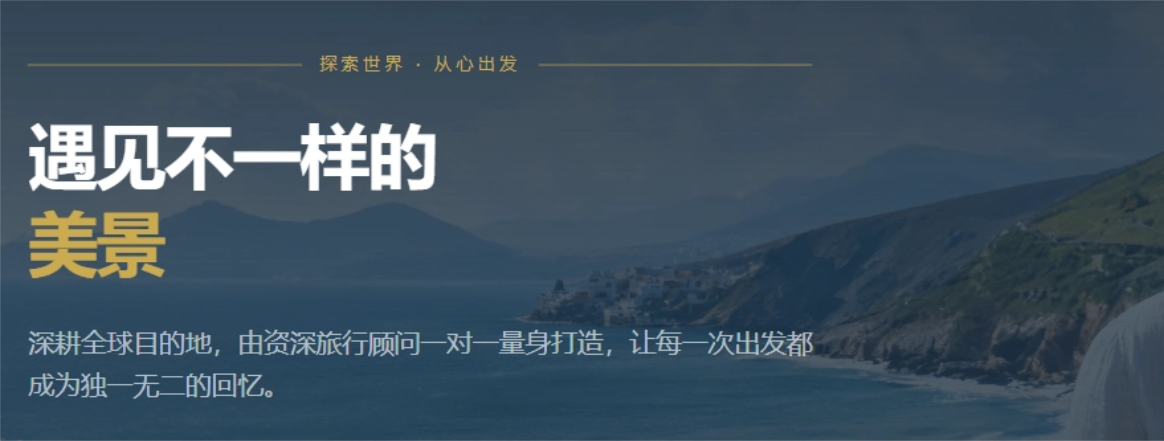
Every iteration can be very precise. Even by the Nth revision, it's just like submitting requirements in the first version—no need to worry about the AI losing context midway.。
After adjustments are made, we can choose to export the project or generate a prototype.
Tiangang Design Agent supports copying the project in layers to Figma, or exporting it as a zip, etc., making it convenient for us to embed directly into a project or make further modifications.
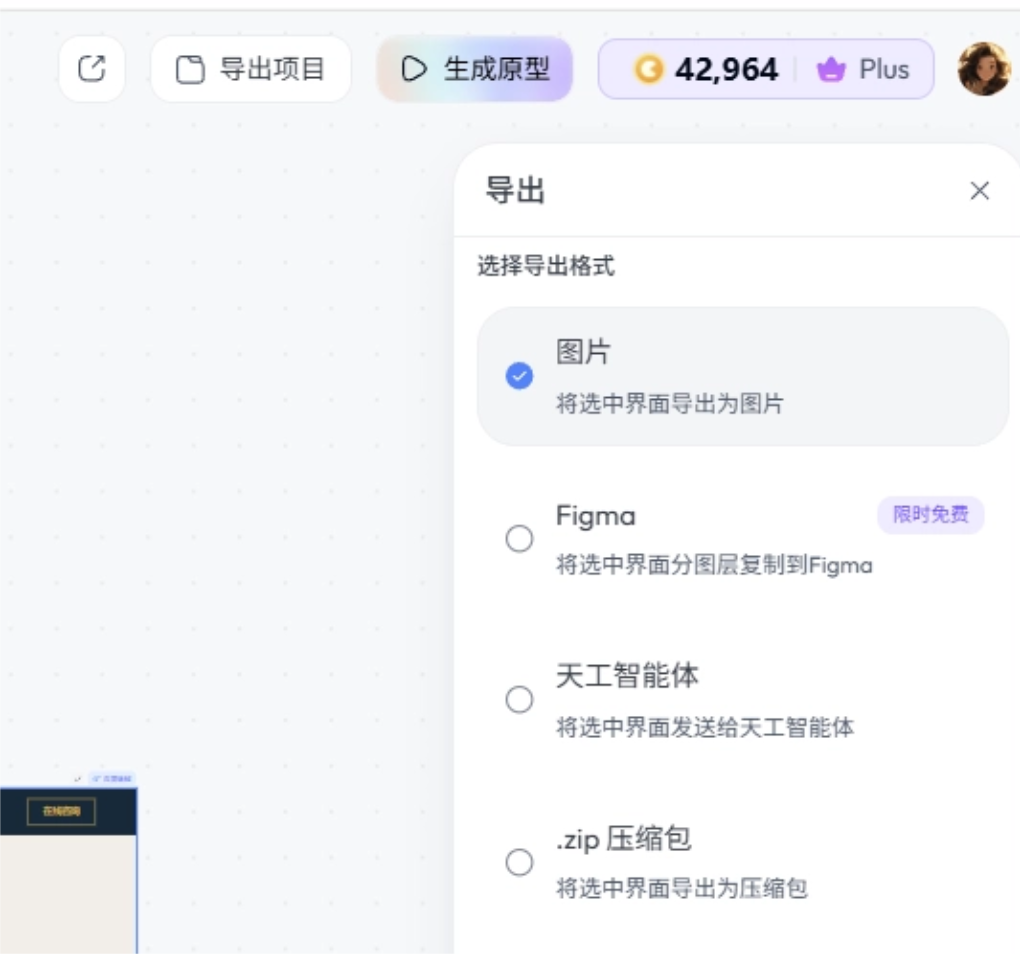
We can also choose to generate a prototype directly based on the canvas or the entire project.
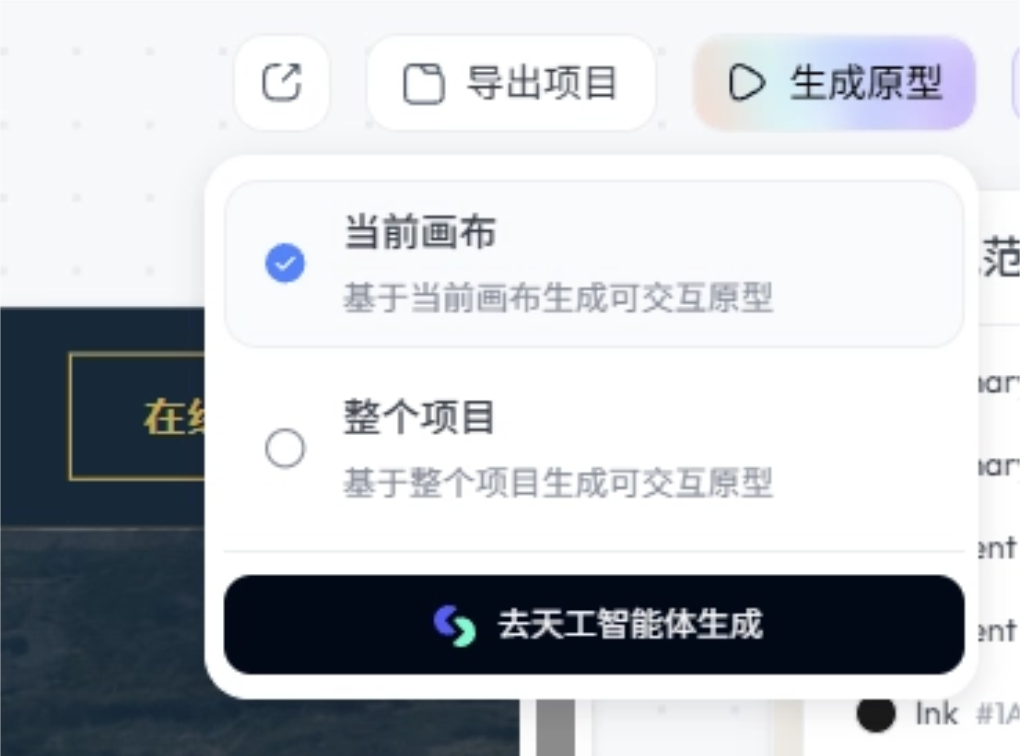
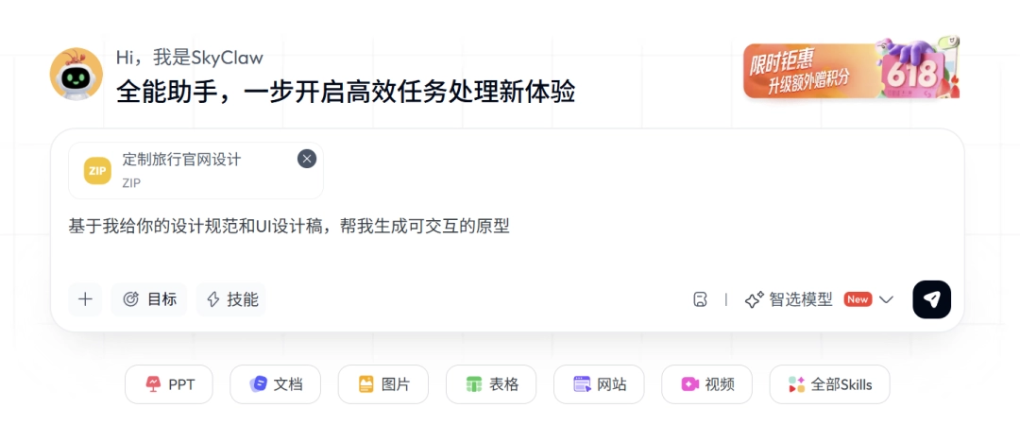
Click Generate Prototype, and Tiangang Design Agent will automatically package the entire project and put it into the input box on the homepage, fill in the prompt, and we only need to click Confirm.
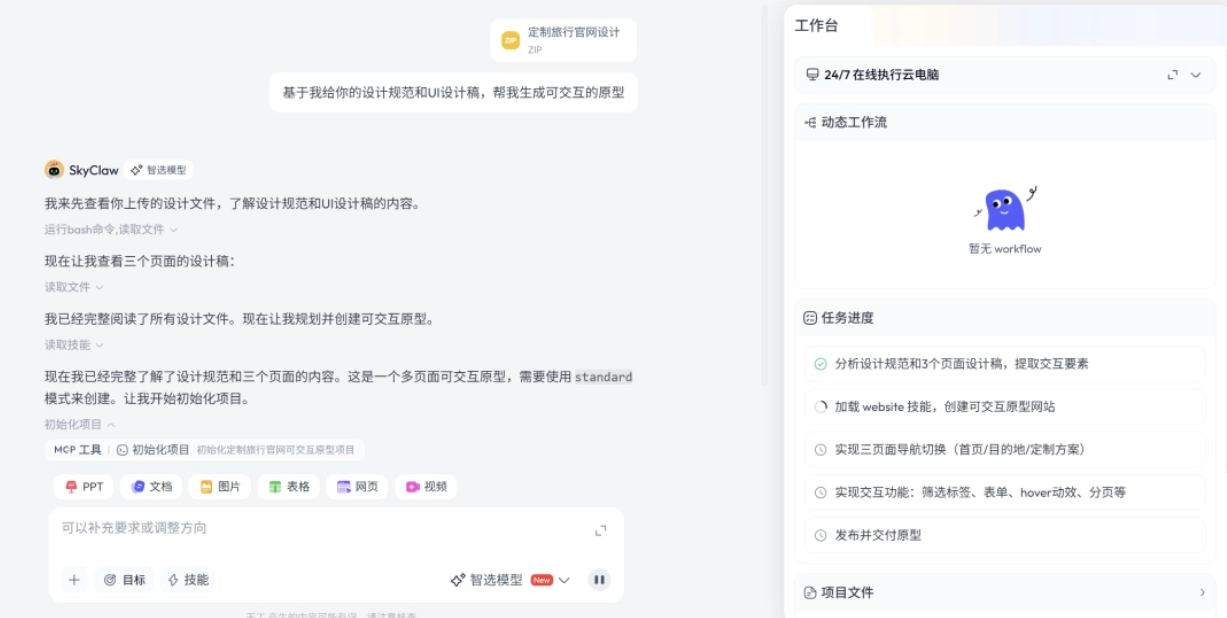
Tiangang Design Agent begins reviewing the design files and creates an interactive prototype.
Let's take a look at the final generated result:
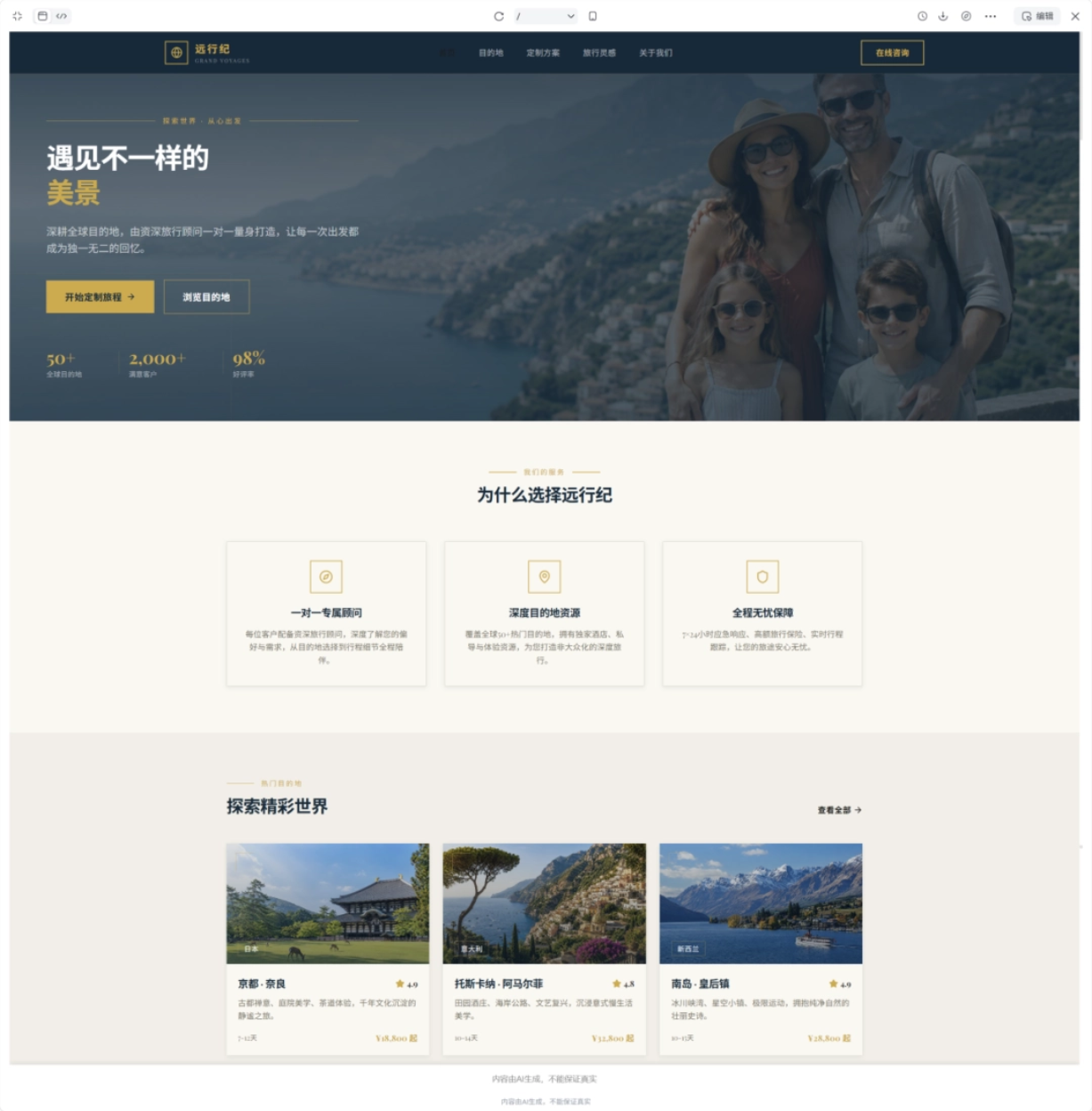
The color scheme and webpage architecture are both very good. It has all the necessary entry points and navigation bar, and it even automatically added card animations. Out of 10, I'd give it a 9.
Case 2: App Prototype Design
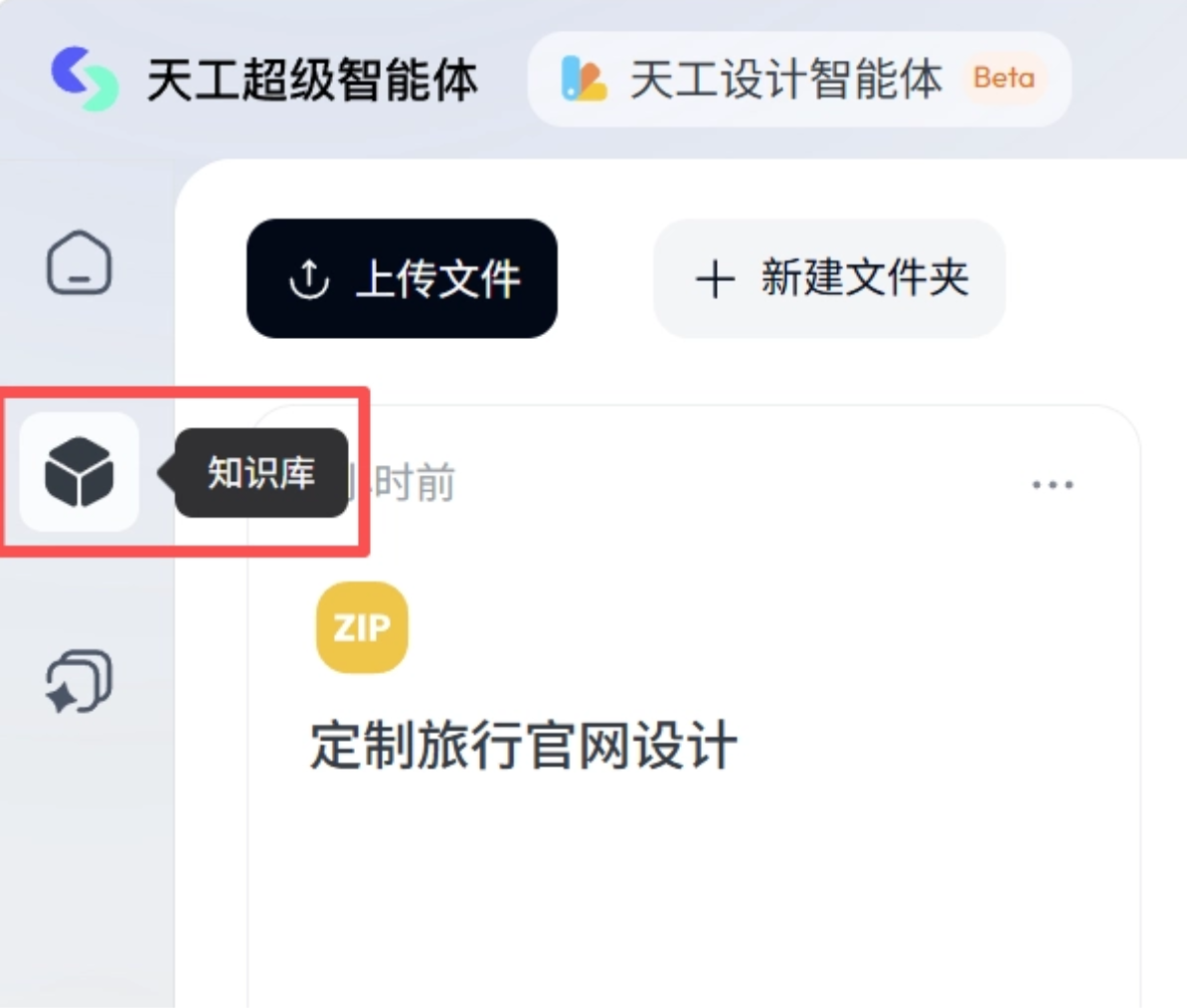
If we already have a PRD, we can upload it directly to the knowledge base and let Tiangang Design Agent design a prototype according to the PRD requirements.
First, we upload our PRD to the knowledge base:
PRD content:
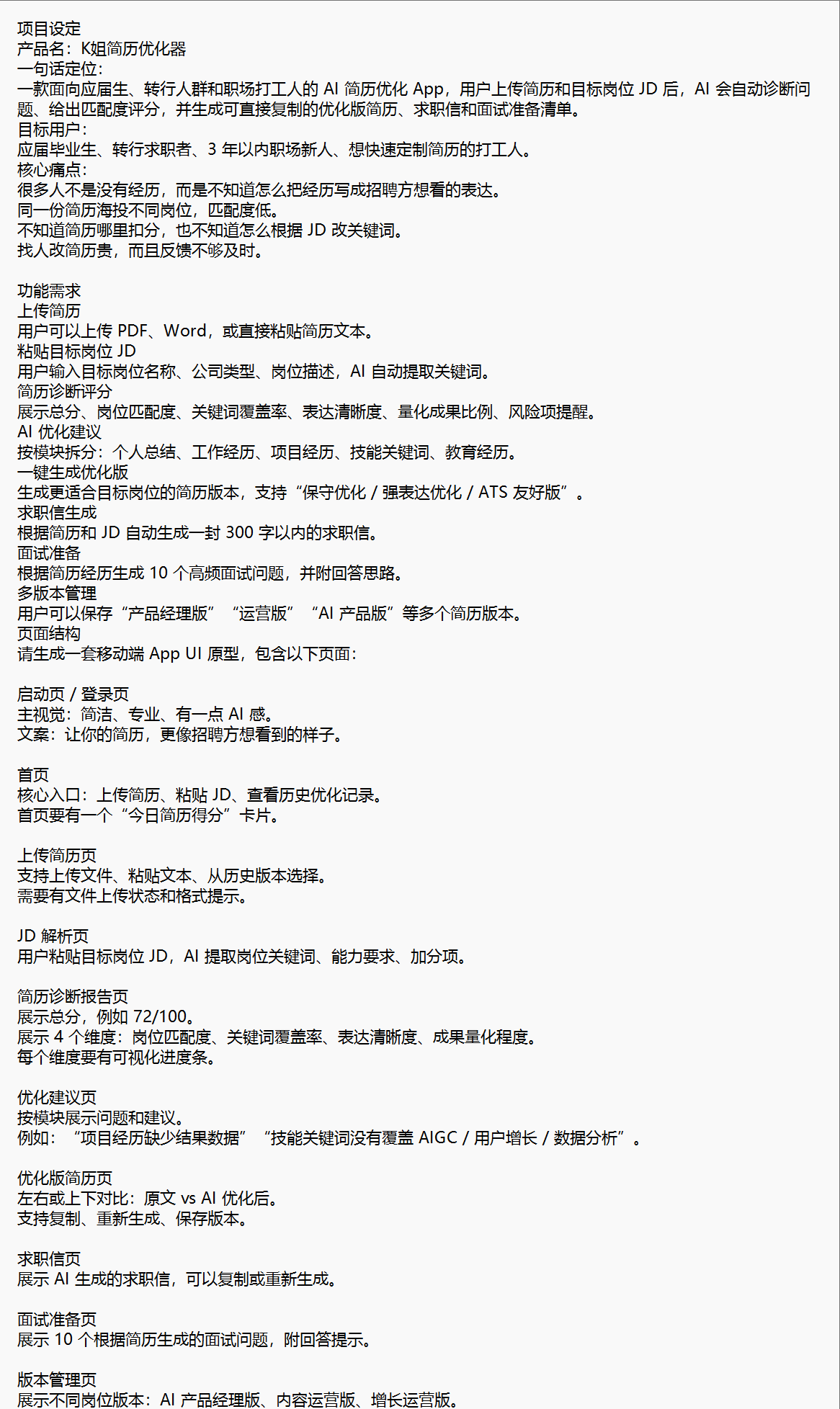
The first step for Tiangang Design Agent is still to confirm the design direction, positioning K姐's resume optimizer as a mobile AI job-seeking tool, and locking in a visual route of professional blues with a warm tech feel.
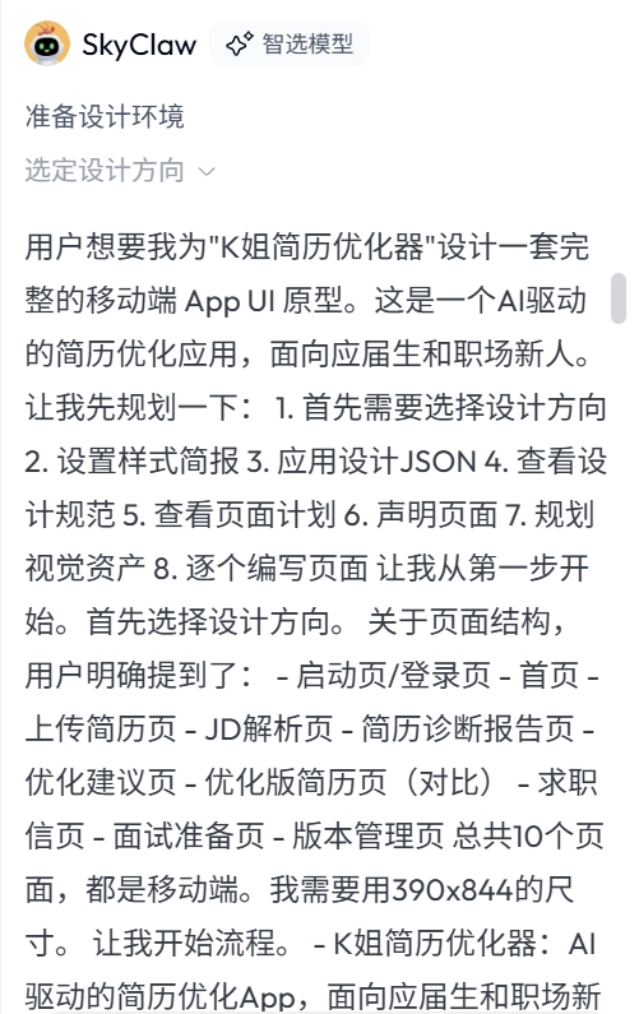
Midway through, Tiangang Design Agent discovered that the page plan was incomplete. At first, the page structure only had a 1-page skeleton, and it proactively corrected it to a complete set of 10 mobile pages. This is really thoughtful and can avoid many design problems in advance.
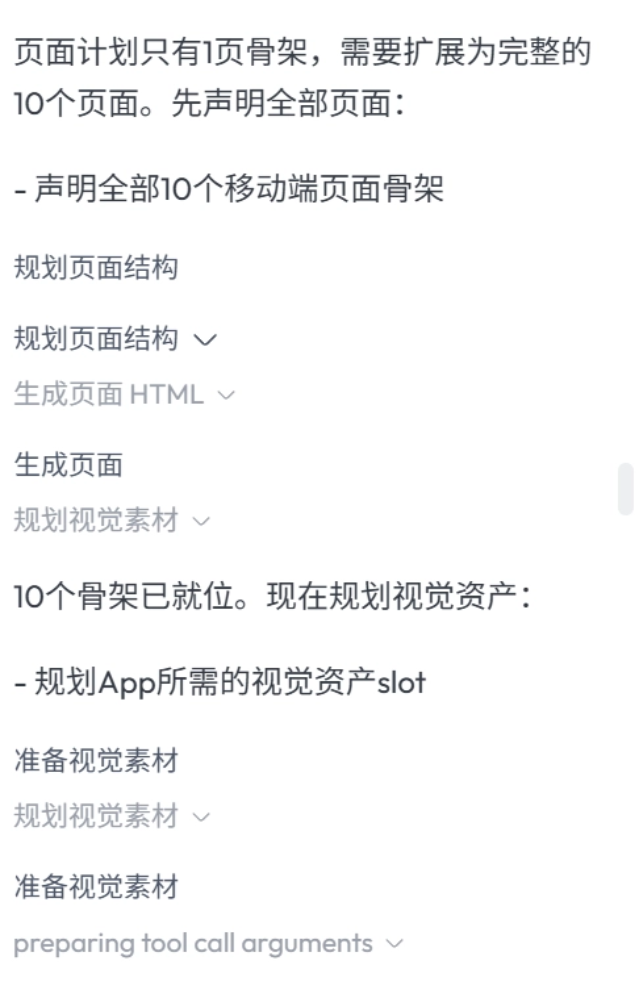
After confirming the plan, Tiangang Design Agent generates page by page according to the real app flow.
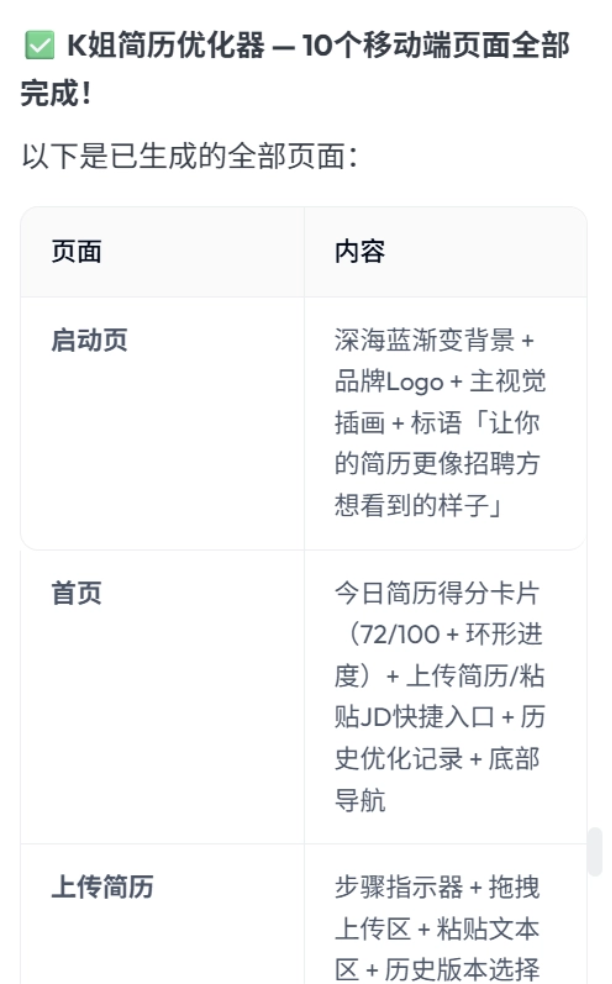
Let's take a look at the final generated result:
Tiangang Design Agent created a complete functional flow. It can understand that this is a sequential job-seeking optimization process and builds the pages entirely in the order of use.
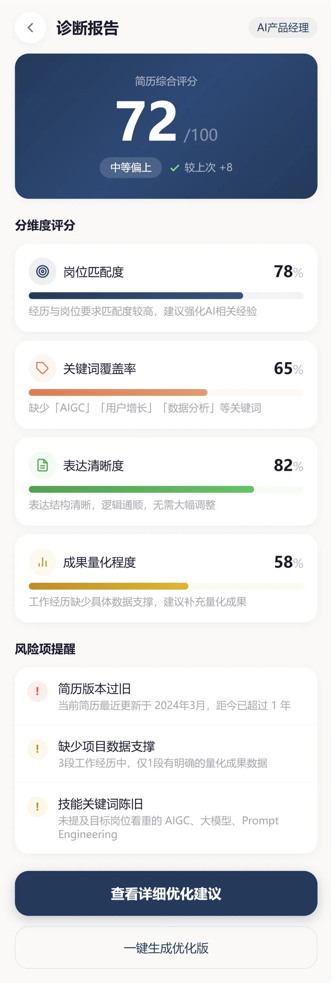
The diagnostic report page is done quite well. The total score, ratings across four dimensions, and risk reminders are all complete:
case 3: Clone Design
I give Tiangang Design Agent a reference image and ask it to build the K姐 Research Club brand customized travel website in the reference style.
Using the style in the reference image, help me create the "K姐 Research Club" brand customized travel website, with content to be determined by you.
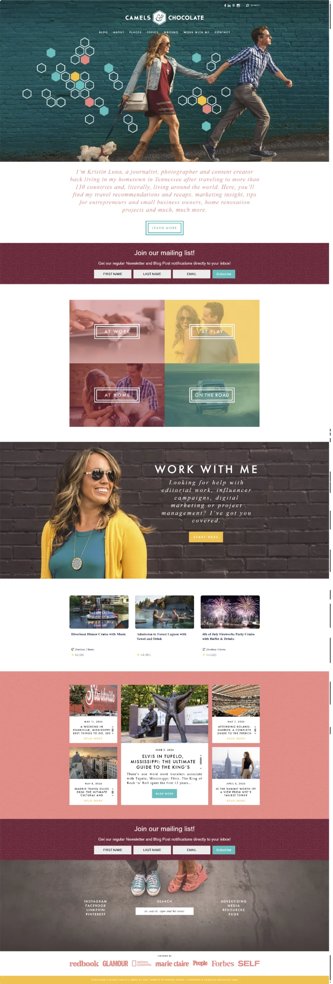
Tiangang Design Agent will parse out a set of design specifications based on the reference image we provide, and then combine them with our requirements to apply these design languages to the new website.
It's not a pixel-perfect replica of an identical webpage, but rather learning the design language and applying it flexibly.。
For example, Tiangang Design Agent will learn the original color scheme:
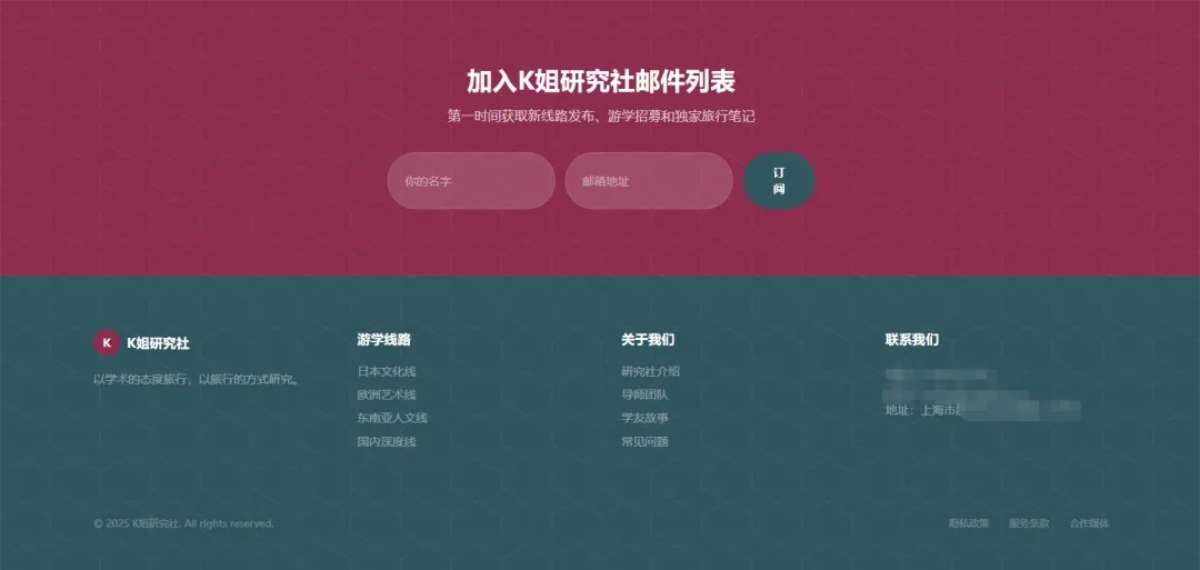
Cloned version
Learn the original arrangement and layout:
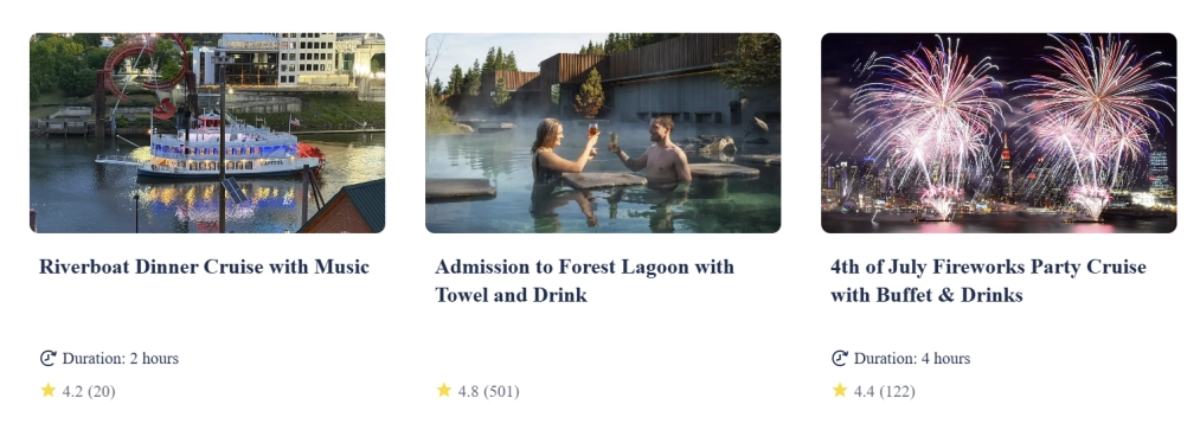
Original version
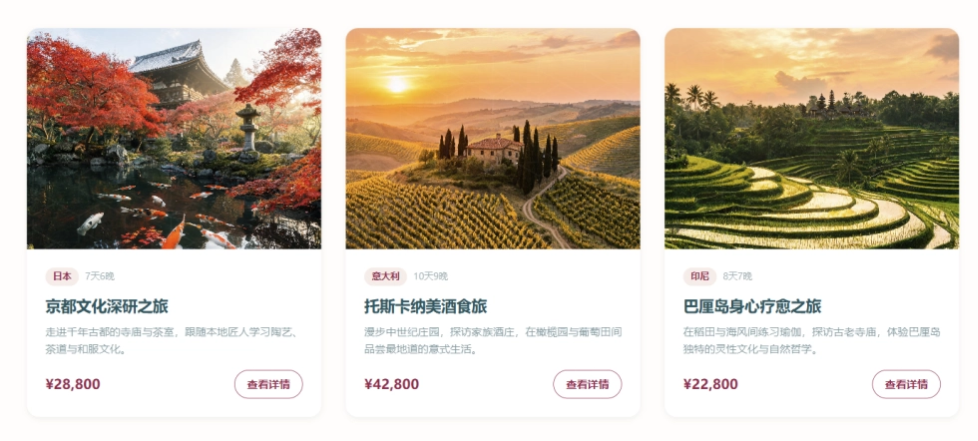
Cloned version
Let's take a look at the final generated page:
It can be said to be completely different from our reference image, but if you look closely at the color scheme, card corner radius, layout, and image slicing approach, they all carry traces of the original.
Just like how people learn knowledge, the key is not rote memorization, but whether one can draw inferences and apply things flexibly.
02. Some Sharing
In the past, getting AI to do design was more like opening a blind box; a beautiful single-page visual might take many attempts. And it might look decent, but when you dig into the logical connections between pages, the user interaction paths, and the functional closed loop, it was often a complete mess.
The Tiangong Design Agent can, around a clear business requirement, first sort out the overall design direction, then break down the pages and unify the components and style. Carried on an infinite canvas, design becomes a progressive process that allows continuous follow-up questions, local fine-tuning, and layer-by-layer iteration.
As long as we can clearly express the product goals, core pain points, functional modules, and visual style, AI can quickly build a usable basic version. We do not have to get bogged down in the operating techniques of the tools, and can focus on making judgments, filtering, and polishing details based on the first draft.
Of course, when faced with complex real business logic and deep brand customization needs, human designers' judgment in aesthetics, interaction experience, and business trade-offs remains irreplaceable.
The emergence of this kind of design agent will undoubtedly push the starting point of product design forward by a big step.
A design agent is like a low-threshold idea translator, allowing everyone to express and validate ideas more intuitively with prototypes; it can also help designers share part of the basic layout work, giving designers more energy to focus on higher-dimensional aesthetic decisions, user experience optimization, and complex system design.
Original link:Domestic Claude Design + Figma? The Tiangong Design Agent has something going for it