
What is Skyvern
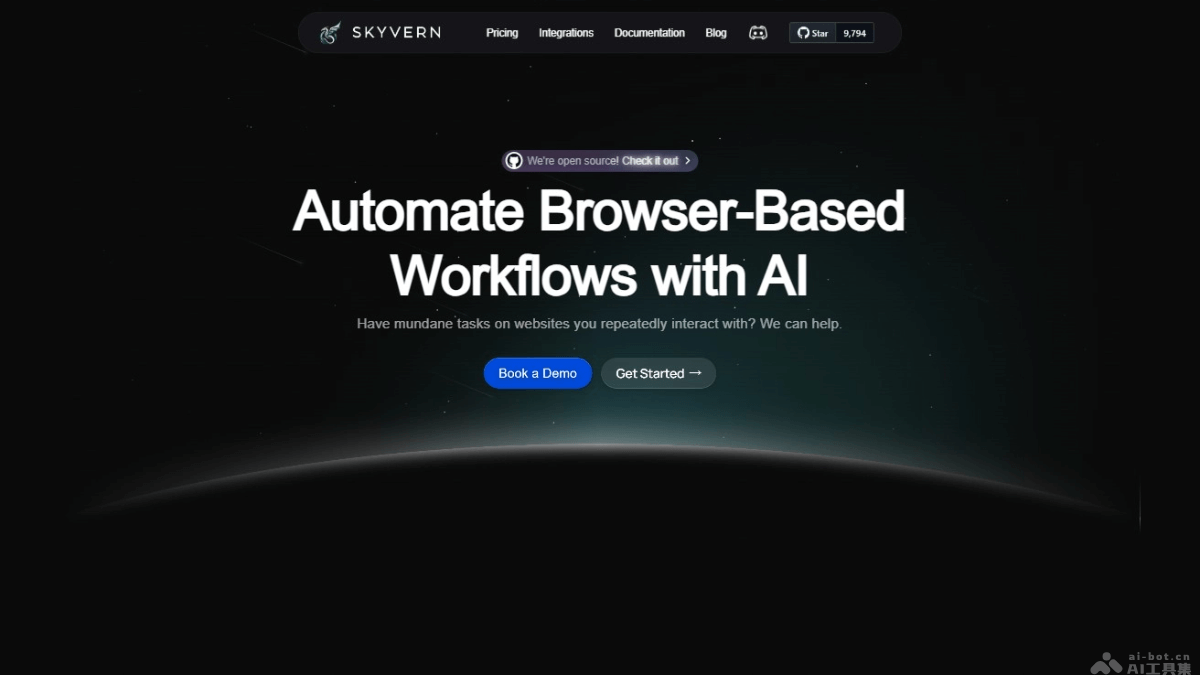
Skyvern is an open-source browser automation tool that combines large language models (LLMs) and computer vision technology to enable complex web interactions and data extraction. Unlike traditional automation tools based on DOM parsing and XPath, Skyvern can parse web content in real time, create interaction plans and execution plans, improving the flexibility and robustness of automation. Skyvern supports solving CAPTCHAs, handling two-factor authentication, and using proxy networks, provides explainable AI features, and supports users in reviewing each step of the AI's operations.
Skyvern's main features
- CAPTCHA solving: Skyvern can automatically identify and solve CAPTCHAs, automating workflows that require human verification.
- Two-factor authentication (2FA/MFA) support: Skyvern supports logging into user accounts that require two-factor authentication, including handling 2FA and MFA codes, allowing automation workflows to cover scenarios that require identity verification.
- Proxy network: Skyvern supports using proxy networks and supports user targeting at specific country, state, or postal code levels, which is very useful for automation tasks that need to simulate specific geographic locations.
- Explainable AI: Skyvern provides built-in summary functionality, supports users in inspecting each step of the AI's operations, and increases the transparency and traceability of automation workflows.
- Data extraction: Skyvern extracts data from workflows and supports multiple data schemas, including CSV or JSON format, making it convenient for users to further process and analyze the data.
Skyvern's technical principles
- Large language models (LLMs): Skyvern uses large language models to understand and generate natural language, used for understanding and executing text-based instructions and generating text describing its operations.
- Computer vision: Skyvern uses computer vision technology to parse and understand images and visual elements on web pages. It can identify and operate non-text elements on web pages, such as buttons, images, and charts.
- Browser automation: Skyvern simulates user behavior based on automated browser operations, such as clicking, scrolling, and filling out forms. It is implemented using automation libraries such as Playwright.
- Resistance to layout changes: Skyvern does not depend on static DOM structures or XPath selectors, but instead parses items in the viewport in real time and can adapt to changes in web page layouts.
- Explainable AI: Skyvern provides built-in summary functionality, supports users in inspecting each step of the AI's operations, and increases the transparency and traceability of automation workflows.
- Data extraction: Skyvern can extract data from web pages and supports multiple data schemas, such as CSV or JSON, making it convenient for users to further process and analyze the data.
Skyvern's project address
- Project official website:skyvern.com
- GitHub repository:https://github.com/skyvern-ai/skyvern
Skyvern's product pricing
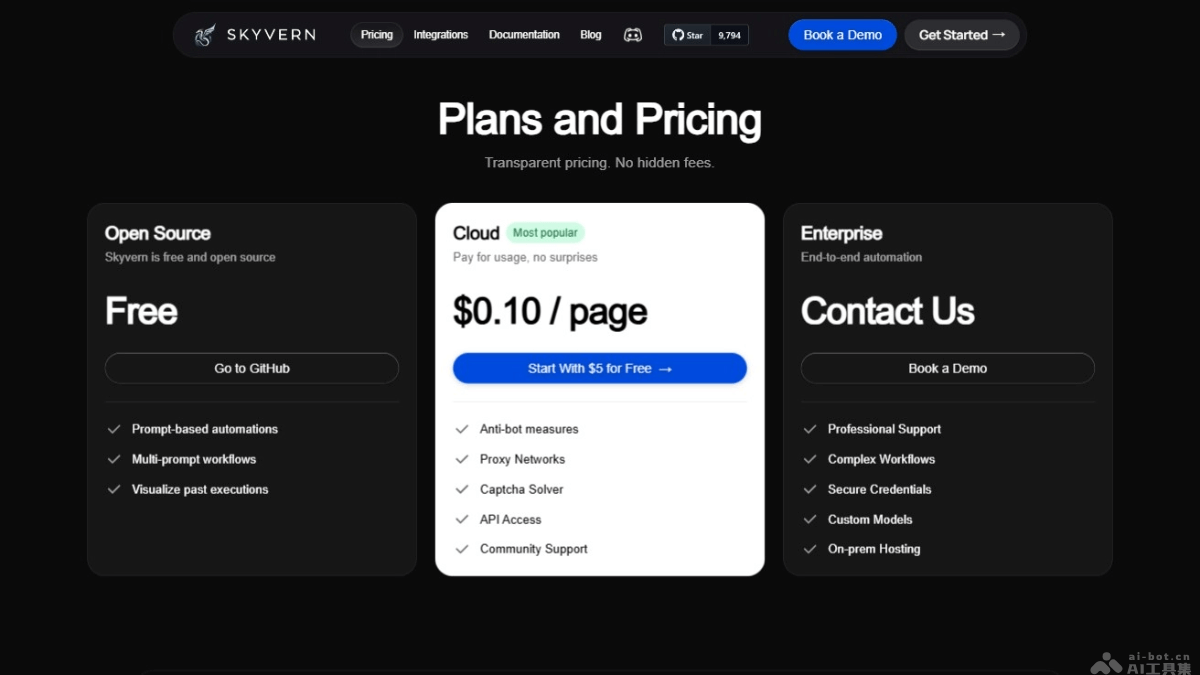
- Open Source: Free. Visit Skyvern's GitHub page. The package includes prompt-based automation, multi-prompt workflows, and the ability to visualize past executions.
- Cloud: Pay per page usage, with a cost of $0.10 per page. Initial recharge is $5. Includes anti-bot measures, proxy network, CAPTCHA solving, API access, and community support.
- Enterprise: Custom pricing. Contact Skyvern for more information and customization services. Includes professional support, complex workflows, secure credentials, custom models, and local hosting.
Skyvern Use Cases
- Website Data Scraping: Automate data extraction from websites, such as prices, product details, news articles, stock information, etc., without manual copy-pasting.
- Form Filling and Submission: Automate filling out online forms, such as registration, login, surveys, order submission, etc., improving efficiency and reducing human error.
- Web Testing and Quality Assurance: Automate web testing, check whether website functionality works as expected, and improve the coverage and accuracy of software testing.
- Competitor Analysis: Automate the collection and analysis of competitor website information, such as price changes, product updates, promotional activities, etc., to formulate market strategies.
- Customer Service Automation: Automate customer service tasks, such as automatically replying to frequently asked questions, updating order status, collecting user feedback, etc.