
What is NetEase Bage Shuo
NetEase Bage Shuo is an AI-native voice input agent launched by NetEase Youdao, supporting both Mac and Windows. It breaks through the traditional positioning of voice input as a speech-to-text tool, can understand the true intent in users' spoken language, automatically removes filler words, corrects restated content, and outputs structured text that can be directly reused, with input efficiency about 5 times that of keyboard typing. Its core capabilities cover intelligent polishing, whisper pickup as low as 30dB, custom professional dictionaries, and real-time voice translation between more than 100 languages, suitable for scenarios such as workplace office work, document writing, and idea recording. In terms of privacy, it adopts a cloud zero-retention architecture, does not use user data for model training, and input history is stored only locally.
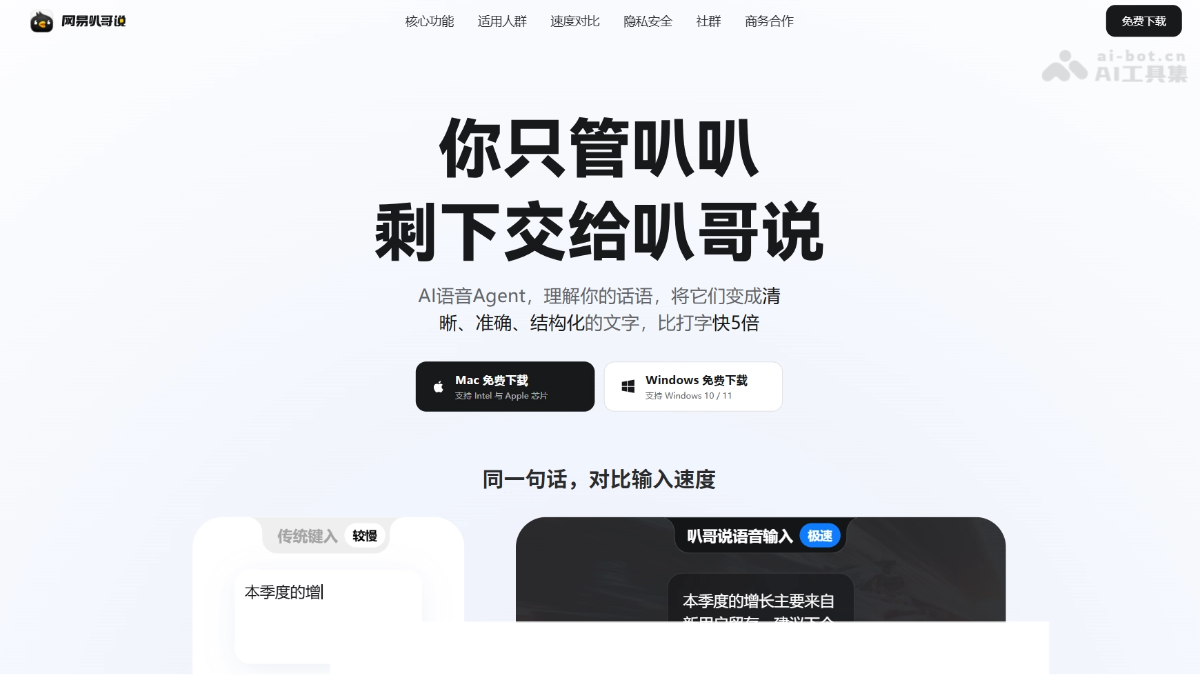
Main features of NetEase Bage Shuo
-
Dictation transcription: Hold the Fn key to speak, automatically remove filler words, correct restatements, add punctuation and paragraph breaks, and output structured text.
-
Real-time translation: Supports voice translation between 124 languages. Speak Chinese and directly output text in the target language.
-
Whisper pickup: Supports whisper-level quiet input as low as 30dB, usable even in open workstations.
-
Exclusive dictionary: Can manually add or batch import professional terms, product names, and code names to improve recognition accuracy.
-
History: All voice input content is retained locally, supporting review and one-click copy for reuse.
-
Usage statistics: Statistics usage by dictation and translation categories, intuitively showing efficiency improvements.
-
Privacy protection: Cloud zero-retention, data not used for training, and input history stored only locally.
How to use NetEase Bage Shuo
-
Download and install: Visit the official NetEase Bage Shuo website https://bug.youdao.com/ , choose the Mac or Windows version for free download and installation.
-
Log in and authorize: Log in with a NetEase account and complete authorization settings such as system permissions as prompted.
-
Dictation input: In any application, hold the Fn key (customizable) to start speaking. After releasing, it automatically outputs structured text with filler words removed and punctuation added.
-
Voice translation: Hold Fn + Left Shift and speak Chinese. After releasing, it directly outputs text in the target language.
-
Configure dictionary: In the dictionary feature, manually add or batch import professional terms to improve recognition accuracy.
-
View records: In "History", review all input content, supporting one-click copy; in "Usage", you can view usage statistics.
Core advantages of NetEase Bage Shuo
-
In-house technology from a major company: Built on NetEase Youdao's self-developed "Ziyue" large model and the Confucius4-R2T2 streaming ASR model, recognition is fast and accurate.
-
Outstanding translation capability: Backed by Youdao Translation, it supports real-time translation between 124 languages, with translation accuracy in related scenarios reaching up to 98%.
-
Whisper-level pickup: Supports quiet input as low as 30dB, so it can be used stress-free even in open office areas.
-
Cross-application compatibility: Dictated content can be directly input into any application without switching windows.
-
Zero-threshold use: Free for life, available on both Mac and Windows, ready to use after installation.
-
Privacy and Security: Zero cloud retention, data is not used for model training, and input history is stored only locally.
-
Easy to Get Started: One-click voice input, paired with a dedicated vocabulary for customization, so even professional terminology can be recognized accurately.
Comparison with Similar Competing Products of NetEase Bage Shuo
| Dimension | NetEase Bage Shuo | Wispr Flow |
|---|---|---|
| Platform | Mac + Windows (desktop only) | Mac, Windows, iOS, Android, all platforms |
| Underlying Model | Self-developed "Ziyue" large model + Confucius4-R2T2 streaming ASR | Cloud AI model (transcription engine integrated by OpenAI Codex) |
| Speech Recognition | Supports whisper pickup as low as 30dB | About 98% accuracy in quiet environments, cloud processing |
| Spoken Language Cleanup | Removes filler words, corrects corrections, structured output | AI Auto Edits, automatically adjusts tone and format by application (context-aware) |
| Translation Capability | 124-language voice mutual translation (powered by Youdao Translation) | Speech-to-text only, no mutual translation capability |
| Custom Vocabulary | Supported, batch import available | Supports personal dictionary |
| Privacy | Zero cloud retention, history is local only, not used for training | Audio is always processed in the cloud; privacy mode only controls retention; SOC 2 + HIPAA compliant |
| Streaming Experience | ASR streaming, text is output after full-paragraph polishing | Text is streamed to the screen in real time, official latency 500-700ms |
Application Scenarios of NetEase Bage Shuo
-
Workplace Communication: Dictate quietly in meeting rooms or at your desk, automatically organize into structured text to send emails and reply to messages; complex information can be handled in one paragraph.
-
AI Collaboration Efficiency: Dictate requirements to AI tools, Bage Shuo outputs standardized prompts, turning vibe coding into voice coding.
-
Cross-Language Communication: When communicating with foreign clients, speak Chinese and directly output English and 124 other languages, eliminating the cumbersome process of "typing -> translating -> copying".
-
Document Writing: Dictate long articles, reports, and meeting minutes, automatically removing filler words and adding punctuation and paragraph breaks; drafting speed is about 5 times that of typing.
-
Quick Inspiration Notes: During creation or thinking, instantly "babble" to record scattered ideas, automatically straighten out the logic and delete nonsense; once you finish speaking, it is organized into text, so typing does not slow down thinking.

