

What is Acrobat AI Assistant
Acrobat AI Assistant is an AI document assistant launched by Adobe for its Acrobat PDF editing and reading software. The core function of this assistant is to help users interact with PDF documents more conveniently through conversational AI technology. It can understand users' natural language instructions to perform various tasks, such as searching document content, extracting information, filling out forms, and more.
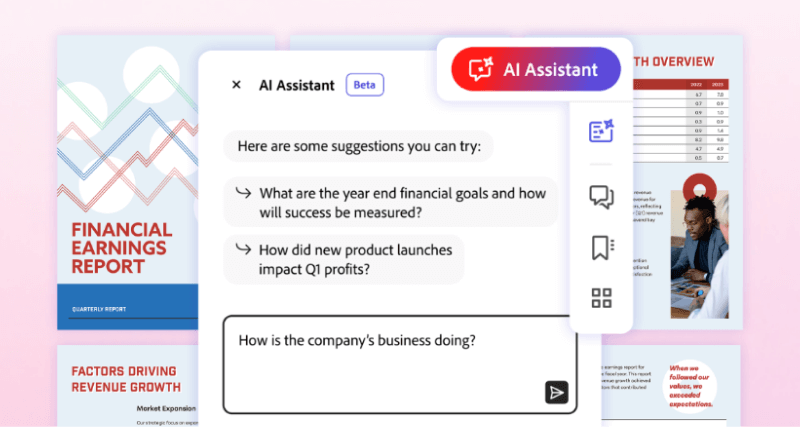
Main features of Acrobat AI Assistant
- AI chat assistant: Provides an intuitive conversational interface. The AI assistant can recommend questions based on PDF content and answer questions about document content.
- Generate summaries: Provides brief overviews in an easy-to-read format to quickly understand the content in long documents.
- Smart citations: Adobe's custom attribution engine and proprietary AI generate citations so users can easily verify the sources of the AI assistant's answers.
- Quickly locate content: Provides clickable links to help customers quickly find the content they need in long documents, saving time in exploring and processing the most important information.
- Formatted output: Integrates and formats information into important key points, email text, presentations, reports, and more.
How to use Acrobat AI Assistant
Acrobat AI Assistant is currently in public beta. Reader and Acrobat customers will be able to access the full functionality of AI Assistant through a new add-on subscription plan. Currently, AI Assistant features will be available in beta in English in the Acrobat Standard, Pro Individual, and Teams subscription plans on desktop and web, and within the next few weeks will be available in English to Reader desktop customers - all of these features at no additional cost.
That is, users of the paid version of Acrobat editor can currently participate in experiencing the Acrobat AI Assistant beta, and later Acrobat Reader users will also be able to experience this feature.

