

What is the Stable Diffusion Prompt Book
The Stable Diffusion Prompt Book is a free open-source prompt guidebook launched by the OpenArt platform, helping users optimize text prompts for the Stable Diffusion model. Co-written by multiple industry experts, its content covers prompt construction techniques from basic to advanced. The book provides detailed prompt format examples and, through comparative analysis, demonstrates the impact of language details on image generation results. It includes a rich library of stylistic modifiers to help users quickly expand their creative ideas.
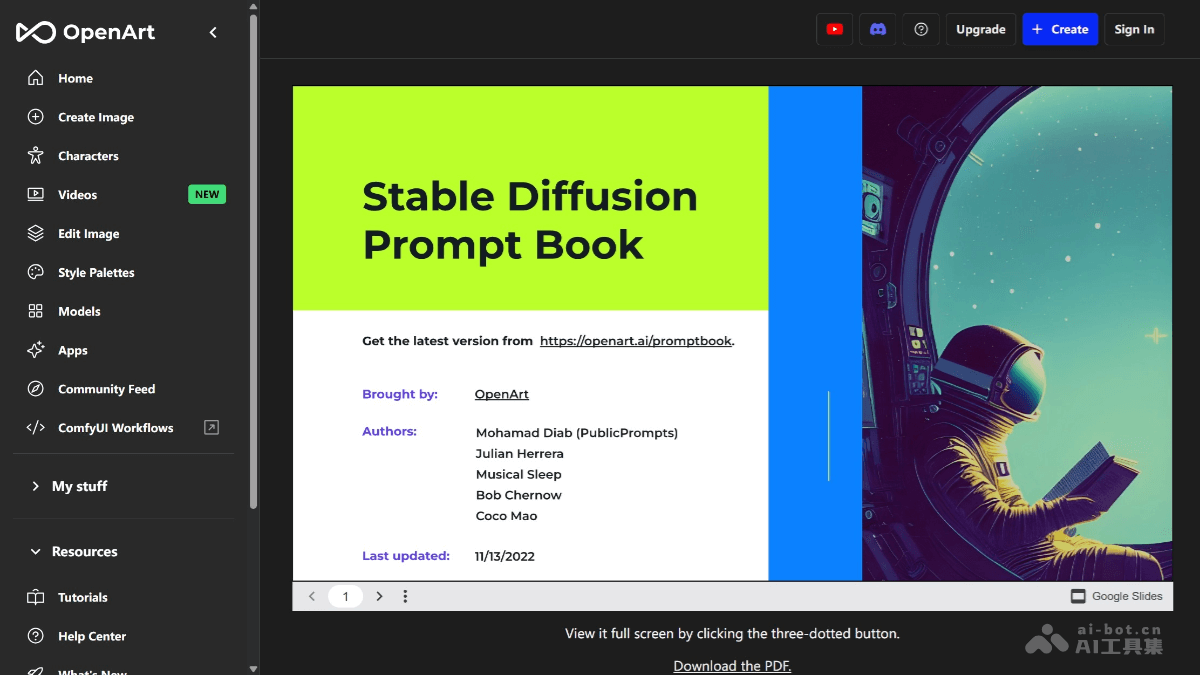
Main features of the Stable Diffusion Prompt Book
- Prompt construction guidance: Provides detailed prompt format and syntax guidance to help users construct clear and effective text prompts. By guiding users step by step to think about elements such as photo type, subject, and details, it helps users build complete prompts.
- Stylistic modifier library: Includes a large number of "magic words" and stylistic modifiers, such as "cyberpunk" and "ink wash style", helping users expand creative boundaries and generate more stylized images.
- Case comparison analysis: Through comparisons of generation results for different prompts on the same subject, it intuitively demonstrates the impact of language details on image generation and helps users understand how to adjust prompts to optimize results.
- Parameter setting suggestions: Provides suggestions for parameter settings related to the Stable Diffusion model, helping users better control the image generation process.
- Advanced technique sharing: In addition to basic prompt construction methods, it also provides advanced techniques to help experienced creators further improve the quality and details of generated images.
- Cross-platform compatibility: Compatible with various versions of Stable Diffusion and mainstream WebUI, allowing users to apply the prompts and techniques from the handbook in different tools.
How to use the Stable Diffusion Prompt Book
- Download the handbook: Visit the OpenArt official website and download the PDF version of the "Stable Diffusion Prompt Book".
- Learn the basic prompt format: Read the "Prompt Format" chapter in the handbook to understand the basic syntax and structure. For example, learn how to use the weight symbols "()" and "" to adjust the importance of words.
- Construct prompts: Based on the guiding questions in the handbook, construct prompts step by step. For example, clarify the photo type, subject, details, lighting, environment, color scheme, etc. Refer to the "Modifiers" section in the handbook and choose suitable style keywords, such as "cyberpunk" and "ink wash style".
- Adjust generation parameters: Enter the prompt in the Stable Diffusion tool and set key parameters according to the handbook's suggestions, such as resolution (beginners are advised to use 512×512), sampling steps (CFG scale), seed value, etc. For example, a CFG value between 7-10 usually balances creativity and accuracy.
- Generate and optimize: Click the generate button to view the generated image. If the result is not good, adjust according to the advanced techniques in the handbook. For example, use negative prompts to exclude unwanted content, or change the image details by adjusting the seed value.
- Practice and explore: Through the case comparison analysis in the handbook, intuitively understand the impact of language details on image generation. Try modifying prompts or parameters to explore different styles and effects.
Suitable audience for the Stable Diffusion Prompt Book
-
Users with zero foundation: If you are just getting started with Stable Diffusion or other AI image generation tools, this book can help you quickly understand how to construct effective prompts. It provides detailed guidance from basic syntax to specific examples, so you can get started quickly and generate your first image.
-
AI learners: If you are interested in AI technology, this can help you better understand how the Stable Diffusion model works and how to interact with the model through text prompts.
-
Developers: For technical personnel developing related applications or tools, this provides a wealth of prompt examples and parameter setting suggestions, which can help you better optimize the user experience of your tools.
-
Teachers: This can be used as a teaching resource to help students quickly master the basic methods of AI image generation and stimulate their creativity and imagination.
-
Students: Students interested in AI technology can learn through this book how to use AI tools for creation.


