
What is AIPRM
AIPRM is a prompt management tool and community-driven prompt library, designed to provide prompts for AI models such as ChatGPT, Claude, Midjourney, and DALL-E 3, helping users quickly complete tasks such as marketing, sales, operations, productivity improvement, and customer support, shortening work that originally took hours to just a few minutes. AIPRM offers a rich collection of preset prompt templates, supports team collaboration, and features statistics, helping users better manage their AI usage process. It is a powerful assistant for improving AI usage efficiency.
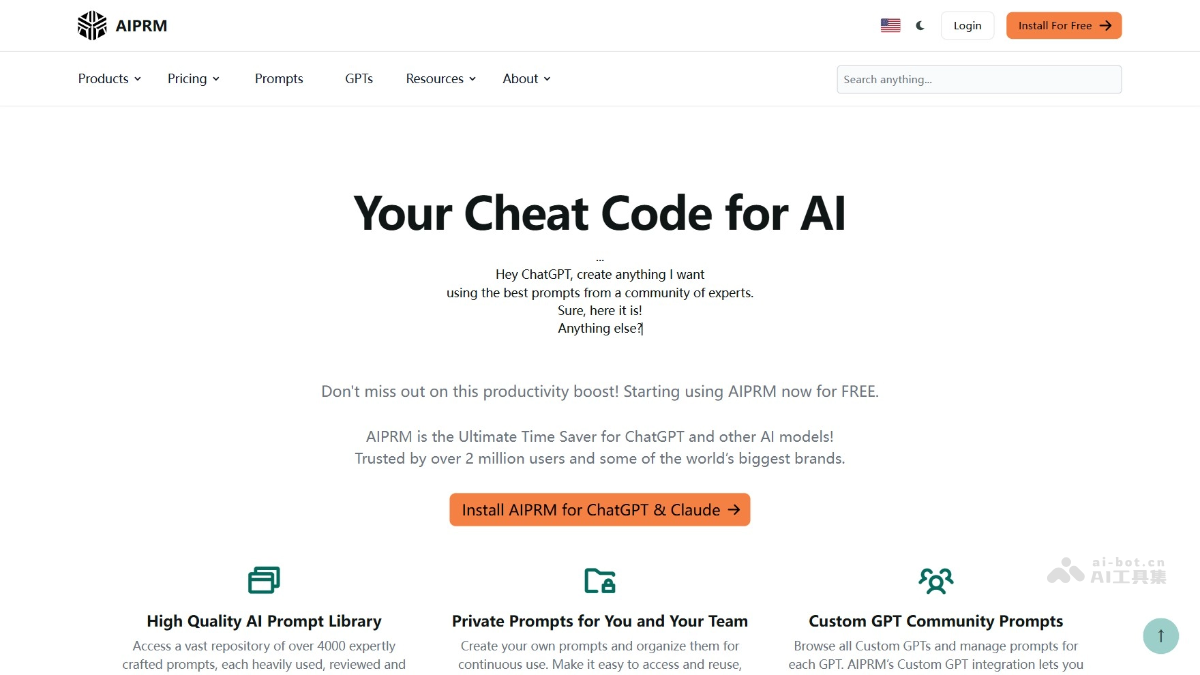
Main features of AIPRM
- Rich prompt library: AIPRM provides over 4,500 professional prompt templates, covering multiple fields such as marketing, sales, copywriting, SEO, productivity improvement, and customer service. Users can directly use the templates and adjust and optimize them according to their needs.
- Community-driven prompt sharing: AIPRM's platform supports users in sharing and accessing custom prompts created by other professionals.
- Custom prompts and variables: Users can create their own prompt templates and add variables to them so they can be reused in different scenarios.
- Real-time data crawling: AIPRM's "Live Crawling" feature supports users in extracting content from specific URLs and embedding it directly into prompts as text or HTML.
- Team collaboration features: AIPRM supports team use, allowing users to share prompt libraries and ensuring that team members can maintain consistent output when handling the same tasks.
- Advanced search features: Users can quickly find the prompts they need based on multiple filters such as topic, activity, frequency of use, and popularity.
How to use AIPRM
- Registration and installation: Visit the AIPRM official website:https://www.aiprm.com/,点击登录按钮,用邮箱或社交媒体账号注册。
- Install the extension: Visit the AIPRM download page:https://www.aiprm.com/zh/downloads/,根据提示安装 AIPRM browser extension, AIPRM supports Google Chrome and Edge browsers. After installation is complete, restart the browser to ensure the extension works properly.
- Login and settings:
- Log in to your account: Log in to AIPRM using your registered email and password.
- Personalized settings: Customize brand tone and writing style in your personal profile to ensure the generated content matches the brand image.
- Create a team (optional): If used by a team, create a team and assign user licenses to members, and share prompts and lists.
- Use the prompt library:
- Access the prompt library: After logging in, enter AIPRM's prompt library page and browse a large number of preset prompts provided by the community and experts.
- Search prompts: Search for the prompts you need based on keywords, categories, or AI models.
- Use prompts: Select a suitable prompt and click the "Use" button to send the prompt directly to AI tools such as ChatGPT and Claude.
- Create custom prompts:
- Create a new prompt: Click the "Create Prompt" button to start creating your own prompt.
- Add variables: Add dynamic variables to prompts to make them more flexible and adaptable.
- Save prompt: Save created prompts to a private list or a team-shared list for easy future use.
AIPRM Use Cases
- Content Creation: Quickly generate high-quality copy content, including blog posts, social media copy, video scripts, and ad copy, etc.
- Marketing and Sales: Efficiently write compelling marketing emails, detailed product descriptions, successful customer case studies, and in-depth market research reports, improving the quality and efficiency of marketing and sales copy.
- Customer Service: Generate frequently asked questions (FAQ), customer support email templates, and customer feedback summaries, optimizing customer service processes and improving customer satisfaction and problem resolution efficiency.
- Creativity and Design: Spark creative inspiration, conduct creative brainstorming, write design descriptions, and polish copy, enhancing the appeal and professionalism of designs and copy.
- Team Collaboration: Generate team task assignment sheets, meeting minutes templates, and project summary reports, improving team collaboration efficiency and ensuring consistency and efficiency when team members use AI-generated content.