

What is iFlytek Meeting
iFlytek Meeting is an intelligent video conferencing software launched by iFlytek, featuring high definition, low latency, and multi-collaboration. iFlytek Meeting supports screen sharing, real-time multilingual subtitles, automatic meeting minutes generation, and AI noise reduction technology, providing a high-definition and stable audio and video experience. Users can access it through multiple terminals such as PC, mobile phone, and smart screen, enjoying convenient remote collaboration and meeting experiences.
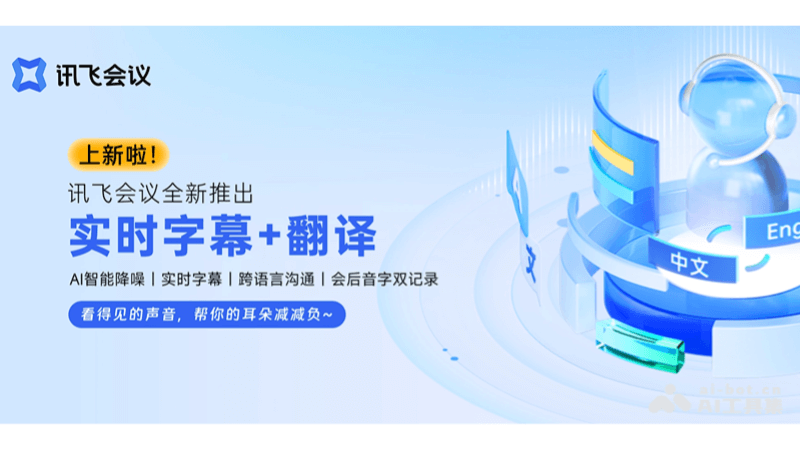
Main features of iFlytek Meeting
- HD video conferencing: Provides a stable and smooth high-definition video call experience, ensuring clear communication.
- AI noise reduction technology: Reduces background noise through intelligent algorithms and improves voice clarity.
- Screen sharing: Allows users to share their screen during meetings, making it convenient to present materials and collaborate.
- Real-time subtitles and translation: Supports real-time generation of multilingual subtitles, facilitating cross-border communication.
- Automatic meeting minutes generation: Uses AI technology to automatically record meeting content and accurately distinguish speakers.
- Cloud space: Provides cloud storage services, making it convenient to store and share meeting records and documents.
- Multi-terminal support: Supports access to meetings from multiple devices such as PC, Mac, mobile phone, and smart hardware.
- Meeting management: Provides functions such as meeting creation, joining, and control, making it convenient to organize and manage meetings.
- Secure and stable: Uses advanced encryption technology to ensure meeting data security and stable connections.
How to use iFlytek Meeting
- Visit the official website: Visit the iFlytek Meeting official website meeting.iflyrec.com , download and install the corresponding app, register an account, and log in.
- Create a meeting: Create a meeting in the app, and set the topic and time.
- Invite members: Invite others to join the meeting by email or link, and click the invitation link or join the meeting in the app.
- Use features: Use screen sharing, real-time subtitles, and more during the meeting.
- Manage the meeting: As the host, manage participant permissions.
- View records: After the meeting ends, view and share the meeting records, and use AI technology to automatically record meeting content and accurately distinguish speakers.
Application scenarios of iFlytek Meeting
- Remote work: Supports team members in different locations to conduct daily communication and collaboration through video conferencing.
- Education and training: Teachers can use iFlytek Meeting for online teaching, and students can participate in classroom discussions remotely.
- Corporate training: Enterprises can hold internal training, and employees can participate in training courses no matter where they are.
- Multinational meetings: Supports real-time multilingual translation, making it convenient for team members from different countries and languages to communicate.
- Product demonstrations: Salespeople can show customers product details through the screen sharing function and conduct remote demonstrations.
- Remote interviews: HR can conduct remote interviews with candidates through iFlytek Meeting, saving time and cost.

