

What is Briefly
Briefly is an AI tool that turns YouTube directly into a daily learning digest. Just follow the channels you want to learn from once, and Briefly will automatically track new information, using AI to precisely extract 30-90 second original audio key quotes, each with a timestamp so you can jump back to the full context with one click; built-in contextual translation lets non-native speakers instantly understand technical terms; you can write notes on the playback page, which are automatically archived into your personal knowledge base, with tag-based search and review. The homepage generates an ad-free Clips Feed every day, so you can swipe through quickly to grasp core insights without being interrupted by algorithmic entertainment feeds.
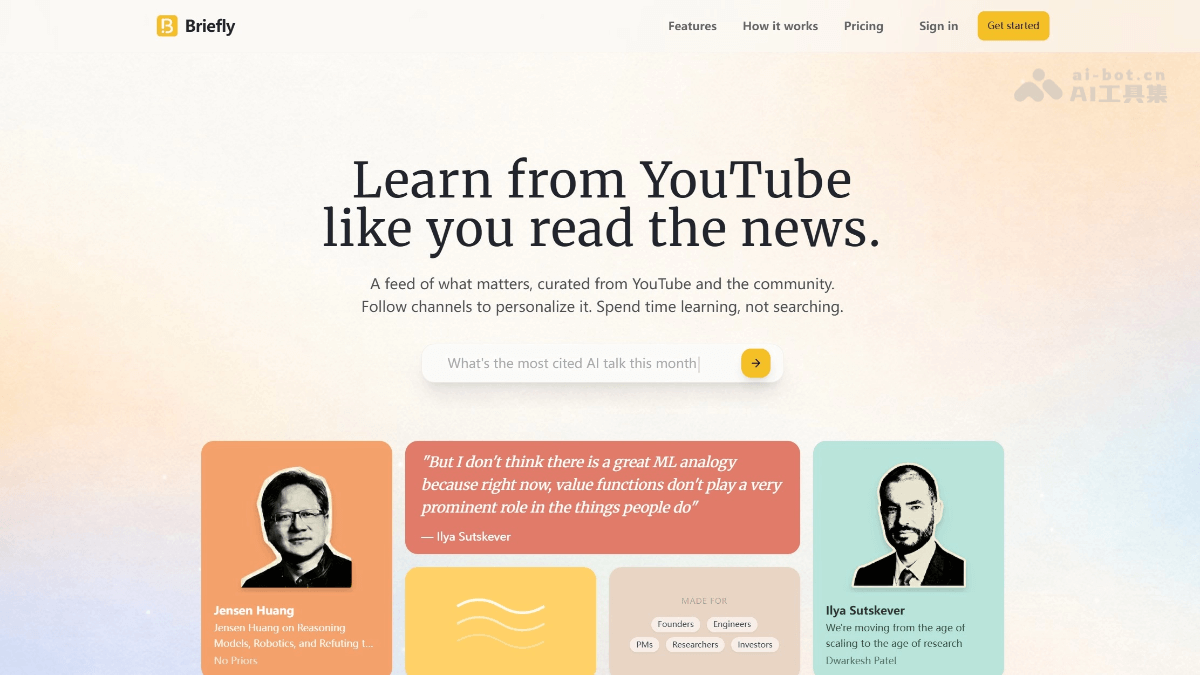
Briefly's main features
- Personalized feed: By following YouTube channels you are interested in, Briefly automatically tracks their new videos and pushes the highlights to your personalized feed, with no need to search manually.
- Video summaries: The platform does not provide lengthy summaries, but directly extracts key segments from videos, with each quote accompanied by a timestamp so you can quickly jump to the corresponding position in the original video.
- Note-taking capability: You can save notes directly while watching to build a personal knowledge base for easy review and citation later.
- Translation feature: Provides Chinese translation to help non-native English learners effortlessly understand technical terms and the meaning of the content.
-
Learn and take notes: Write notes directly on the playback page, automatically archive them into your personal knowledge base, and support tag-based search and review.
-
Personalized Feed: Generates an ad-free Clips feed daily, swipe through to quickly grasp core insights and stay away from entertainment noise.
How to use Briefly
-
Register and log in: Visit the Briefly official website https://briefly.video/ , sign up with one click using Google or email, and start once you reach the homepage.
-
Build interests: Enter keywords in the search box (names, companies, technologies, events), and the system instantly recommends related channels. Click "Follow" to complete batch subscriptions, or you can import your existing YouTube subscription list
-
Set language: In "Settings", set the interface language to Chinese and enable "Bilingual subtitles + contextual translation" so technical terms are automatically matched.
-
Daily Feed browsing: The homepage "Today" automatically pushes new clips every day at 8:00. Cards show the title, key quote, and duration; swipe left or right to quickly favorite or archive.
-
In-depth review: Click "Watch Full" at the bottom of the card to jump directly to the original video's time point; if you need landscape mode, click the "Pop-up" floating window to listen and take notes at the same time.
-
Smart notes: During playback, select any subtitle to highlight it. The sidebar automatically cites the timestamp and original text, and supports Markdown quick notes, inserting screenshots, and adding #tags
-
Knowledge base management: The "Library" on the left filters by tags, channels, and dates in three dimensions. Search keywords to locate past notes; supports export to PDF / Notion / Obsidian.
-
Multi-device sync: After clipping on mobile, it syncs immediately to desktop so you can continue editing or batch export.
-
Quota and upgrades: Free accounts get 2 new clips per day. Click "Upgrade" in the upper right corner to purchase the 60 yuan/month unlimited plan, unlocking 4K clip downloads, team shared folders, and API access.
Who Briefly is for
- Lifelong learners: Want to continuously follow high-quality channels and use fragmented time for effective learning instead of aimless browsing.
- Professionals: Such as founders, engineers, product managers, and investors, who need to quickly extract core insights from long-form industry interviews and technical talks, and apply the learning outcomes to their work.
- Researchers and students: Need to quickly find citable video clips and accurate sources for papers, reports, or study.
- Non-native English learners: Hope to learn from high-quality original English video content more easily through features such as contextual translation.

