

What is TurboScribe
TurboScribe is a powerful AI audio and video to text tool, designed for efficient processing of audio and video files. Using advanced Whisper technology, it can quickly convert speech content into text with up to 99.8% accuracy, supports more than 98 languages, and provides translation features. TurboScribe can process files up to 10 hours long and up to 5GB in size, and can upload up to 50 files at a time, making it ideal for users who need large-scale transcription.
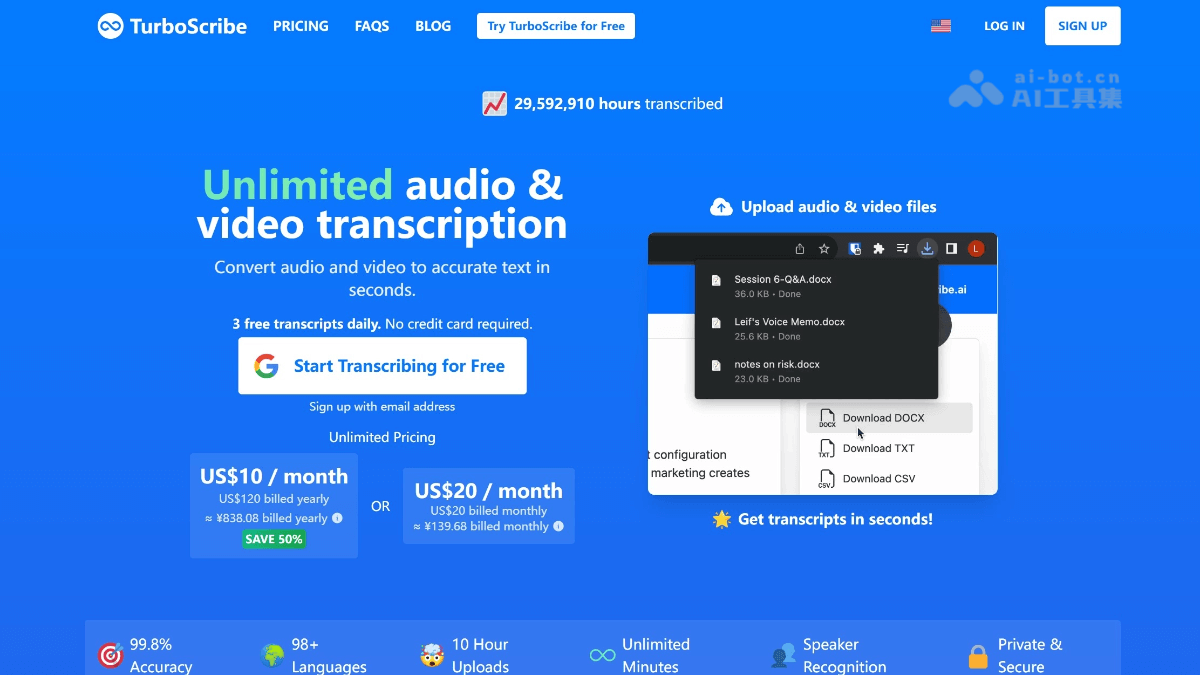
Main features of TurboScribe
-
High-accuracy transcription: Uses Whisper technology, with transcription accuracy up to 99.8%, and can efficiently handle audio with various accents and complex backgrounds.
-
Multilingual support: Supports transcription in more than 98 languages and provides translation in more than 134 languages, meeting different language needs.
-
Large file processing: Supports files up to 10 hours long and up to 5GB in size, and can upload 50 files at a time, suitable for large-scale transcription needs.
-
Flexible export: Transcription results can be exported in multiple formats such as PDF, DOCX, TXT, SRT/VTT, etc., for easy subsequent use.
-
Speaker recognition: Can distinguish different speakers, suitable for multi-speaker scenarios such as meetings and interviews.
-
Security and privacy: All data is encrypted to ensure the security of user information.
-
Efficient and convenient: The transcription process is fast and completed within a few minutes, greatly improving work efficiency.
-
Cost-effective: Provides a free trial plan, and the paid version is reasonably priced, suitable for all types of users.
How to use TurboScribe
-
Create an account: Visit the TurboScribe official website https://turboscribe.ai/ , register and create a personal account.
-
Upload files: After logging in, select the audio or video files to be transcribed for upload, supporting multiple formats.
-
Select language: Select the corresponding language according to the file content to ensure transcription accuracy.
-
Start transcription: After the upload is complete, click the "Start Transcription" button, and the system will process automatically.
-
Edit text: After transcription is complete, you can edit and proofread the text on the platform.
-
Export results: After editing is complete, select the required format (such as PDF, DOCX, etc.) to export the transcribed text.
-
Manage files: You can view historical transcription records in your account, making it convenient to manage and reuse them.
Who TurboScribe is for
-
Content creators: Used to quickly transcribe audio content such as podcasts and video interviews into text, making it easy to edit and publish.
-
Researchers: Helps organize audio materials such as interviews and experiment records, improving research efficiency.
-
Journalists: Quickly convert interview recordings into text, shortening the time needed to produce news articles.
-
Students: Used to record and organize audio content such as classroom lectures and academic conferences, making review convenient.
-
Business professionals: Used for meeting notes and organizing training materials, improving work efficiency.
-
Self-media operators: Quickly transcribe video scripts into text for social media posting.


