

What is Loom
Loom is an AI screen recording and video sharing tool designed specifically for modern work scenarios. Through AI technology, users can quickly record their screen, camera, or a combination of both, and it automatically generates subtitles, transcripts, and chapters, supporting more than 50 languages, greatly improving video accessibility. Loom's smart editor allows users to easily trim and stitch video clips, and add backgrounds, text, arrows, and other annotations, making videos more engaging.
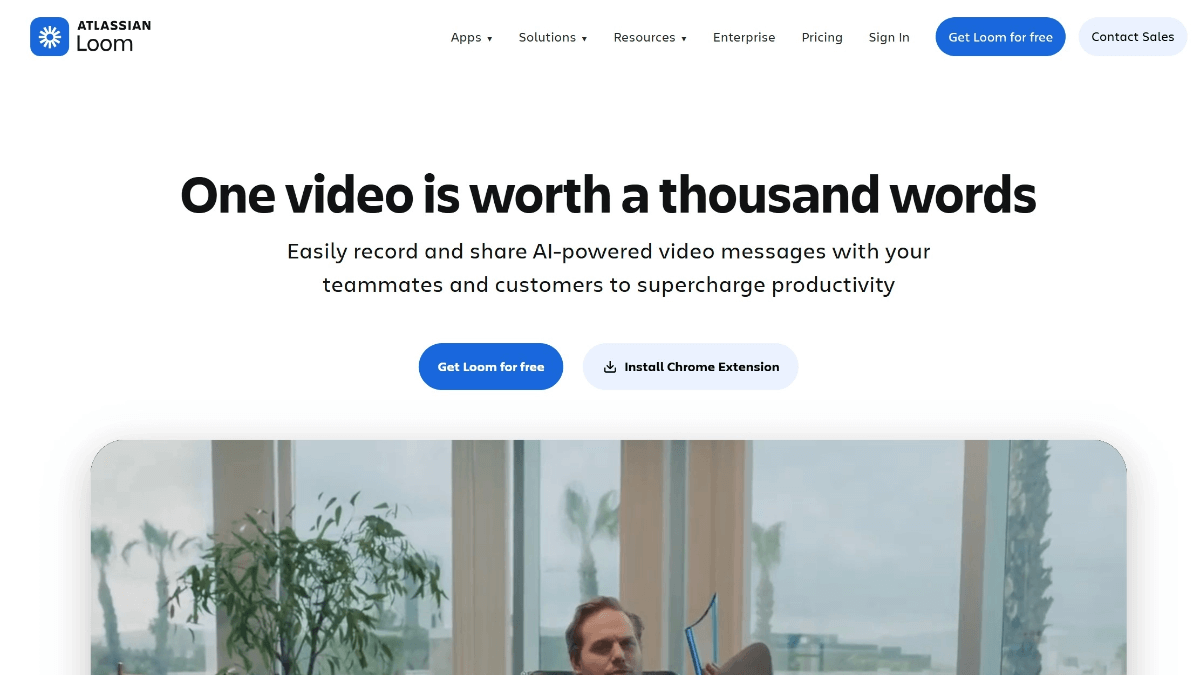
Loom's main features
-
Quick recording: Supports recording of the screen, camera, or a combination of both, with simple operation, allowing you to start in seconds.
-
Smart editing: Provides the ability to trim and stitch video clips, and can also add backgrounds, text, arrows, and other annotations to make videos more professional.
-
Multilingual subtitles: Automatically generates subtitles and transcripts in more than 50 languages, making it convenient for viewers who speak different languages.
-
Seamless sharing: Videos can be quickly shared to commonly used tools such as Google Workspace and Slack, and support embedding, facilitating team collaboration.
-
Interactive collaboration: Viewers can add comments, emojis, tasks, and calls to action in the video, promoting team interaction.
-
Privacy control: Provides enterprise-grade privacy settings to ensure the security of video content and meet the needs of different scenarios.
How to use Loom
-
Visit the official website: Go to the Loom official website https://www.loom.com/,注册账号,免费创建个人账户即可开始使用。
-
Install the app: Install Loom's browser extension, desktop app, or mobile app as needed, making it convenient to record at any time.
-
Start recording: Choose the recording mode (screen, camera, or a combination of both), adjust the settings, and then click the record button to start recording the video.
-
Edit the video: After recording is complete, use the editing tools provided by Loom to trim, stitch, add subtitles or annotations, and perform other operations.
-
Share the video: Click the share button to generate a video link, which can be sent to colleagues or clients or embedded in commonly used work tools.
-
View feedback: Viewers can leave messages or add comments in the video, and creators can view the interactions and reply promptly.
Loom's use cases
-
Remote collaboration: Team members can record meetings or workflows and automatically generate documents and task tickets.
-
Education and training: Teachers can record instructional videos and automatically generate course outlines and summaries.
-
Sales presentations: Salespeople can quickly create product demo videos and generate multilingual subtitles.
-
Customer support: Customer service staff can record operation guides to help customers better understand the product.

