

What is Diagrimo
Diagrimo is an intelligent AI chart generation tool provided by Tenorshare AI, and also a powerful chart maker. It can instantly and automatically transform your ideas, text, or concepts into clear, structured visual charts, helping you organize thoughts, plan projects, and build logical frameworks more efficiently. Whether it's flowcharts, mind maps, structural diagrams, or other infographic formats, Diagrimo can quickly generate and uniformly manage them on the same platform, making complex content clear at a glance. It supports convenient display and sharing, helping you easily and clearly express various ideas and solutions to teams, clients, or audiences.
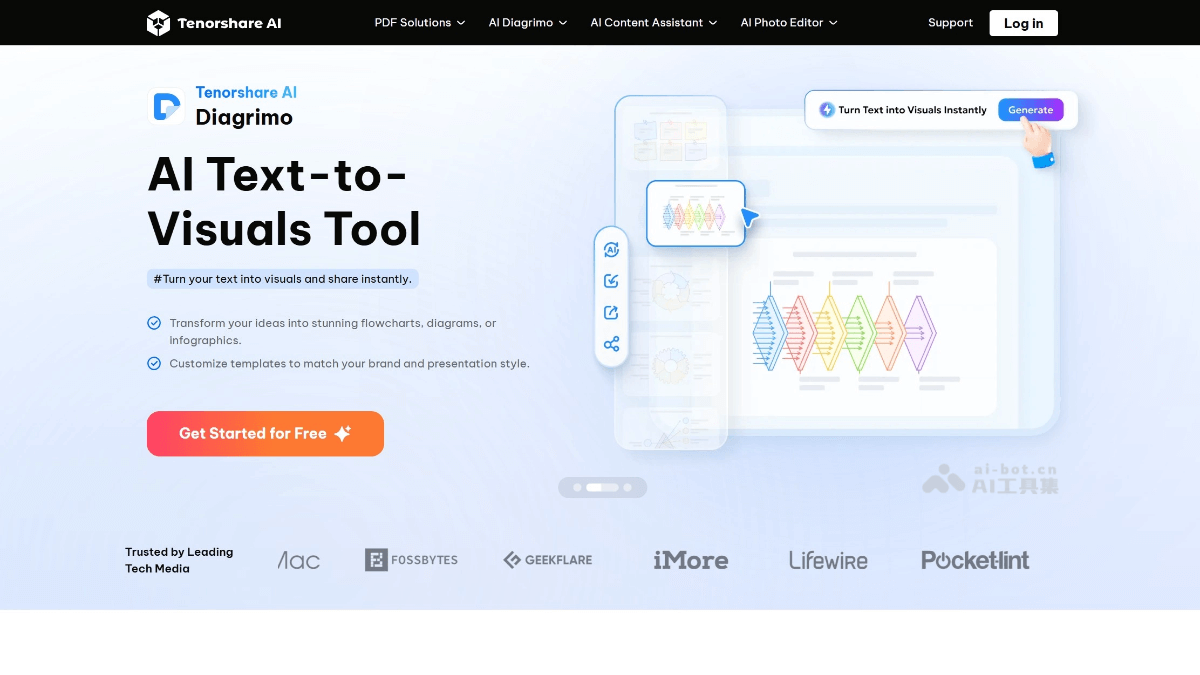
Diagrimo's main features
-
AI text-to-chart: Quickly convert text content into intuitive visual charts, helping users clearly present complex information.
-
Custom styles: Provides a variety of chart styles for users to choose from, meeting different scenarios and needs.
-
Content optimization: Built-in AI assistant can polish and simplify text, automatically correct grammar and spelling errors, and improve copy quality.
-
Export and share: Supports exporting charts to multiple formats (such as PNG, PDF), and quickly sharing them with others via links.
-
Auto-save: Automatically saves files during the user's creation process, ensuring progress is safe without the need for manual saving.
How to use Diagrimo
- Visit the platform: Visit the Diagrimo official website to register or log in to your account.
-
Enter text content: Enter the text to be converted into a chart in the workspace. Diagrimo's AI assistant will help polish and optimize the content.
- Choose and change styles: Choose one from the various chart styles provided. If needed, you can change the style at any time to better match the content.
-
Generate visual charts: Click the generate button, and Diagrimo will quickly generate the corresponding visual chart based on the input text content.
-
Export or share the chart: After completing the chart, click the Export iconin the upper right corner of the chart box to export the chart as a PNG image. Click the Export iconin the upper right corner of the workspace toolbar to export the chart as a PDF file in A4 format. Click the Copy Share Link icon at the top of the page to copy the chart link and share it with others.
-
Optimize content: Use Diagrimo's AI assistant feature to polish, simplify, grammar-check, and otherwise improve the text content, enhancing the overall quality.
Diagrimo's application scenarios
-
Education: Used to create teaching courseware, study notes, and mind maps, helping students and teachers present knowledge structures more intuitively.
-
Business reporting: Quickly generate professional charts for creating business presentations, project reports, and market analyses, improving reporting efficiency and visual effects.
-
Content creation: Assists creators in converting text content into visual charts for creating blogs, social media graphics, and infographics, enhancing content appeal.
-
Personal learning and planning: Helps individuals organize notes, plan tasks, and summarize knowledge, clarifying thoughts more clearly through diagrams.
-
Team collaboration: Team members can share and edit diagrams, collaborate in real time, and improve team communication and project progress efficiency.

