

What is iFlytek Documents
iFlytek Documents is anAI official document writing assistantlaunched by iFlytek, providing full-process writing assistance. It features powerful material preparation capabilities, covering sample essay libraries on multiple topics such as Party building and meetings, and can search online for hot topics and selected memorable quotes. In terms of writing, it supports generating first drafts in more than 30 document types, such as work reports and reflections, and provides a "write from a draft" feature that can quickly generate documents in a consistent style based on sample essays. The review and proofreading feature can accurately identify textual errors, factual errors, and content risks, ensuring documents are standardized and accurate. The smart recording and notes feature can convert meeting recordings into text, automatically distinguish speakers, and extract meeting minutes. The text-to-image feature makes content production richer and more diverse. Civil servants, corporate employees, educators, or individual users can use iFlytek Documents to improve writing efficiency and quality and easily handle various document tasks.
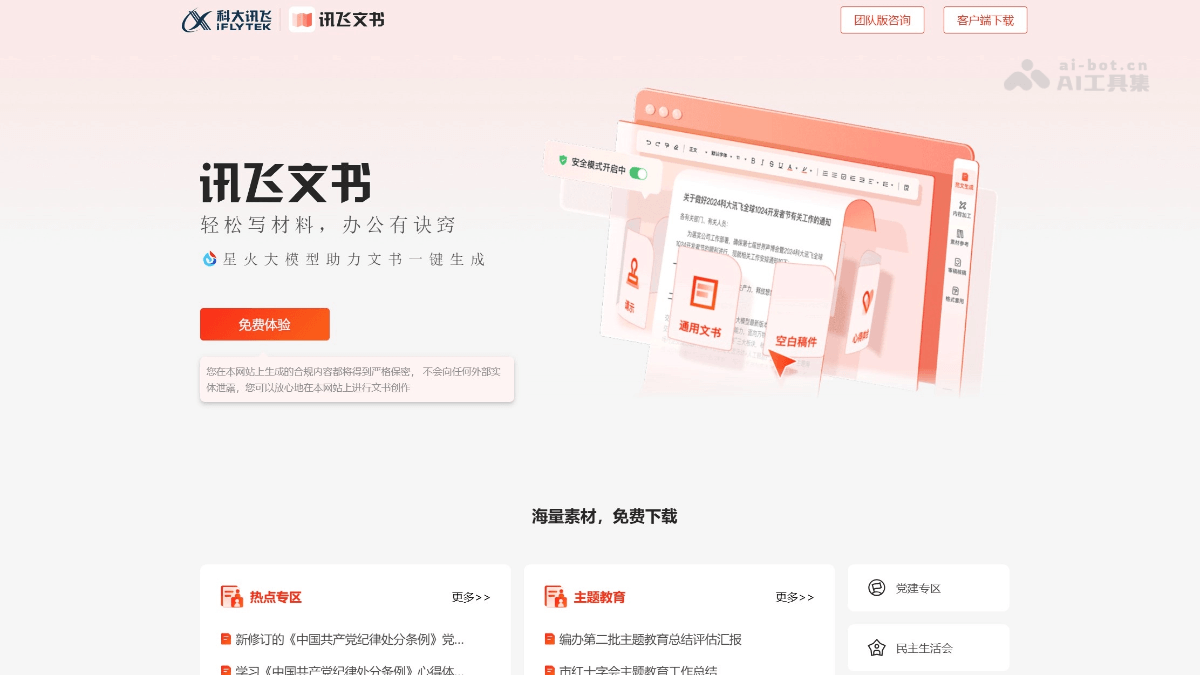
Main features of iFlytek Documents
-
Material preparation: Provides a rich topic library and sample essays by document type, supports online searches for the latest policy hot topics and selected memorable quotes, and helps users quickly accumulate writing materials.
-
Draft writing: Can automatically generate first drafts in more than 30 document types, such as work reports and reflections, and provides a "write from a draft" feature to quickly generate documents that match a specific style based on sample essays.
-
Review and proofreading: Has intelligent proofreading capabilities, accurately identifies textual errors, factual errors, and content orientation risks, and ensures document formatting is standardized and content is accurate.
-
Smart recording and notes: Supports converting meeting recordings to text, automatically distinguishes speakers, extracts meeting minutes, and generates to-do items, improving meeting record efficiency.
-
Text-to-image feature: Adds text-image mixed layout capability, helping users complete image-and-text content creation in one stop and improving the readability and appeal of materials.
How to use iFlytek Documents
-
Visit the official website: Log in to the iFlytek Documents official website https://gw.iflydocs.com/ , register, and create an account.
-
Select a feature: According to your needs, select functional modules such as material preparation, draft writing, review and proofreading, smart recording and notes, or text-to-image.
-
Enter requirements: Enter specific requirements in the corresponding module, such as writing topic, document type, or upload related files.
-
Generate content: The system generates corresponding results based on the input, such as a writing first draft, proofreading report, or recording-to-text content.
-
Edit and adjust: Further edit and adjust the generated content to meet actual usage needs.
-
Save and export: After editing is complete, save or export the document for subsequent use or sharing.
Example 1: Invitation letter
Invitation letter type: Official
Invitation letter title: Invitation Letter for a School's Graduate Job Fair
Invitees: Leaders of employers
Reason for invitation: In view of your organization's influence in the industry and demand for talent, we sincerely invite you to attend this job fair.
Other information: Time, location, inviter, specific matters.
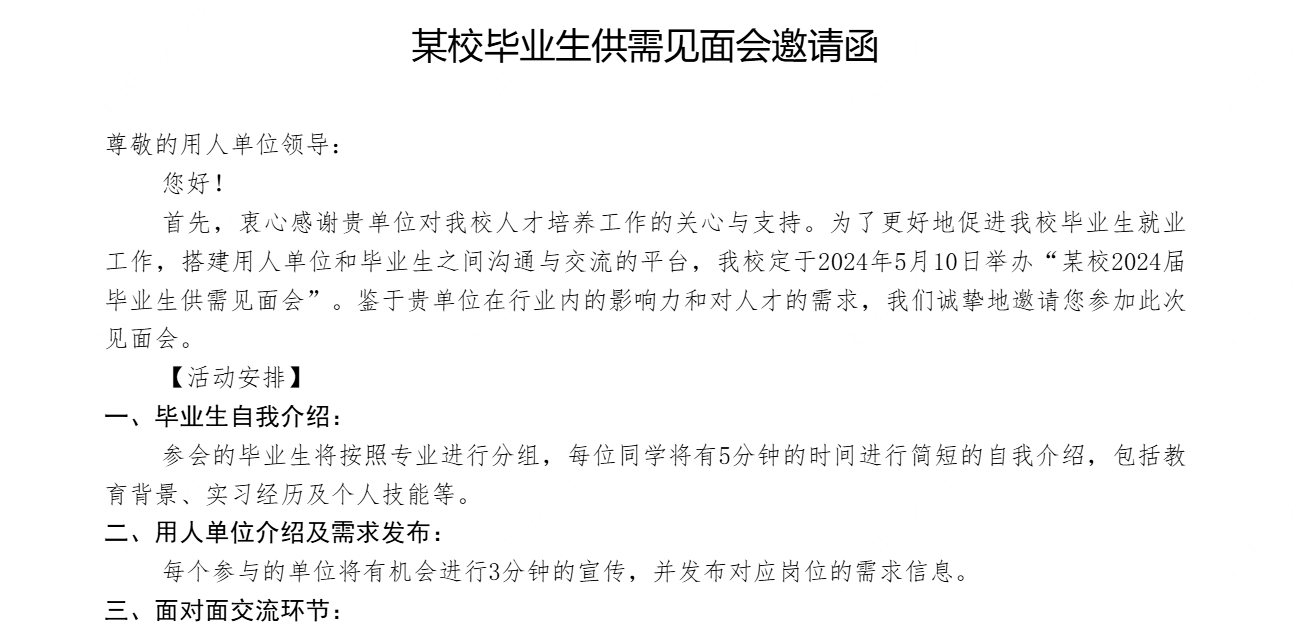
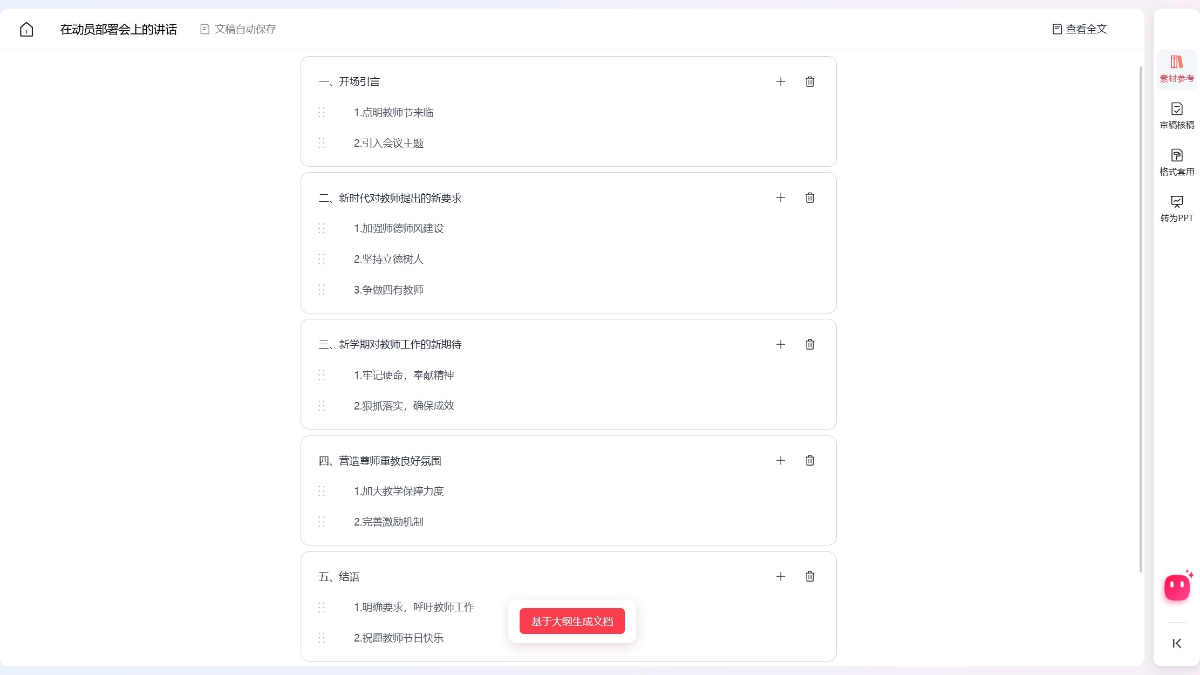
Example 2: Speech draft
Speech at the Teachers' Day mobilization and deployment meeting, generate an outline
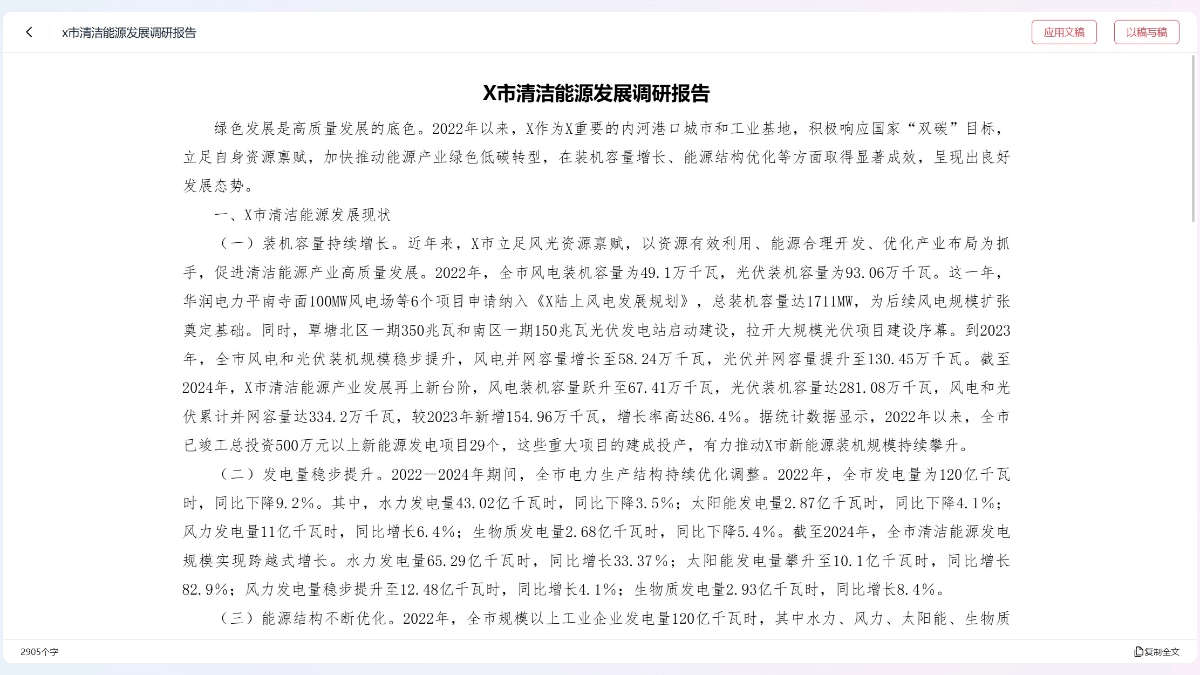
Example 3: Research report
Research Report on Clean Energy Development in City X
Application Scenarios of iFlytek Documents
-
Government and Public Institutions: Used for drafting official documents, work reports, meeting minutes, etc., to improve the efficiency of official document processing and ensure format standardization and content accuracy.
-
Corporate Office: Assists in drafting business reports, project plans, meeting summaries, etc., to improve work efficiency and optimize document quality.
-
Education Sector: Helps teachers write teaching plans, lesson plans, student comments, etc., reducing the burden of teaching documentation work.
-
Financial Industry: Supports the writing of financial analysis reports, market research reports, etc., enabling rapid data organization and the writing of professional documents.
-
News and Media: Assists journalists in organizing interview recordings and writing news articles, rapidly generating content and improving writing efficiency.
-
Personal Learning and Work: Such as students writing papers, job seekers preparing resumes, individuals drafting work reports, etc., providing writing assistance and proofreading functions.


