

What is MindShow
MindShow is anAI online PPT generation toolthat uses large models and intelligent algorithms to quickly convert text, Word, or Markdown content into professional presentations. After users input a topic or document content, MindShow can generate clear, professionally designed slides within 30 seconds, suitable for business, education, and many other scenarios. It supports multilingual translation, automatic image design, multi-format import, and other features. MindShow is suitable for business professionals, teachers and students, designers, marketers, and multinational teams, and can greatly improve work efficiency.
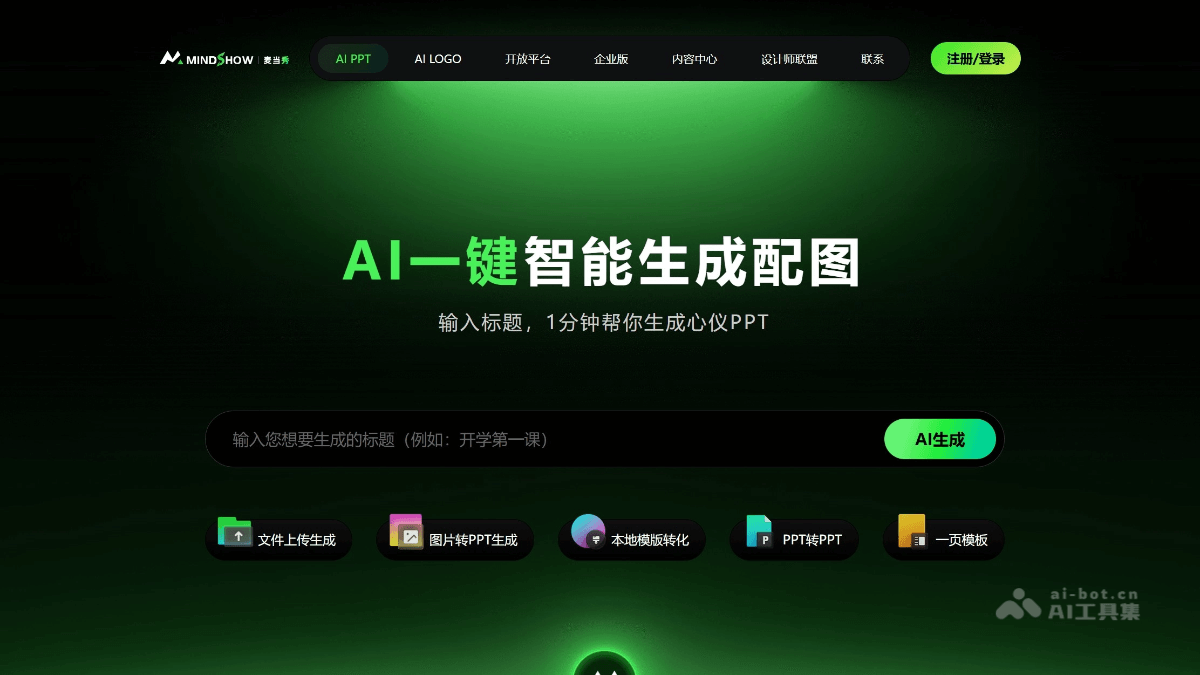
Main features of MindShow
-
One-click PPT generation: Users input a title or keywords, and the system quickly generates a complete PPT, including text, layout, images, and other elements, suitable for many scenarios.
-
Multi-format content import: Supports importing content from text, Word, Markdown, PDF, TXT, mind maps, and many other formats, making it easy for users to quickly consolidate materials.
-
Smart translation: Provides smart translation features that can translate document content into multiple languages while preserving the original layout, meeting internationalization needs.
-
Automatic image design: Automatically generates matching images based on PPT content or keywords, enhancing the visual effect of the presentation.
-
Rich templates and themes: Provides a variety of PPT templates and themes that users can choose according to their needs, quickly creating personalized presentations.
-
Online collaborative editing: Supports online collaboration among multiple people, allowing team members to share and edit presentations in real time, improving team collaboration efficiency.
How to use MindShow
-
Register and log in: Visit the MindShow official website https://www.mindshow.vip/ , scan the WeChat QR code or register an account with a mobile phone number. New users can receive free generation credits.
-
Create or import content: Enter the core topic in the creation interface or upload a document (such as Word, Markdown, PPT, PDF, etc.), and the system will automatically generate PPT content.
-
Edit and customize: Edit and customize the generated PPT, such as adjusting the layout, changing templates, adding animations, inserting images and charts, and more.
-
Smart feature optimization: Use the "Smart Image Matching" feature to replace materials in batches, or enable the "Design Guidelines" feature to lock in brand fonts and color schemes.
-
Export and present: After editing is complete, the PPT can be exported as PPTX or PDF, or presented directly online, with support for presenter view.
Who MindShow is suitable for
-
Business professionals: Quickly create high-quality business reports and meeting presentations, saving time and enhancing professional image.
-
Educators: Teachers and trainers can easily create course presentations, and students can also use it to create academic reports or project showcases.
-
Marketers: Create promotional materials, market analysis reports, and brand promotion presentations, improving work efficiency and content appeal.
-
Project managers: Quickly generate project progress reports and team reporting materials, facilitating team communication and project advancement.
-
Administrative staff: Create daily work reports, meeting minutes, etc., reduce repetitive work, and improve work efficiency.
-
Creative designers: Use its templates and design features to quickly generate creative presentations and inspire ideas.

