

What is Morisot
Morisot is anAI image generation toolthat doesn't require complex prompts. Just enter a vague idea or upload a reference image, and it can generate a full screen of images in diverse styles within 10 seconds. Users can iteratively refine the images through intuitive choices and simple instructions to ultimately achieve a satisfactory visual effect. Morisot is suitable for users who find it difficult to precisely describe their needs in words, lowering the barrier to AI drawing, and is applicable to various scenarios such as interior design, creative ideation, and social media graphics.
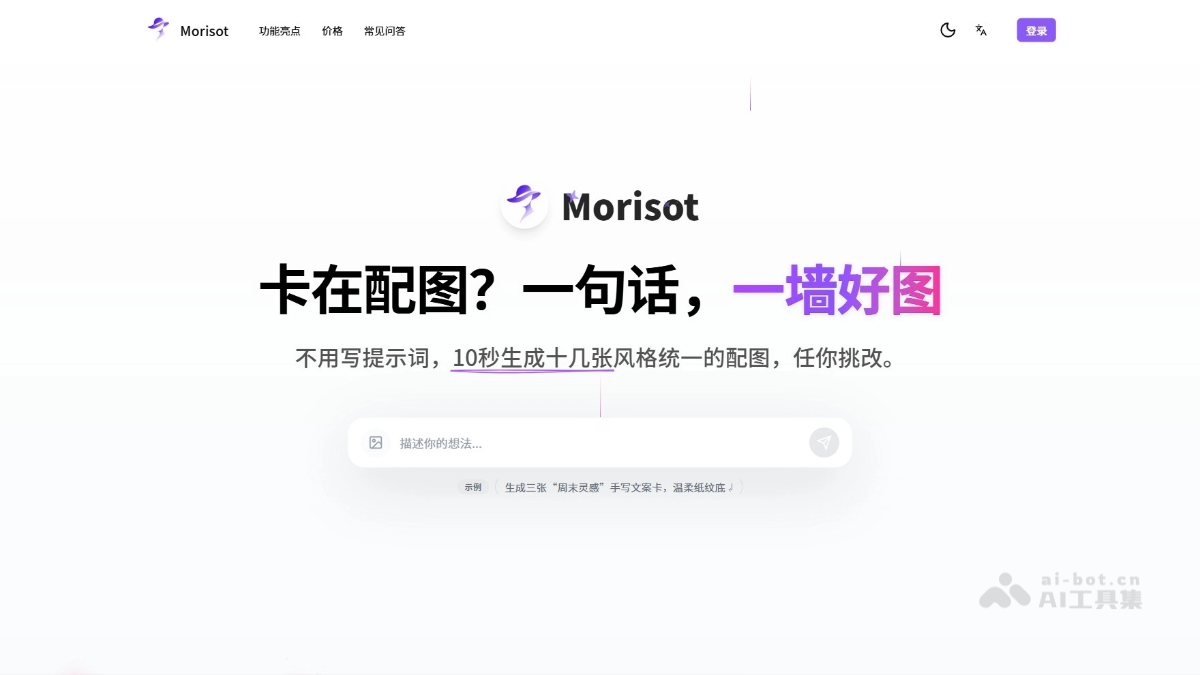
Morisot's main features
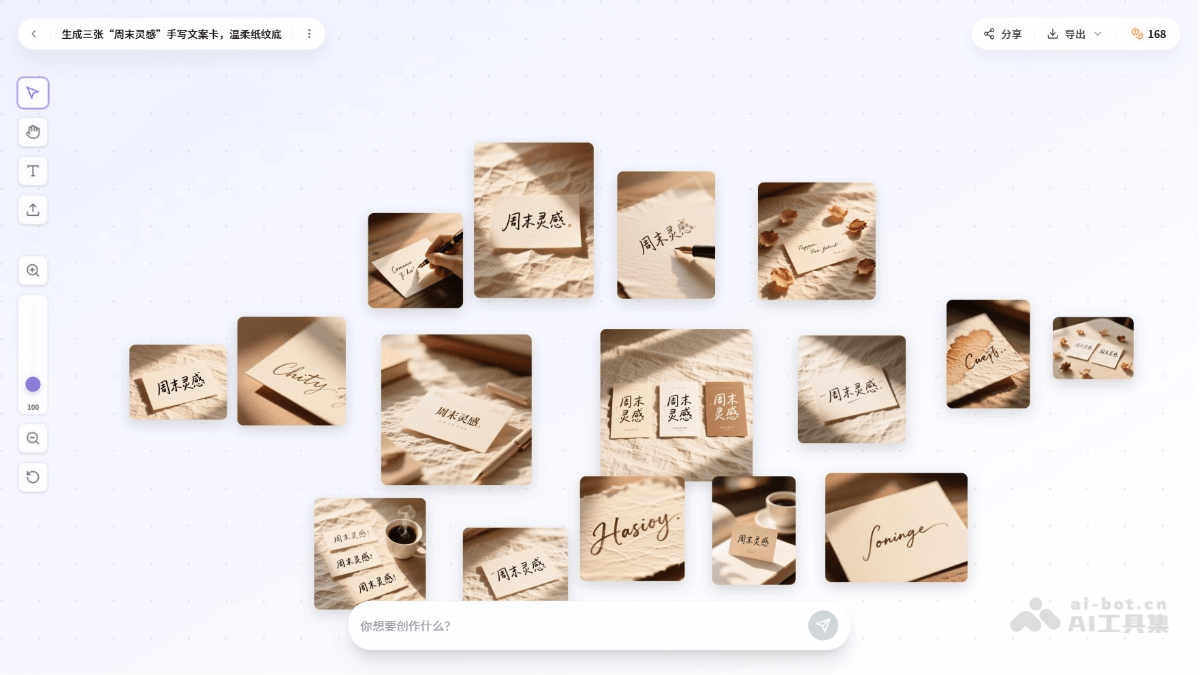
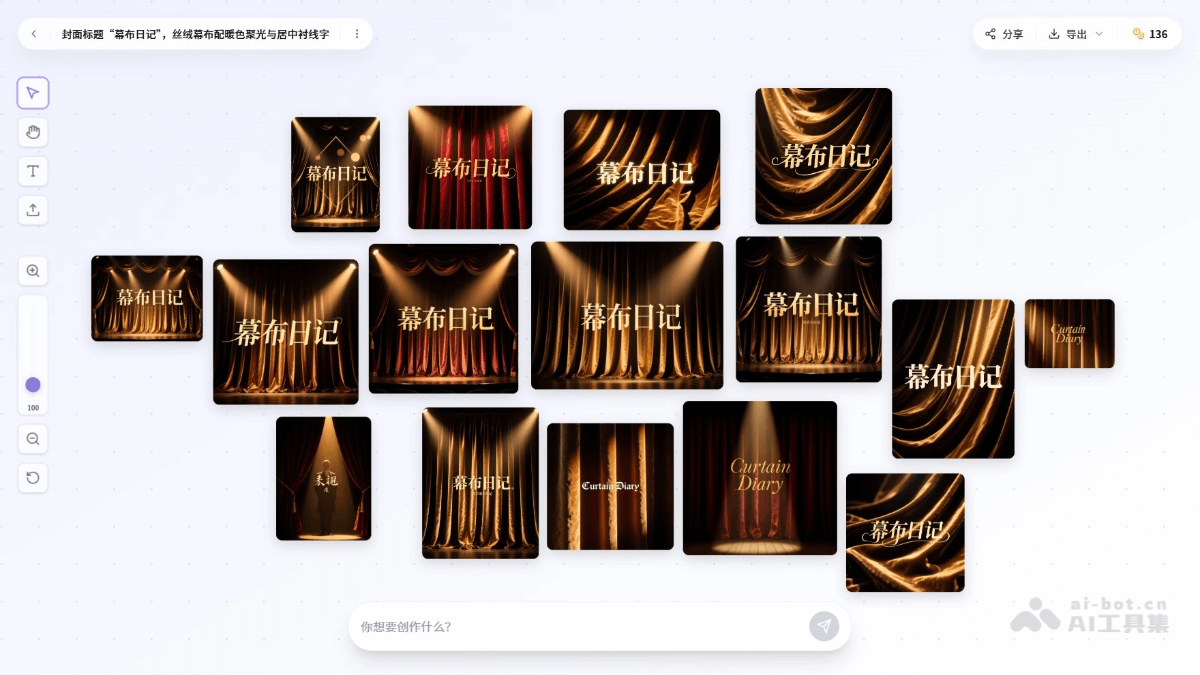
- Rapid generation of diverse images: Users enter a vague idea or upload a reference image, and Morisot can generate a full screen (e.g., 16 images) of professional images in different styles within 10 seconds, covering multi-dimensional perspectives such as overall atmosphere, details, materials, and layout.
- Selection and editing: Users can intuitively select images they like and further edit and optimize them through simple instructions (e.g., "add a sofa," "make the colors more sophisticated").
- Infinite canvas and creative combinations: Provides a boundless creative space where users can drag, zoom, rotate, and combine images, and supports one-click fusion of multiple selected images to spark more inspiration.
- Style-consistent output: AI automatically infers the palette, lighting, and materials, and the generated images have a consistent style that can be used directly in design proposals, brand planning, or client presentations without manual adjustment.
- Sharing and collaboration: Users can share the canvas with friends or team members, making collaboration and feedback easy.
How to use Morisot
-
Visit the website: Visit the Morisot official website https://morisot.ai/ and sign up or log in via email or social media account.
-
Enter an idea or upload an image: Enter a vague idea (e.g., "late autumn hutong") in the input box on the homepage, or upload a reference image.
-
Generate images: Click the generate button, and Morisot will generate a full screen (about 16 images) of diverse-style images within 10 seconds.
-
Select and edit: Browse the generated images, click on an image you like to enter edit mode, and adjust the picture with natural language instructions (e.g., "add a sofa").
-
Iterative optimization: Continue adjusting as needed; Morisot optimizes the image according to the instructions while maintaining style consistency.
-
Save and share: After editing is complete, you can save the image or click "Share" to generate a canvas link and share it with others for viewing.
Morisot usage examples
Prompt: Generate three "weekend inspiration" handwritten copy cards with a gentle paper texture background.
Prompt: Cover title "Curtain Diary," with a velvet curtain paired with warm spotlight and centered serif text.
Morisot product pricing
-
Morisot Plus: $14 per month, $168 billed annually. Includes 2,000 credits/month (about 1,000 images), providing commercial licensing, priority email support, and the fastest render queue.
-
Morisot Pro: $28 per month, $336 billed annually. Includes 5,000 credits/month (about 2,500 images), providing public image display, commercial licensing, priority email support, and the fastest render queue.
-
Morisot Max: $70 per month, billed annually at $840. Includes 20,000 credits per month (about 10,000 images), public image display, commercial licensing, priority email support, and the fastest render queue.
Morisot's Use Cases
-
Interior Design and Renovation: Enter photos of an unfinished apartment or describe the renovation style to quickly generate multiple renovation plans, helping users choose the design direction they like.
-
Social Media Images: Morisot generates multiple images in different styles based on copywriting needs, making it easy for users to choose a suitable image.
-
Creative ideation and inspiration: With only a vague idea as input, Morisot can generate multiple creative images to help users quickly find a direction for inspiration.
-
Product Design and Packaging: Upload a product sketch or describe the requirements, and Morisot can generate multiple design styles for preliminary exploration of product appearance design or packaging solutions.
-
Advertising and Marketing: Users enter an advertising theme, and Morisot can generate multiple visual effects to satisfy a variety of advertising creative needs.


