

What is Marble
Marble is a 3D world generation platform launched by World Labs that can generate high-fidelity, persistent 3D worlds from simple text descriptions, images, videos, or 3D structures. Marble supports multiple input methods, including text prompts, single or multiple images, panoramas, videos, and basic 3D layouts. Marble provides powerful editing features such as panorama editing, click-to-extend, and generating world variants to help users finely adjust their creations. Marble supports exporting generated worlds in multiple formats for web sharing, VR experiences, or development assets. Marble is suitable for artists, designers, and anyone interested in 3D world creation.
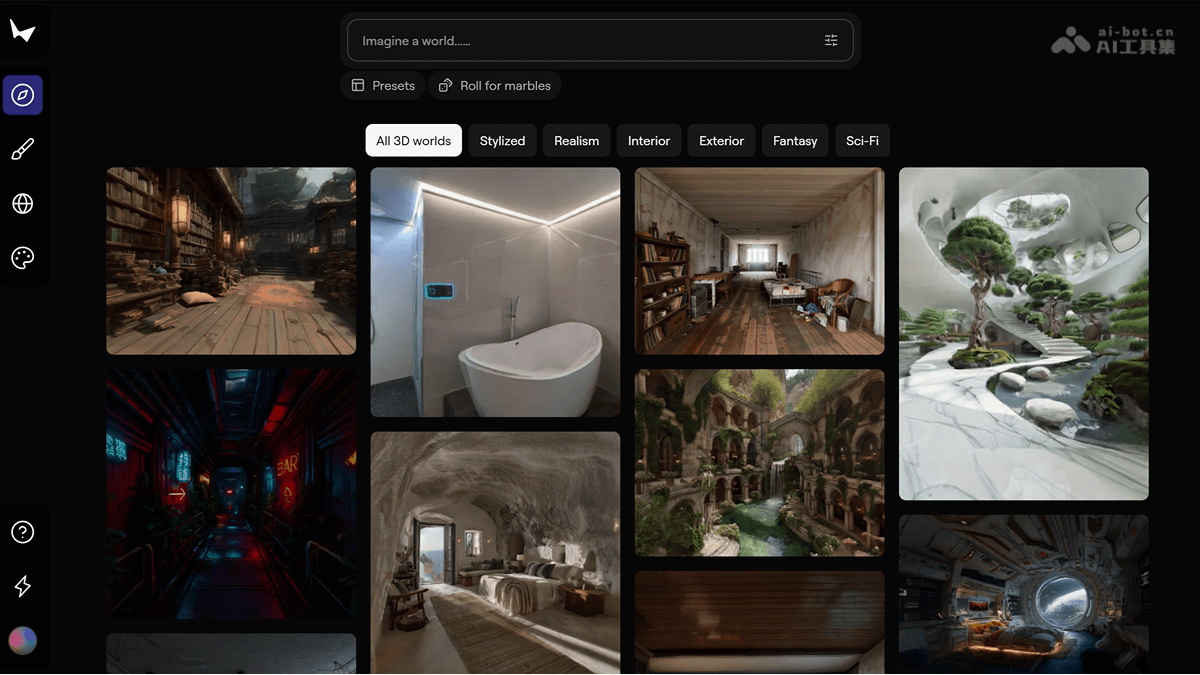
Marble's main features
- Multimodal input: Supports multiple input methods, including text descriptions, a single image, multiple images, videos, panoramas, and basic 3D layouts. Users can choose the most suitable input method according to their needs to quickly generate 3D worlds.
- AI-native editing: Provides powerful AI editing features, allowing users to make local modifications, replace objects, adjust styles, or perform large-scale structural adjustments to generated 3D worlds through natural language descriptions, achieving precise creative expression.
- World expansion and composition: Supports one-click expansion of world boundaries, automatically filling in more content and optimizing details in edge areas. Users can seamlessly stitch multiple worlds together through composition mode to build larger-scale environments.
- Chisel tool: The Chisel tool supports users in building 3D frameworks using basic geometric shapes (such as cubes and planes), and AI automatically fills in details based on the style description provided by the user. The same framework can generate worlds in multiple different styles, greatly improving creative flexibility.
- Full-format export: Supports export in multiple formats, including Gaussian Splats, Triangle Meshes, and video. Exported models can be used directly in game engines, VR devices, or other professional tools, meeting the needs of different application scenarios.
- Dynamic effect enhancement: Supports automatically adding dynamic effects (such as smoke, fire, water flow, etc.) when exporting videos, enhancing the realism and visual appeal of the scene.
- Real-time rendering and preview: Marble provides a Gaussian Splat format that supports real-time rendering and preview of 3D worlds in the browser, allowing users to quickly view and adjust generated worlds.
How to use Marble
-
Register and log in: Visit the Marble official website https://marble.worldlabs.ai/ , register an account and log in to start creating.
-
Choose a creation method: Generate 3D worlds through multiple input methods such as text, images, videos, panoramas, or 3D structures.
-
Generate a world: Based on the input, Marble quickly generates a preliminary 3D environment.
-
Edit the world: Use features such as panorama editing, click-to-extend, or generating variants to finely adjust and optimize your 3D world.
-
Studio tools: Combine multiple worlds or record dynamic videos to create more complex environments and presentation effects.
-
Export the world: Choose from multiple export formats such as web sharing, VR experiences, development assets, or 3D printing to meet different needs.
-
Explore and learn: Browse community works for inspiration and improve your creative skills.
-
Share your world: Share creative results with others or use them to showcase creative ideas in professional projects.
Examples of Using Marble
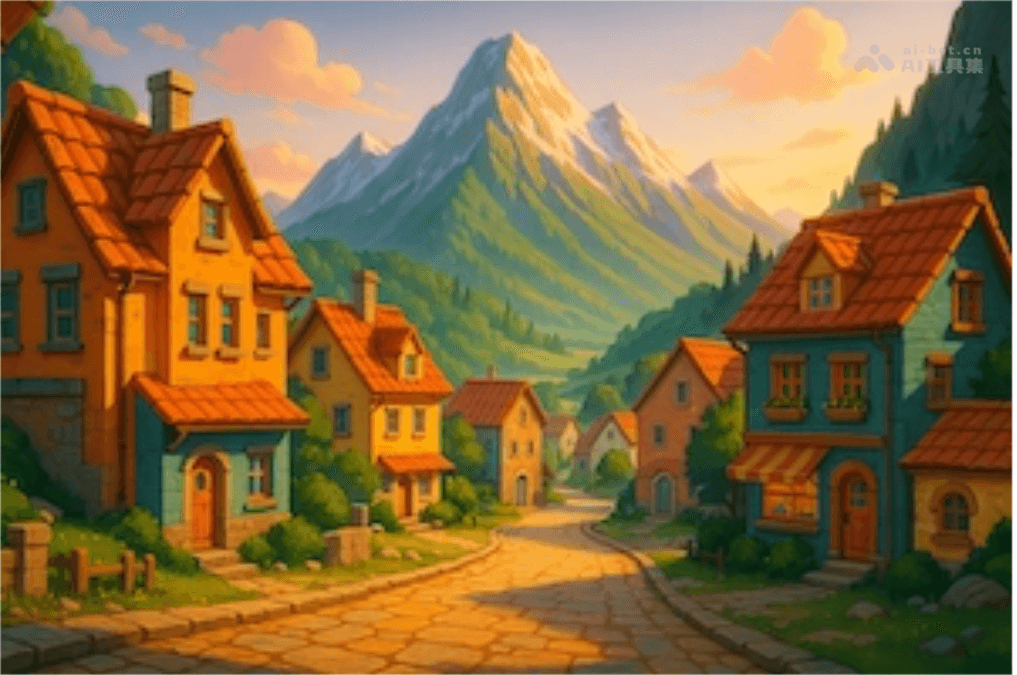
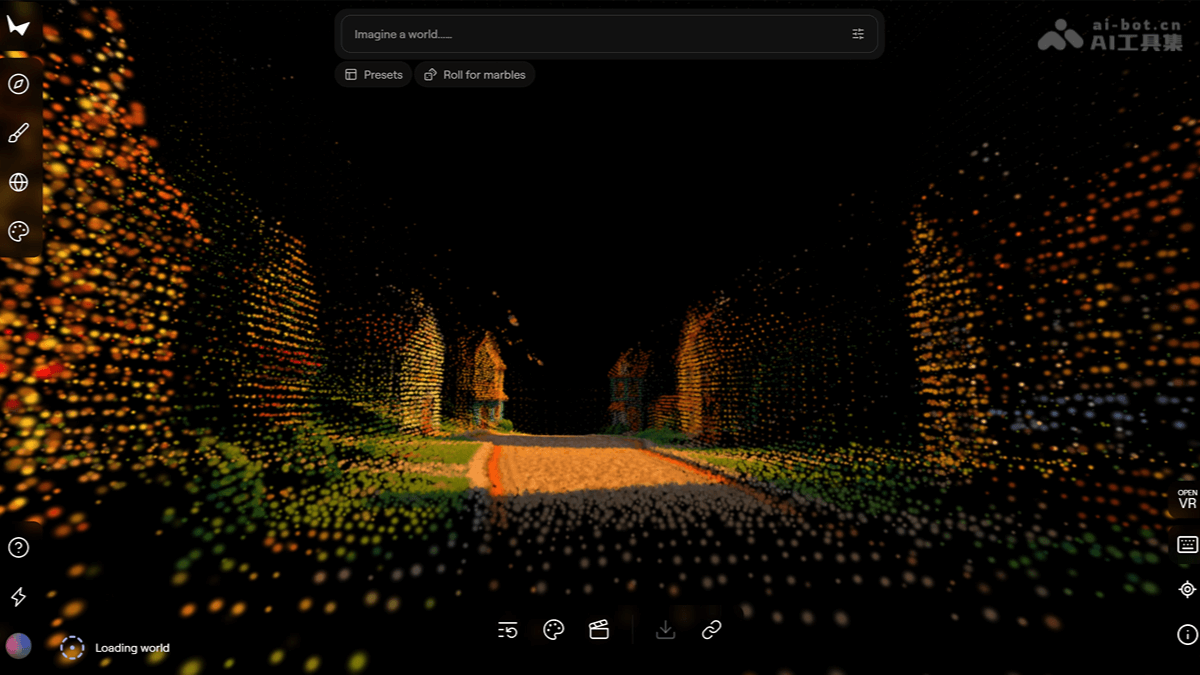
Single Image Prompt
- Original Image
- Generated Result:
Text Prompt
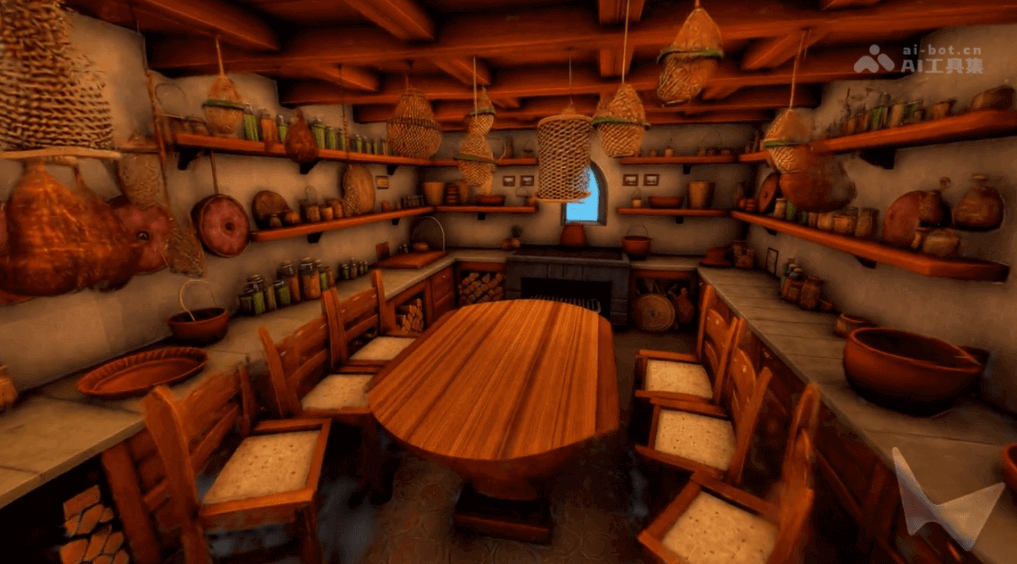
- Text Prompt: A detailed, lived-in hobbit kitchen filled with woven baskets and copper kettles, awash in calm pale-blue daylight and soft ambient shadow.A finely arranged and lively hobbit kitchen, filled with woven baskets and copper kettles, bathed in soft pale-blue daylight and faint shadows.
Marble's Product Pricing
-
Free Plan: Provides 7,000 credits per month, generates up to 4 worlds, including text input, image input, and 360-degree panoramic input.
-
Standard Plan: $20 per month, provides 20,000 credits, generates up to 12 worlds, including all features of the Free Plan, plus multi-image input, video input, advanced creative workflow editing, and "Chisel" mode 3D layout control.
-
Pro Plan: Limited-time offer of $1 for the first month, then $35 per month, provides 40,000 credits, generates up to 25 worlds, including all features of the Standard Plan, plus expanding worlds to larger spaces, enhanced rendered video output, and exporting high-resolution texture meshes.
-
Premium Plan: $95 per month, provides 120,000 credits, generates up to 75 worlds, including all features of the Pro Plan, and comes with commercial usage rights.
Marble's Application Scenarios
-
Game Development: Quickly generate game backgrounds and scenes, provide game designers with rich 3D environment resources, and accelerate the game development process.
-
Film and Television Production: Used for building scene previews and shot planning, helping film and television teams quickly realize creative ideas and save time and cost.
-
Architectural Design: By generating building interior and exterior environments, it helps architects quickly showcase design proposals and improve design efficiency.
-
VR and AR Experiences: Create immersive virtual environments for direct use in VR devices or AR applications, enhancing the user experience.
-
Education and Training: Build virtual teaching scenes, such as historical scene recreations or scientific experiment environments, improving the interactivity and fun of teaching.


