

What is GemDesign
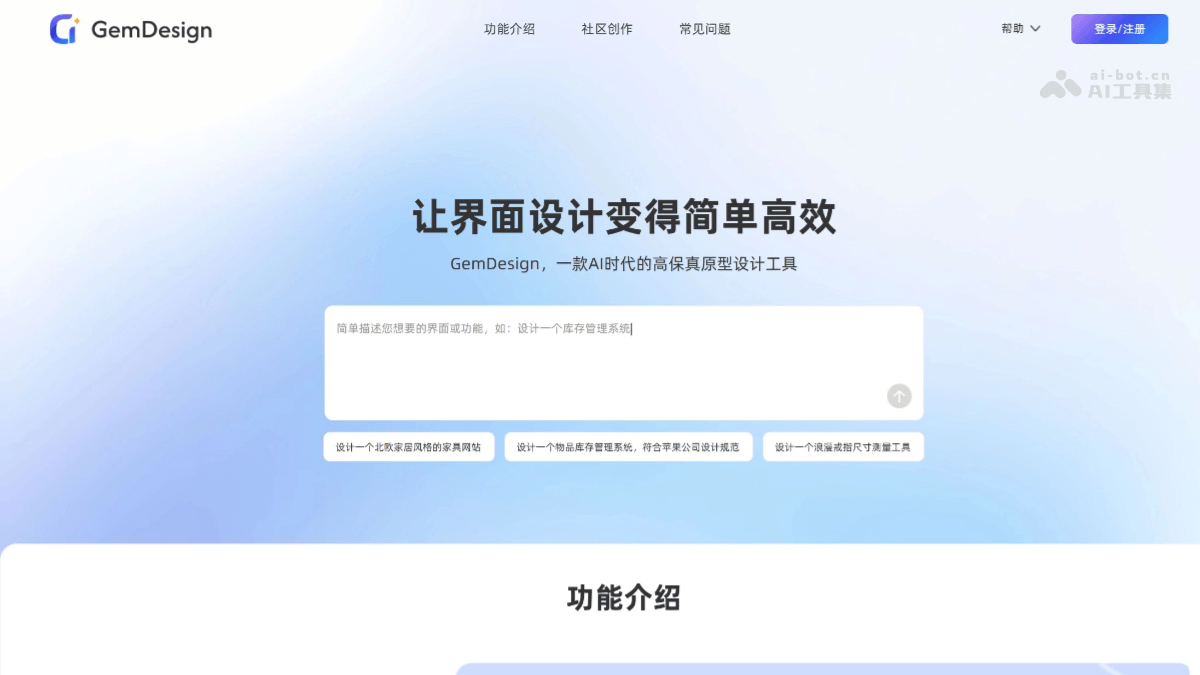
GemDesign is an AI-native high-fidelity prototyping tool. As a rising new star among AI prototyping tools, it helps users quickly turn ideas, sketches, or requirement content into interactive, high-fidelity prototypes or professional design interfaces. GemDesign can generate from text descriptions or uploaded sketches, and supports flexible editing and style inheritance, giving designs both aesthetics and consistency. GemDesign can make intelligent associations, automatically filling in interaction gaps and requirement loopholes to help users refine their designs. It supports one-click export of files in various formats, including front-end code, making it easy to integrate into existing workflows for fine-tuning and reducing communication costs with technical teams. It is suitable for many groups, including product managers, project managers, independent developers, entrepreneurs, and marketers.
Main Features of GemDesign
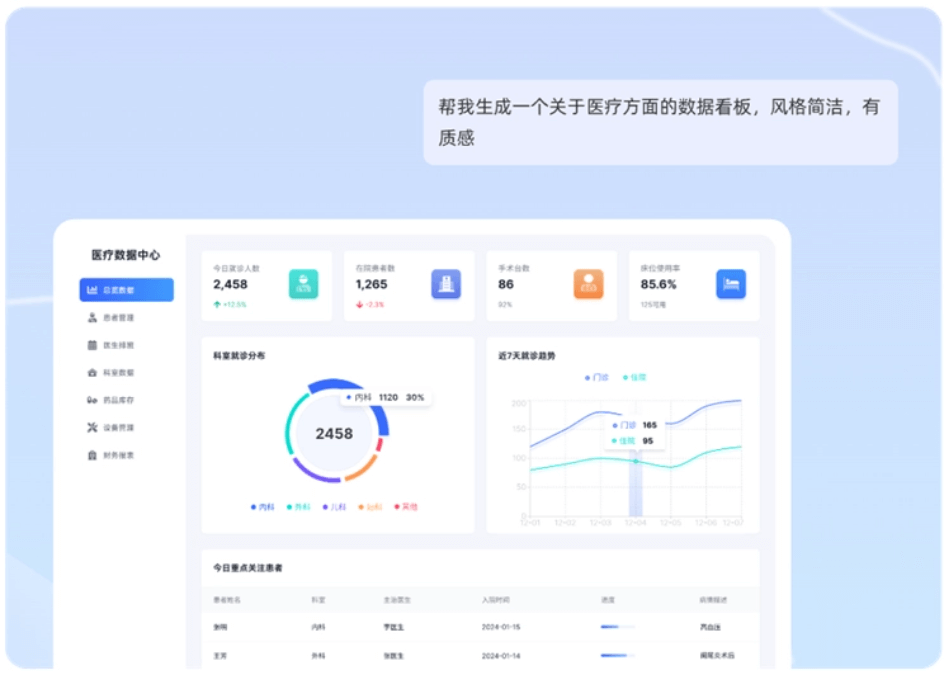
- Text-to-interface (AI-generated prototype): Users input a text description to quickly generate a design interface without manual drawing.
- Image-to-interface (AI draws prototypes): Upload a sketch or reference image, and GemDesign will intelligently parse and transform it into a polished design interface.
- Interactive prototype: Through simple commands, static designs can be turned into interactive high-fidelity prototypes, with support for adding links and click effects.
- Flexible editing: It can understand modification requests and automatically adjust designs, while also providing a powerful and intuitive manual editing mode. Generated content can be precisely adjusted like in traditional design tools, so there is no fear of clients changing requirements.
- Unified style: Supports referencing pages or reusing content blocks, making it easy to keep the overall design style of an application consistent.
- Powerful export: One-click export files in various formats or front-end code, enabling cross-platform/offline review, collaboration, and delivery, and reducing communication costs with the team. Easily import into online or offline platforms such as Figma, Axure, and Sketch for UI fine-tuning, seamlessly fitting into product managers' existing workflows.
- Intelligent completion: Automatically fills in common blind spots such as interaction gaps and requirement loopholes, helping users refine their designs.
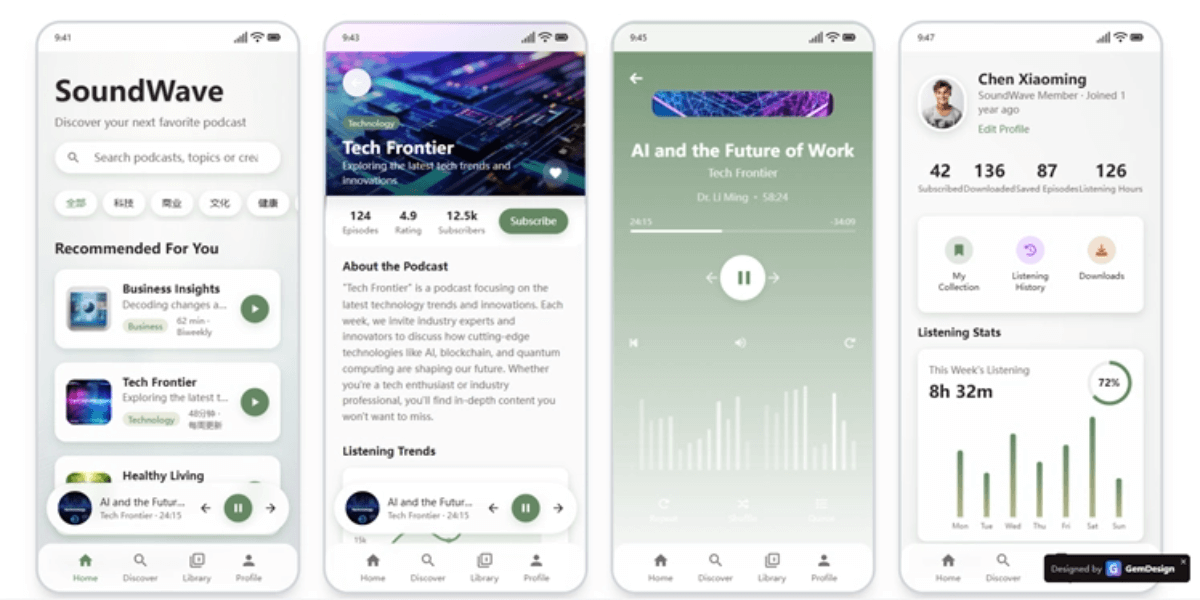
- Multi-device support: Supports screen sizes for multiple devices such as WEB, mobile phones, and tablets.
How to use GemDesign
- Register/Log in: Visit the GemDesign official website https://design.gemcoder.com/ , register a new account or log in to your account.
- Enter description: After logging in, on the new page, enter the description, keywords for the content you want to generate, or upload an image for reference. The description can be for software applications, backend systems, APPs, official websites, landing pages, etc.
- Generate content (AI-generated design image): Click the generate button, and AI will generate an image or video based on the description.
- Edit and optimize: The generated prototype supports further editing and optimization to meet requirements, and can be adjusted using GemDesign's editing mode.
GemDesign Product Pricing
- Free version: Users can get 50 credits per month.
- Basic membership: Priced at 25 yuan/month, with 600 subscription credits per month; annual subscription is 10% off for a limited time.
- Professional membership: Priced at 45-168 yuan/month, with 1320~5000 subscription credits per month; annual subscription is 10% off for a limited time.
- Credit package: Prices start at 10 yuan, get 150 credits, valid permanently.
- Credits Explanation: Credits can be used for AI generation and AI editing prototypes; a single generation/edit costs only 2 credits. Limited-time event: invite friends to register and get permanent credits.
GemDesign Use Cases
- Requirement Communication and Demonstration: Project managers can quickly turn client requirements into interactive prototypes and promptly deliver demonstration demos, making requirement communication and confirmation more efficient.
- Product Design and Development: Product managers can quickly turn ideas into high-fidelity prototypes for requirement reviews and team communication, accelerating the product development process.
- Entrepreneurship and Project Demonstration: Entrepreneurs can create interactive demonstration prototypes at low cost to attract investors or show product concepts to early users.
- Marketing and Advertising Production: Marketers can quickly generate designs such as marketing campaign pages and landing pages, improving design efficiency and reducing communication costs with the design team.
- Education and Learning: Educators and students can quickly generate design prototypes, learn the product design process, and practice design ideas.
- Design Exploration and Optimization: UI/UX designers can quickly conceive and explore design directions, as a supplement to design drafts, suitable for the early concept stage.
Who GemDesign Is For
- Product Managers: Quickly turn product ideas into high-fidelity prototypes for internal communication, requirement reviews, or early user testing, without waiting for designer resources.
- Startup Founders: Validate product concepts at low cost and with high efficiency, and create interactive demonstrations that attract investors or early users.
- Project Managers: Define project requirements and visual goals more clearly, promote team alignment, and accelerate development kickoff.
- Marketers: Quickly create high-fidelity previews of marketing campaign pages, landing pages, or advertising materials, making it convenient to communicate with design and development teams.
- UI/UX Designers: For quickly conceiving and exploring design directions, or as a supplement to design drafts (especially in the early concept stage).
- Business Professionals: Create professional product demonstrations or proposal materials.


