

What is Kezan AI
Kezan AI is an intelligent document processing tool focused on office scenarios. Its core advantage lies in integrating AI automatic generation and visual presentation functions, making document creation and information organization more efficient. It can intelligently identify key information in imported existing documents or AI-generated content, and transform complex data, project context, meeting key points, etc. into intuitive forms such as charts, legends, knowledge cards, and mind maps. Users only need to click the generate button on the left side of a paragraph to quickly obtain various text illustrations, without relying on other drawing tools.
Kezan AI supports one-click output of standardized annotation legends. It can not only automatically identify text elements to generate corresponding legends, adapt to multiple types and multiple project scenarios, and provide personalized attribute adjustment functions, including custom modification of outline content, built-in color reference, and one-click color change, ensuring that legends accurately match text content, further improving the information visualization effect and making office work easier and more efficient.
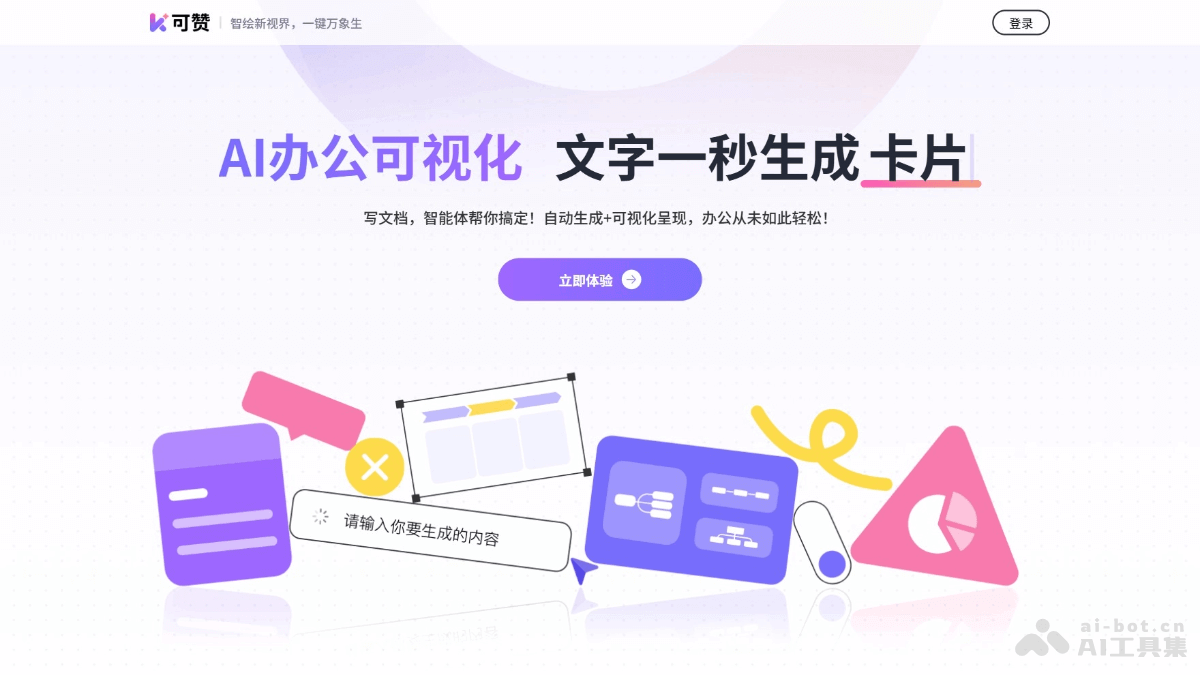
Main functions of Kezan AI
-
One-click chart generation: Quickly convert data in text into professional visual charts, automatically match the most suitable chart types and templates, support multiple format outputs, and facilitate compatibility with common office software.
-
Generate knowledge cards: Automatically adapt card styles to the needs of different scenarios. Users can adjust content and layout as needed to present key knowledge points in a more professional and readable form.
-
Intelligently extract information to generate mind maps: Automatically extract the structure of text information and generate structured mind maps, helping users sort out ideas and organize materials, supporting free expansion of levels and nodes, and intuitively grasping the context of content.
-
Personalized customization: Provides a variety of built-in color schemes and supports one-click color replacement. Users can quickly adjust the visual effect of generated content to meet personalized needs.
How to use Kezan AI
-
Visit the official website: Visit the Kezan AI official website https://kezign.cn/ and register and log in to your account.
-
Create or import a document: On the editing page, choose to create a new document or import an existing document.
-
Generate visual content: Click the generate button on the left side of a paragraph to convert text into legends, charts, knowledge cards, mind maps, etc.
-
Edit and customize: Adjust the generated visual content, such as modifying colors, layout, etc.
-
Export and share: After editing is complete, export the document in the required format or share a link.
Application scenarios of Kezan AI
-
Document writing: Quickly write reports, summaries, plans, and other documents, using AI to automatically generate content and improve writing efficiency.
-
Data analysis: Visually display complex data through charts, legends, and other forms for easy understanding and analysis.
-
Project management: Use mind maps and flowcharts to plan project progress, sort out tasks and resource allocation, and improve the clarity and efficiency of project management.
-
Meeting notes: Quickly record key points during meetings and convert them into knowledge cards or legends for easy later review and execution.
-
Study notes: Organize study materials and transform knowledge points into visual forms that are easy to remember and understand.

