

What is Producer.ai
Producer.ai is an AI music creation platform. Through advanced AI technology, it provides users with a simple and easy-to-use music creation environment, helping users spark creativity and quickly generate musical works. Users can interact with the platform's core feature, Producer, through natural language to generate music and lyrics, perform mixing, and replace certain sections of works. Users can upload or record their own audio for further creation. Producer.ai has a friendly interface and is simple to operate, suitable for creators of all levels. The platform adopts the latest music model FUZZ-2.0 and can generate high-quality musical works.
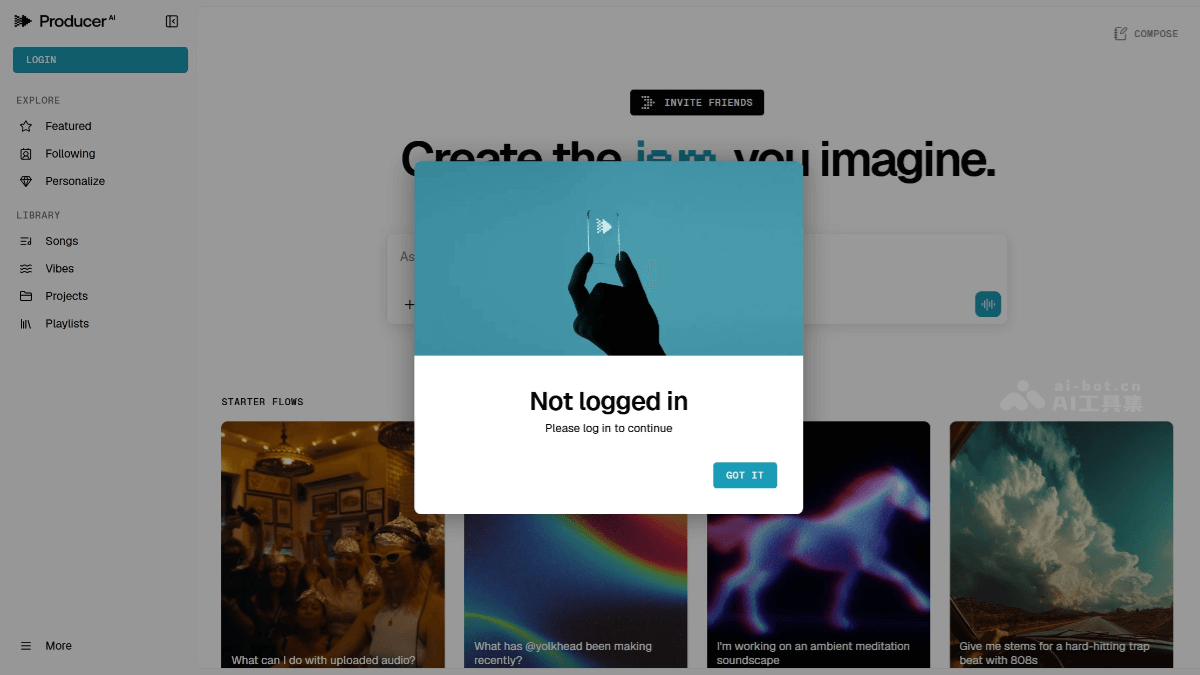
Producer.ai's main features
-
Music generation: Users can use natural language instructions to have Producer.ai generate music in various styles, from pop to classical, from electronic to jazz, meeting different creative needs.
-
Lyric creation: The platform can generate lyrics based on the themes, emotions, or styles provided by users, helping creators quickly conceive and create lyric content.
-
Mixing function: Users can upload their own audio clips and use Producer.ai's mixing tools to adjust and optimize them, improving the sound quality and effects of their works.
-
Audio replacement: Supports users in replacing specific parts of a work, such as replacing instrument parts or vocals, providing more flexibility for music creation.
-
Music visualization: Producer.ai can create real-time visualization effects for generated music, enhancing the sensory experience of the music.
-
Upload and recording: Users can upload their own audio files or record audio directly on the platform for subsequent creation and processing.
Producer.ai's official website address
- Official website address:https://www.producer.ai/
How to use Producer.ai
-
Register and log in: Visit the Producer.ai official website, apply for an invitation code and register an account, then log in to enter the creation interface.
-
Choose a creation mode: Select a song, EP, or specific style creation mode in the interface, and set the basic parameters of the music.
-
Enter creation instructions: Enter creation instructions through natural language, such as specifying the music style, lyric theme, emotional tone, etc., and Producer.ai will generate the corresponding music according to the instructions.
-
Generate and adjust: After clicking the generate button, the platform will generate a musical work. If the generated music does not meet expectations, you can adjust the instructions or parameters and regenerate it.
-
Upload and edit: Users can upload their own audio files or record audio for mixing, replacing certain sections, or further editing.
-
Download and share: After being satisfied with the generated music, you can directly download the track from the platform, or share the work on social media or use it for other projects.
Producer.ai's application scenarios
-
Music creation: Musicians can use Producer.ai to generate melodies, arrangements, and lyrics, quickly spark inspiration, and complete the creation of musical works.
-
Music production: Music producers can use mixing and audio processing features to optimize the sound quality and effects of musical works.
-
Content creation: Video creators and self-media professionals can generate background music for videos, podcasts, and more, enhancing the appeal of their content.
-
Education: Music educators can assist teaching and help students understand the process and techniques of music creation.
-
Advertising and Marketing: Advertising agencies and marketing teams can quickly generate music that matches brand tone for ads, promotional videos, and more.
-
Game Development: Game developers can use Producer.ai to generate game music, adjusting the music style according to game scenes and atmosphere.


