

What is Lingxi Translation
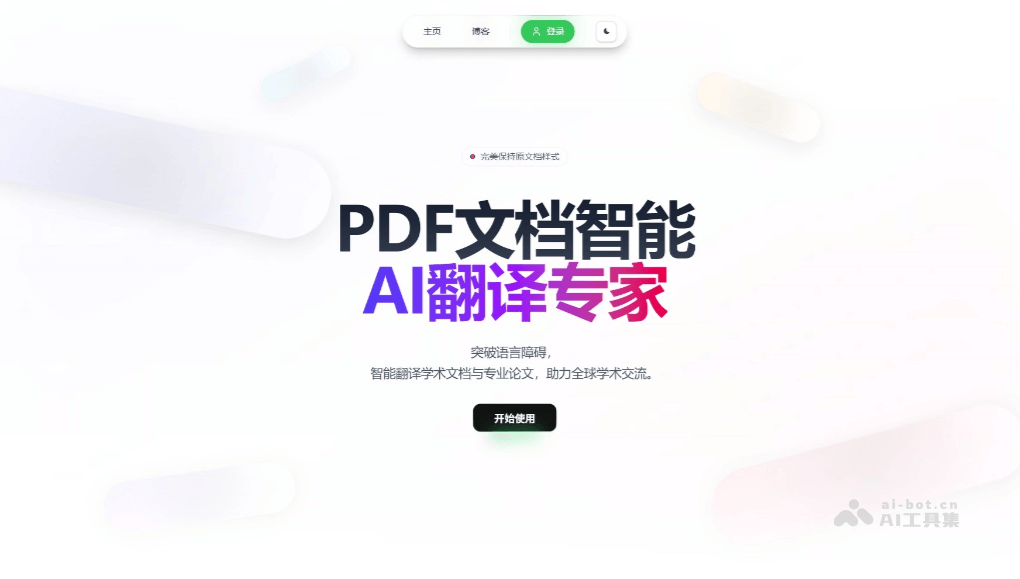
Lingxi Translation is an AI intelligent document translation tool that provides high-quality document translation services. Lingxi Translation supports multiple formats such as PDF, Word, and Excel, and can automatically recognize document structure and preserve the original formatting. The core advantages of Lingxi Translation include accurate OCR text recognition, professional terminology database support, and intelligent proofreading, making translations accurate and natural. Lingxi Translation is suitable for various scenarios such as academic research, business contracts, and cross-border e-commerce, helping users easily overcome language barriers and improve translation efficiency and quality.
Main Features of Lingxi Translation
- Multi-format support: Supports multiple document formats such as PDF, Word, and Excel, automatically preserves the original formatting, and meets diverse translation needs.
- Professional terminology database: Built-in professional terminology databases for multiple fields, supports custom glossaries, and ensures accurate translation of professional vocabulary.
- Online collaboration: Multiple people can collaborate on translation in real time, with built-in commenting and revision features, improving team translation efficiency.
- Quality assurance: The intelligent proofreading system automatically checks grammar and formatting to ensure translation quality and consistency.
- Scanned PDF translation: Intelligent OCR technology has a recognition rate of up to 99.9%, supports more than 100 languages, translates accurately, and perfectly restores formatting.
- User-friendliness: Provides free trial translation quota, fast processing speed, secure document data storage, and deletion at any time.
How to Use Lingxi Translation
- Visit the Lingxi Translation official website: Visit the Lingxi Translation official website https://lingxifanyi.com/ 。
- Register or log in to an account: Click "Register" to create a new account, or click "Log in" and enter existing account information to enter the platform.
- Upload a document: After logging in, click the "Upload File" button and select the document to be translated.
- Set translation options: Select the source language and target language of the document, adjust OCR recognition parameters (if it is a scanned PDF), and set the output format.
- Wait for processing: Click "Start Translation," and the system will automatically process the document.
- Preview and download: After translation is complete, preview the translation result, and once satisfied, click the "Download" button to save the translated document.
Application Scenarios of Lingxi Translation
- Academic research: Used in the translation of ancient books and documents, digitization of historical archives, and conversion of manuscript materials, supporting academic exchange and research.
- Business applications: Helps handle paper contract translation, localization of scanned documents, and translation of historical archives, supporting enterprises' international development.
- Daily office work: Convenient for converting handwritten notes, digitizing paper documents, and translating signed documents, improving office efficiency.
- Cross-border e-commerce: Supports multilingual translation of documents such as product introductions and user manuals, helping enterprises expand into international markets.

