

What is Xiaolvjing
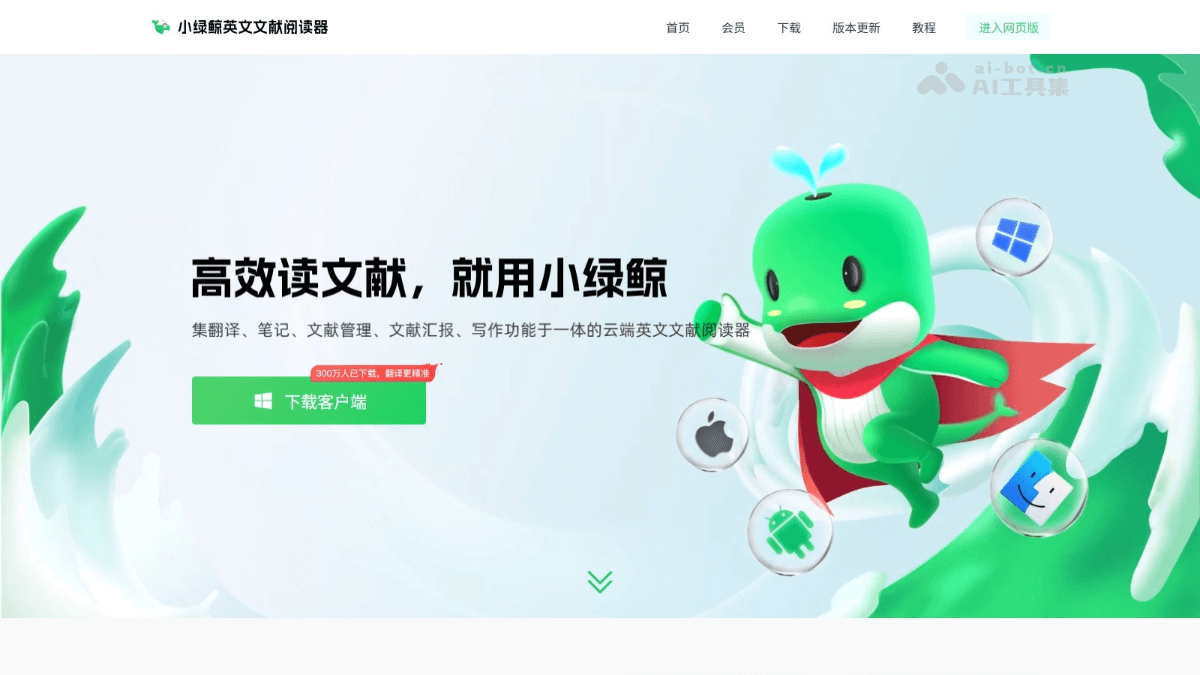
Xiaolvjing is an efficient literature management and reading tool designed specifically for researchers. Based on a precise disciplinary translation engine, Xiaolvjing provides real-time translation of professional terminology and complex sentences, helping users quickly understand the content of literature. The core functions of the Xiaolvjing English literature reader include AI-powered intelligent analysis of key points in literature, one-click generation of reportsPPT, efficient note-taking and management, and powerful literature classification and search functions. Xiaolvjing supports multi-device synchronization, making it convenient for users to seamlessly switch reading between computers and tablets. The Xiaolvjing English literature reader improves literature reading efficiency. Based on rich note templates and writing material integration functions, it helps researchers efficiently organize knowledge and write papers, making it an indispensable assistant in scientific research, study, and work.
Main Functions of Xiaolvjing
- Multiple Translation Modes: Supports word-selection translation, continuous translation, full-text translation, and image recognition translation, meeting the needs of different scenarios.
- Intelligent Dialogue: Based on the self-developed Jingling AI scientific research large model, it provides precise answers to literature knowledge and helps users quickly understand literature content.
- Knowledge Extraction: One-click extraction of key points from literature, including research background, purpose, methods, results, conclusions, etc., assisting in quickly sorting out literature ideas.
- Note-Taking Function: Supports outline mode and mind map mode, and provides 10+ note templates for scientific research scenarios, making it convenient for users to organize their thoughts.
- Multi-Type Note Management: Includes notebooks, vocabulary books, corpora, citation libraries, image libraries, etc., and supports the collection, editing, and export of notes.
- Term Base: Users can customize Chinese definitions of terms and correct inaccurate content in translations.
- Folder Management: Supports the creation of unlimited levels of folders, making it convenient to classify and manage literature.
- Bibliographic Information Management: Automatically displays bibliographic information of literature, such as title, author, journal, publication time, etc., and supports information modification.
- Corpus and Citation Management: Supports collecting high-quality corpus and citations from literature, and provides automatic paraphrasing, making it convenient to cite when writing.
- Writing Material Integration: Organize writing materials while reading, and supports online rewriting of multiple corpus entries and literature tracing of cited sentences.
- One-Click PPT Generation: AI refines key points of literature and generates a literature report PPT in 5 minutes, with multiple template options.
- Image Quick Reading and Management: Automatically captures images from literature, and supports collection, download, and translation of figure captions.
- Multi-Device Synchronization: Supports synchronized reading on computers and tablets, with real-time synchronized updates of notes.
- Offline Mode: In an offline state, supports local literature import and note-taking, and uploads to the cloud after the network is restored.
How to Use Xiaolvjing
- Download and Installation: Visit the Xiaolvjingofficial website, click "Enter Web Version" on the web page to use it, and for the client, select the corresponding version to download according to the operating system.
- Registration and Login: Complete registration and login according to the prompts.
- Import Literature:
- Supported Formats: PDF and CAJ formats.
- Import Methods:
- Single import: Click "Import Literature", select a local file, or drag the file directly onto the page.
- Multiple import: Hold down the Shift key to select multiple documents to import.
- Folder management: Create new folders to categorize and manage documents.
- Reading and translation:
- Word-selection translation: Select a word or sentence to translate it automatically.
- Continuous translation: Enable the "continuous translation" feature to translate multiple sentences in succession.
- Full-text translation: Click "Full-text translation" and select a translation engine (such as Whale Translation AI, DeepL, etc.).
- Image recognition translation: Click the "scissors" icon and select an image area to translate.
- Note-taking feature: Click the "Notes" button on the right side of the document and choose "Notebook" or "Mind Map" mode. Enter note content, with support for multiple formats (bold, italic, etc.). Save note templates for convenient use next time.
- Annotation feature: Use tools such as highlighting, underlining, strikethrough, and curves for annotation. Add text annotations, free text, rectangular selections, freehand annotations, etc.
- Document management:
- Folder management: Create, rename, move, and delete folders.
- Tag filtering: Add tags to documents and quickly filter documents by tags.
- Bibliographic information management: View and modify the bibliographic information of documents (such as authors, journals, etc.).
- Recycle bin feature: Deleted documents are kept in the recycle bin for 10–30 days, and can be restored or permanently deleted.
- AI analysis and knowledge extraction:
- Intelligent Q&A: Click "Analyze", enter a question, and the AI provides an answer.
- Knowledge extraction: Extract key points of a document with one click (background, methods, results, etc.).
- Generate a presentation PPT: Click "Presentation PPT", select a template, confirm generation, and download the PPT.
Application scenarios of Little Green Whale
- Graduate student learning: Little Green Whale helps graduate students quickly understand professional terminology and long complex sentences in English literature, and assists with topic selection, experimental design, and paper writing.
- Researchers: Researchers efficiently organize large amounts of literature, extract key information, and help advance research projects.
- Medical research: Medical students and medical researchers use accurate medical terminology translation and terminology database features to better read medical literature and support clinical research and academic writing.
- Interdisciplinary research: Little Green Whale supports translation engines for 113 disciplines, meeting the needs of interdisciplinary research.
- Academic presentations: At academic conferences or group meetings, researchers can generate a presentation PPT with one click, quickly showcase research results, and save preparation time.

