

What is StableAudio
StableAudio is provided by Stability AIAI music creation platform. The platform generates music through text-to-audio (Text-to-Audio) and audio-to-audio (Audio-to-Audio) methods. Users only need to input a text description or upload audio material to generate music that meets their requirements. The platform supports generating audio up to 3 minutes long in 44.1kHz stereo format. The music generated by the platform can be used in commercial projects. The platform is suitable for music creators, producers, and ordinary users interested in music creation.
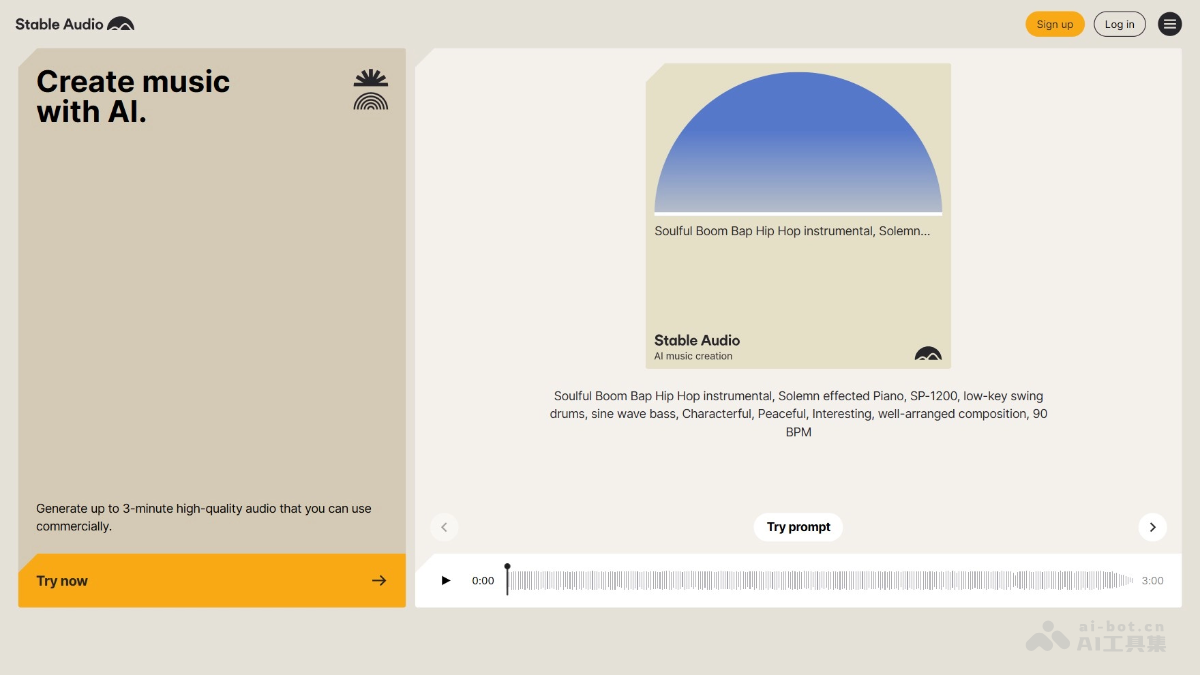
Main features of Stable Audio
-
Text-to-Audio: Supports users in inputting detailed text descriptions (such as style, instruments, mood, BPM, etc.) to generate music.
-
Audio-to-Audio: Supports users in uploading audio files and combining them with text descriptions for style transfer or generating variations.
-
Multiple model choices: Provides different versions of audio generation models, allowing users to choose the appropriate model according to their needs.
-
Detailed prompt structure: Optimizes generation results through structured prompts (such as format, style, instruments, mood, BPM, etc.).
-
Advanced settings: Users can adjust parameters such as input strength, steps, seed value, etc., to control the quality and diversity of the generated audio.
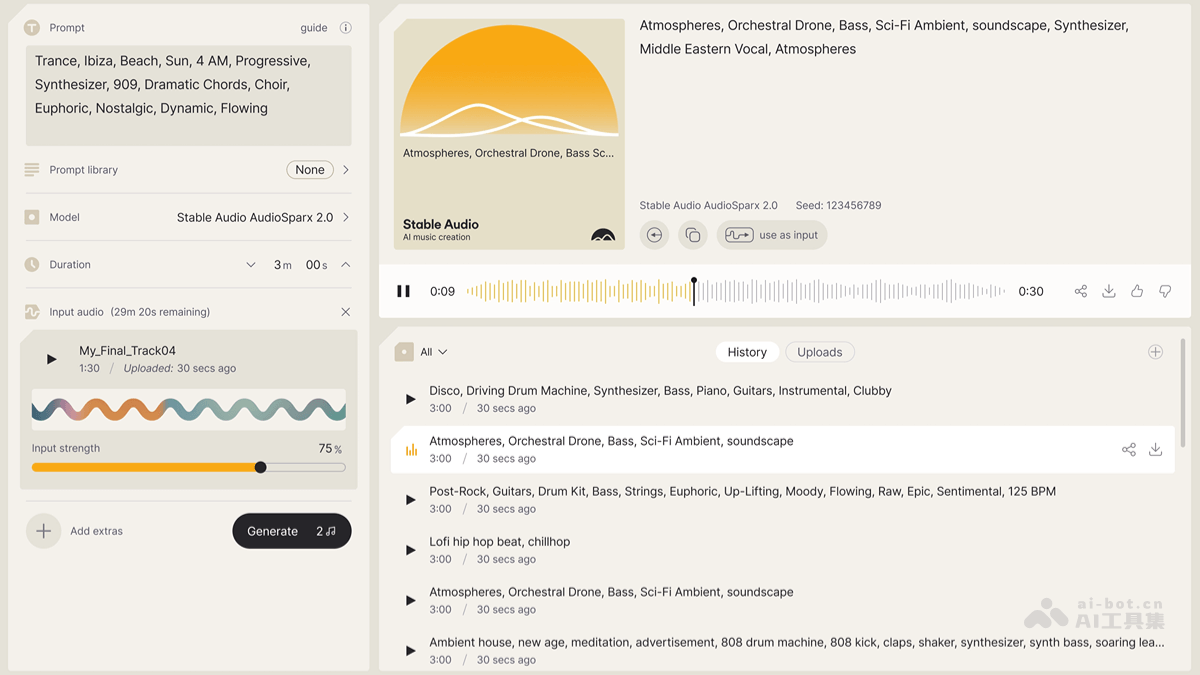
How to use StableAudio
-
Register and log in: Visit the StableAudio official website https://stableaudio.com/,完成账号注册和登录。
-
Choose creation mode: Choose "Text-to-Audio" (text-to-music) or "Audio-to-Audio" (audio-to-audio) mode.
-
Enter text prompt: Describe in detail the desired music style, instruments, mood, BPM, etc., in the input panel.
-
Choose model: Choose an appropriate audio generation model; the platform automatically selects the latest model.
-
Adjust settings: Optimize the generation results through parameters such as input strength, steps, seed value, etc.
-
Upload audio (Audio-to-Audio mode only): Click "Add Audio" to upload or record audio as input.
-
Generate music: Click the "Generate" button to start generating music; the generation process will consume a certain amount of "Track Credits".
-
Preview and actions: Listen to the generated audio in the preview panel, and you can copy the prompt, share, download, or rate the generated result.
-
View history: View the generated historical audio and uploaded audio records in the "History Panel".
Application scenarios of StableAudio
-
Music creation: Musicians and producers quickly generate music through text descriptions, spark inspiration, and create music works that match specific styles and moods.
-
Video scoring: Provides customized music for video creators, generates matching background music according to video content and atmosphere, and enhances the appeal of the video.
-
Game music: Generates music for different scenes for game developers, such as combat, exploration, plot, etc., enhancing the immersive feel of the game.
-
Advertising scoring: The advertising production team generates music that matches the advertising theme and emotion, enhancing the ad's appeal and memorability.
-
Personal projects: Ordinary users generate music for their own videos, podcasts, or personal projects without needing a professional music background.


