

What is WellSaid
WellSaid is an AI voice generation tool, providing high-quality, natural and realistic voice generation services. The tool features over 120 natural voices, covering multiple languages and styles, based on licensed recordings of professional voice actors, ensuring high quality and diversity of voices. The tool supports team collaboration, pronunciation library management, custom voices, and other features, while complying with SOC2 and GDPR standards, ensuring data security and privacy. WellSaid provides powerful API integration, suitable for enterprise-level applications such as training, marketing, product experiences, etc., helping enterprises efficiently generate voice content and improve workflow efficiency.
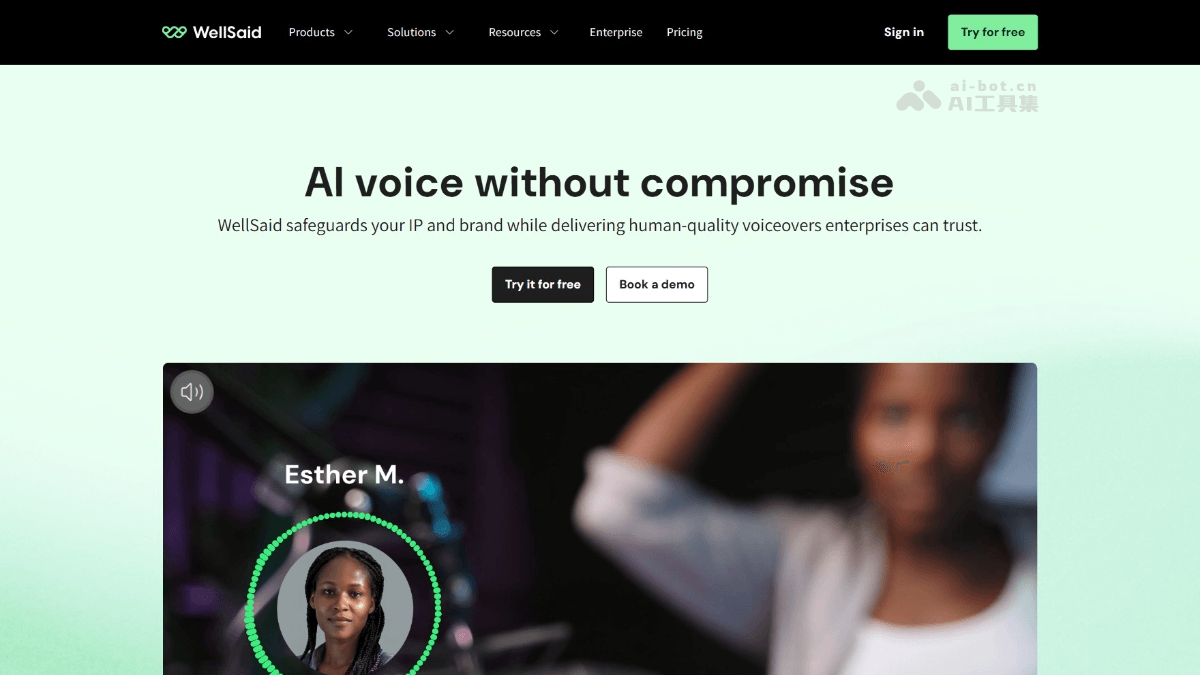
WellSaid's main features
-
High-quality voice generation: Provides over 120 natural voices, covering multiple languages and styles, based on licensed recordings of professional voice actors, ensuring voices are natural, realistic, and high-quality.
-
Enterprise-level security and compliance: Complies with SOC2 Type 2 and GDPR standards, based on a two-tier content moderation mechanism, ensuring data privacy and ethical use of AI, with customers having full ownership of data and generated content.
-
Powerful collaboration features: Provides team workspaces, supports project sharing, commenting, and management, equipped with a pronunciation library to ensure brand consistency and accurate pronunciation of professional terminology, and ensures content security through role-based access control.
-
Flexible API integration: Provides easy-to-integrate APIs, supports real-time voice generation, suitable for applications, LMS platforms, IVR, etc., with features such as custom pronunciation and phonetic spelling libraries, ensuring precise control of voice output, while supporting low latency and high concurrency, meeting the needs of large-scale projects and real-time applications.
-
Efficient workflow: Through WellSaid Studio, users can quickly generate, edit, and update voice content, supporting multiple file formats (such as MP3, WAV), simplifying the workflow, and equipped with intelligent script analysis to ensure contextual accuracy.
-
Customized voices: Supports creating customized voices based on brand needs, ensuring consistency with brand image, providing intelligent pronunciation technology, integrating the Oxford Dictionary, and ensuring voice accuracy and consistency.
-
Multilingual support: Provides voice options in multiple languages and accents, meeting the needs of global users, supporting instant language translation and dubbing, facilitating multilingual content creation.
How to use WellSaid
-
Register and log in: Visit the WellSaid official website https://www.wellsaid.io/,完成账号注册和登录。
-
Create a project: Create a new project in WellSaid Studio, enter or upload the text script for which you need to generate voice.
-
Select a voice: Choose a suitable voice from over 120 natural voices, with support for filtering by language, accent, style, and other conditions.
-
Adjust settings: Adjust details such as tone, speed, and pronunciation of the voice as needed to ensure the voice meets project requirements.
-
Generate voice: Click the generate button, and the system will quickly generate voice content, supporting real-time preview and unlimited retries.
-
Download and export: Generated voice files can be downloaded in formats such as MP3 and WAV, or integrated into other applications via API.
WellSaid's application scenarios
-
Enterprise training: Through high-quality voice generation, quickly create narration and instructional voiceovers for training courses, improving training efficiency and employees' learning experience.
-
Marketing and Advertising: Generate natural, realistic voiceovers for video ads, social media content, and marketing campaigns to enhance content appeal.
-
Product Experience: Embed voice capabilities into applications, smart devices, or interactive voice response (IVR) systems to improve user experience and naturalness of interaction.
-
Creative Production: Integrate with creative tools such as Adobe Premiere Pro and Canva to simplify the production process of creative content such as videos and podcasts.
-
Education and Learning: Generate voice content for online courses, educational software, and learning resources to meet the needs of different learners and improve learning outcomes.


