

What is beautiful.ai
beautiful.ai is a leading AI presentation creation tool, designed specifically for professionals. beautiful.ai provides smart templates and real-time design rules to help users quickly create high-quality presentations. beautiful.ai's core features include automatic formatting, team collaboration (shared slides, synchronized content updates), brand consistency control, and a rich asset library. Users can easily achieve efficient design, save time, and improve the aesthetics of their presentations. beautiful.ai is suitable for enterprises and individuals who need to quickly create professional presentations, and is a powerful tool for improving work efficiency and design quality.
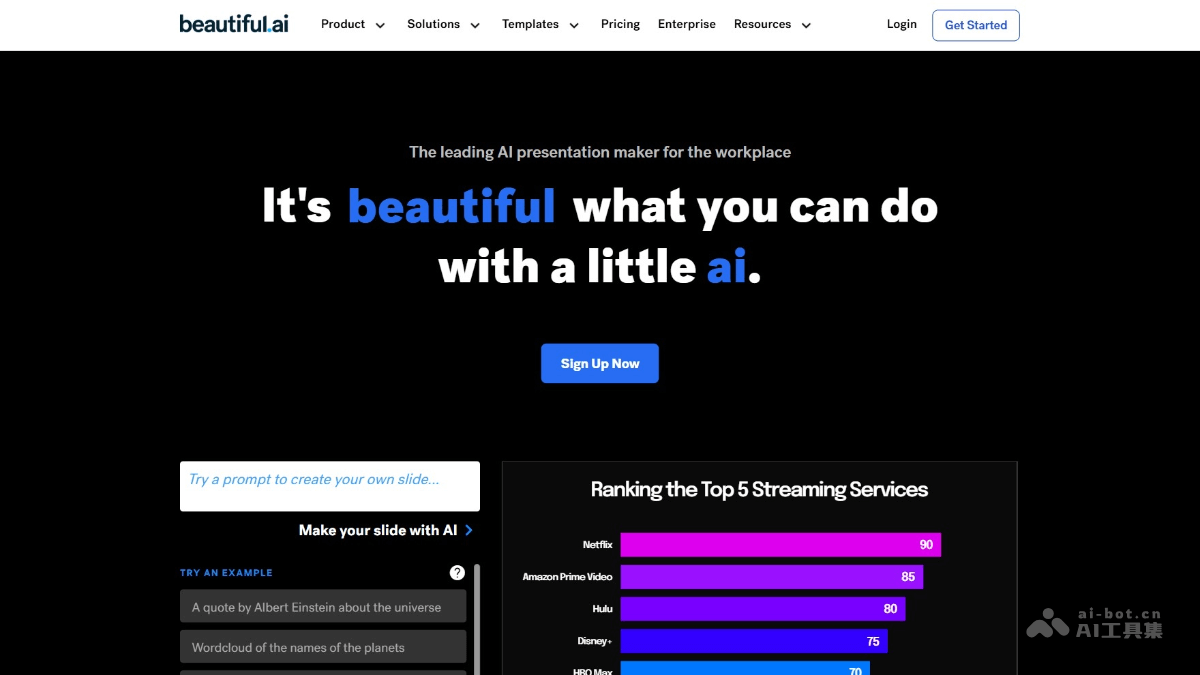
beautiful.ai's main features
- Smart templates: Provides a large number of modern, beautiful presentation templates, allowing users to quickly choose one to start creating according to their needs.
- Automatic formatting: Applies excellent design rules in real time, automatically adjusts the size and layout of text and images, saving time on manual adjustments.
- Team collaboration features: Supports multi-person real-time editing, version control, and a comment system, improving collaboration efficiency.
- Smart animation engine: Automatically adds animation effects to charts and supports manual fine-tuning of animation order and timing.
- Export and sharing: Supports export to PPT, PDF, video (MP4), and PNG sequence, making it convenient to share and present.
How to use beautiful.ai
- Registration and initial setup: Visit the beautiful.ai official website, complete registration and log in,
- Choose a template: Select an industry template, and AI automatically loads the corresponding design scheme.
- Create a new presentation: Click "New Presentation," enter a title, and AI recommends suitable template styles based on keywords.
- Content input and AI optimization: After entering text, AI converts the text into charts, generates visual graphics, or generates slides with one click.
- Team collaboration features: If collaborating as a team, invite team members to join the project to improve team collaboration efficiency.
- AI layout: AI automatically adjusts text direction, replaces cultural elements, and optimizes layout.
- Smart animation engine: AI adds automatic animation effects to charts and supports manual fine-tuning of animation order and duration.
- Export and sharing: Choose an export format for the PPT as needed, making it convenient to share and present.
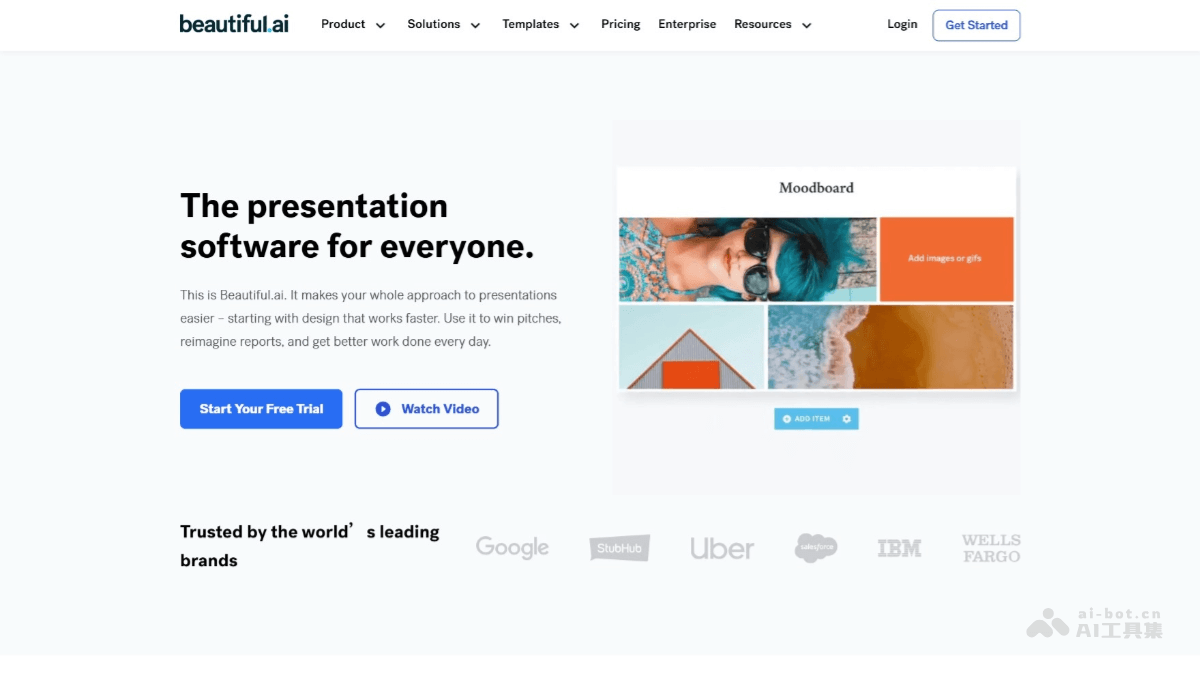
beautiful.ai product pricing
- Personal plan: $12/month, $144 annually. Includes unlimited slides, AI content generation, PowerPoint import/export, viewer analytics, and a slide and presentation inspiration library.
- Team plan: $40/user/month. Includes all Personal plan features, plus Salesforce integration, collaborative workspaces, custom company themes, a centralized slide and template library, a shared asset library, SAML SSO, and priority support.
- Enterprise plan: Custom plan, contact sales. Includes all Team plan features, plus unlimited team resources, brand protection, advanced permissions, user provisioning (SCIM), audit events, dedicated onboarding training, and team training.
beautiful.ai use cases
- Business reporting: Finance personnel can quickly generate financial reports, visually display data changes, and improve reporting efficiency.
- Team collaboration: Supports real-time online editing by multiple people, making remote collaboration more efficient and preventing content loss.
- Education and training: Educators can quickly design course presentations and export them in multiple formats, facilitating online teaching and student learning.
- Personal presentations: Helps speakers transform abstract ideas into vivid graphics and enhance the impact of their presentations.

