

What is PowerPresent AI
PowerPresent AI is a powerfulAI presentation generation tool. Users only need to enter a topic, choose the number of slides, and decide whether to include web research, and the AI automatically generates complete presentation content, including slides, text, and visual elements. PowerPresent AI provides a variety of professional templates, supports real-time collaboration and feedback sharing, and supports one-click export to PowerPoint or presenting directly from the platform. PowerPresent AI has flexible pricing with pay-per-use, suitable for different user needs, helping users save time and easily create impressive presentations.
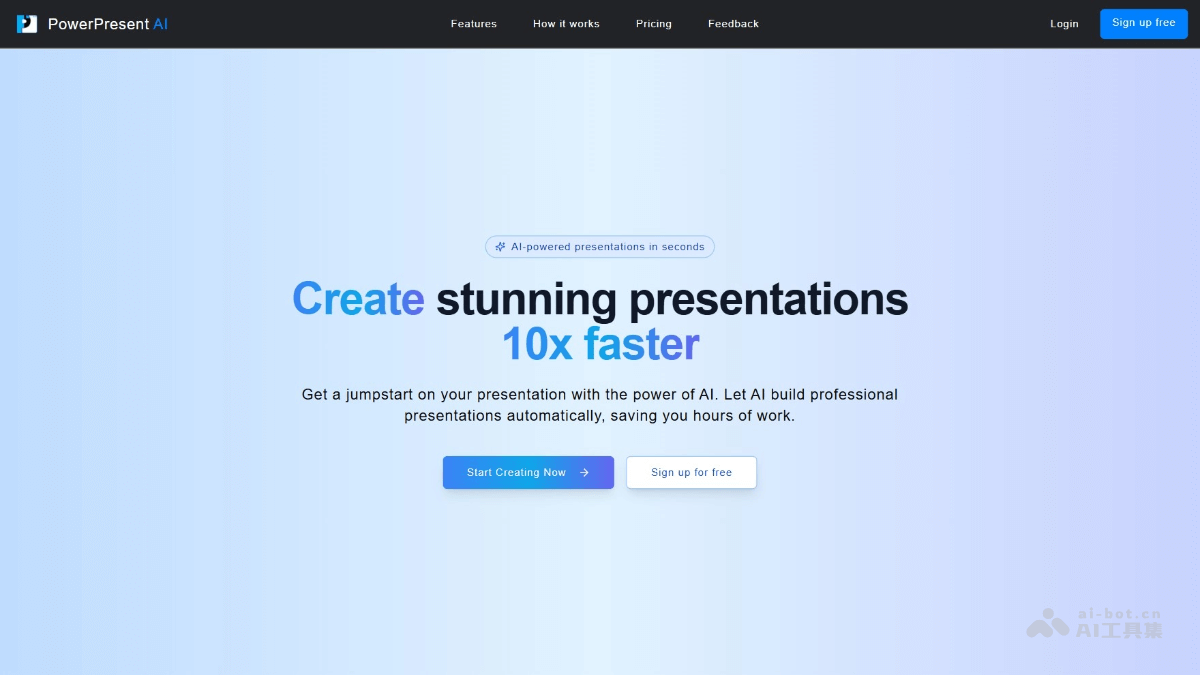
Main features of PowerPresent AI
- AI content generation: Enter a prompt, and the AI automatically generates a complete presentation, including slides, content, and visual elements.
- Professional template selection: Provides a variety of professionally designed templates to make presentations stand out.
- One-click export: Supports exporting presentations to PowerPoint format, or presenting directly on the platform.
- Real-time collaboration tools: Supports real-time collaboration, making it convenient for team members to share feedback and jointly improve presentations.
- Custom design: Users choose themes, fonts, and image styles to make presentations more personalized.
How to use PowerPresent AI
- Register and log in: Visit the PowerPresent AI official website and complete registration and login as prompted.
- Enter a prompt: Enter the presentation topic in the input box on the main interface and select the required number of slides.
- Review and edit titles: After clicking the "Generate" button, the AI automatically generates slide titles. Users click the titles to edit them to meet their needs.
- Custom design: Choose professionally designed themes or templates, customize fonts and image styles, and make the presentation more personalized.
- Present or export: Click the "Present" button directly from the platform to enter presentation mode, or click the "Export" button to export the presentation in PowerPoint format for convenient use on other devices.
- Collaboration (optional): If team collaboration is needed, click the "Invite to collaborate" button to invite team members to participate in editing in real time and share feedback.
PowerPresent AI product pricing
- Pay As You Go: $2.00 per presentation, suitable for occasional users.
- Credit Bundle: 7 presentations for $12.00, suitable for small projects.
PowerPresent AI use cases
- Business meetings: Business professionals can quickly generate professional product introduction or project report presentations, saving a lot of preparation time.
- Academic reports: Scholars and researchers create logically clear academic report presentations covering research background, methods, results, and conclusions.
- Education and training: Teachers quickly create presentations for course explanations or training materials, using a variety of professional templates to better convey knowledge.
- Marketing: Marketers quickly generate product promotion or market research presentations that attract audience attention, improving presentation effectiveness.
- Project management: The project manager creates a presentation for project progress reports or team collaboration plans to help team members quickly understand the project status.

