

What is Tencent Interactive Translation
Tencent Interactive Translation is a multilingualAI translation toollaunched by Tencent, integrating advanced technologies such as interactive machine translation and neural network machine translation. Tencent Interactive Translation supports translation between more than 20 languages, including English, Japanese, Korean, German, French, and others, meeting the needs of different users. It supports real-time translation or batch file translation through the web version or multi-platform applications. Tencent Interactive Translation features translation memory fusion and a translation input method, improving translation efficiency and accuracy. It is suitable for various scenarios such as personal learning, business communication, and technical development, helping users overcome language barriers.
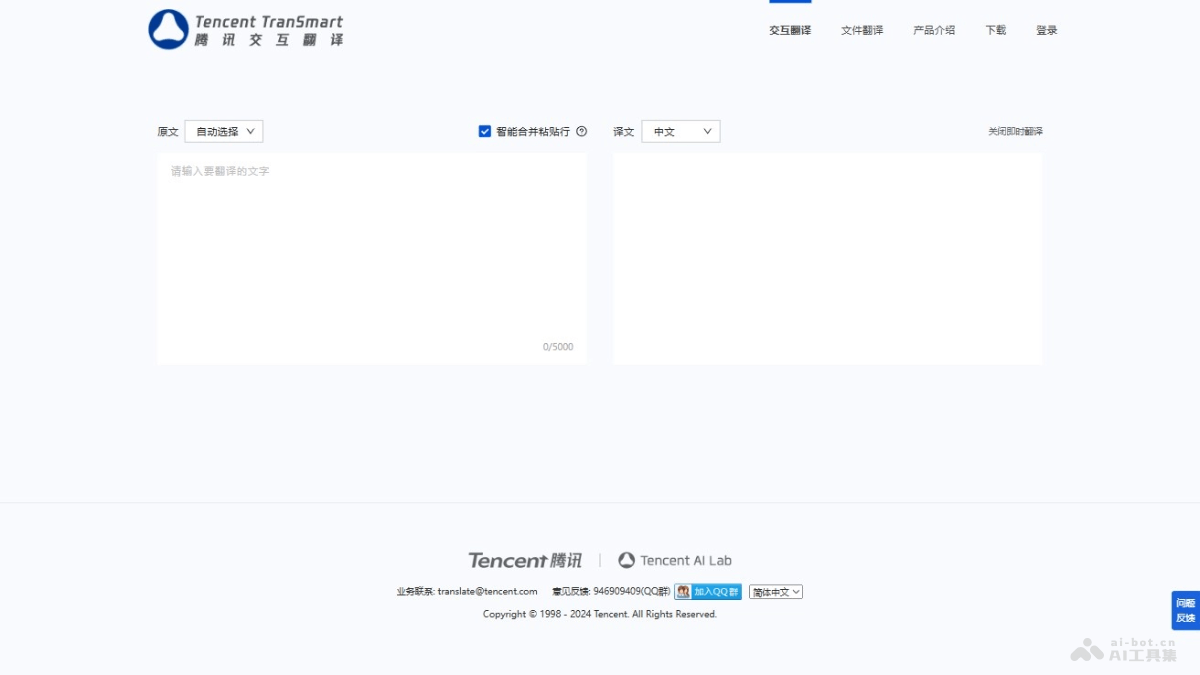
Main features of Tencent Interactive Translation
- Interactive machine translation: Provides intelligent translation fragment suggestions and full-sentence completion, reducing the number of manual revisions.
- Translation memory fusion: Combines the user's historical translation data to generate automatic translation results that better match the user's habits.
- Translation input method: Assists users in quickly and accurately entering translated content based on the source text context and translation knowledge base.
- Multilingual support: Supports translation between more than 20 languages, meeting the needs of users of different languages.
- File translation: Supports batch translation of multiple file formats, improving translation efficiency.
- Real-time translation: Provides instant translation services, suitable for online communication and immediate translation needs.
How to use Tencent Interactive Translation
- Visit the website: Visit theofficial website。
- Select the translation type: On the website homepage, select "Interactive Translation" or "File Translation." Interactive translation is suitable for translating single sentences or short paragraphs, while file translation is suitable for batch translation of documents.
- Enter or upload content:
- For interactive translation, directly enter or paste the text you want to translate in the input box.
- For file translation, click the "Select File" button to upload the document you want to translate. Supported file formats include TXT, PDF, Word documents, and others.
- Select the language: After entering text or uploading a file, select the source language and target language. Tencent Interactive Translation supports translation between multiple languages.
- Start translation: Click the "Translate" button, and the system automatically processes the translation request.
- View the results: After translation is complete, the translation results are displayed on the screen. For interactive translation, you can see the translation results directly on the webpage and edit or save them. For file translation, the translated file can be downloaded locally.
- Edit and save: If the translation results need to be edited, ensure the accuracy of the translation. When finished, copy or save the translation results.
Pricing of Tencent Interactive Translation
Currently completely free
Application scenarios of Tencent Interactive Translation
- Education and learning: Helps students and language enthusiasts translate learning materials and improve language learning efficiency.
- Business communication: Supports business professionals in email exchanges and business negotiations with international clients.
- Travel: Assists travelers in translating maps, menus, road signs, and more, enhancing the travel experience.
- Academic Research: Assist researchers in translating academic papers and accessing international research materials.
- Technical Development: Help developers translate technical documentation and accelerate the internationalization of products.
- Content Creation: Support media professionals and content creators in translating video subtitles and articles.

