

What is NaturalReader
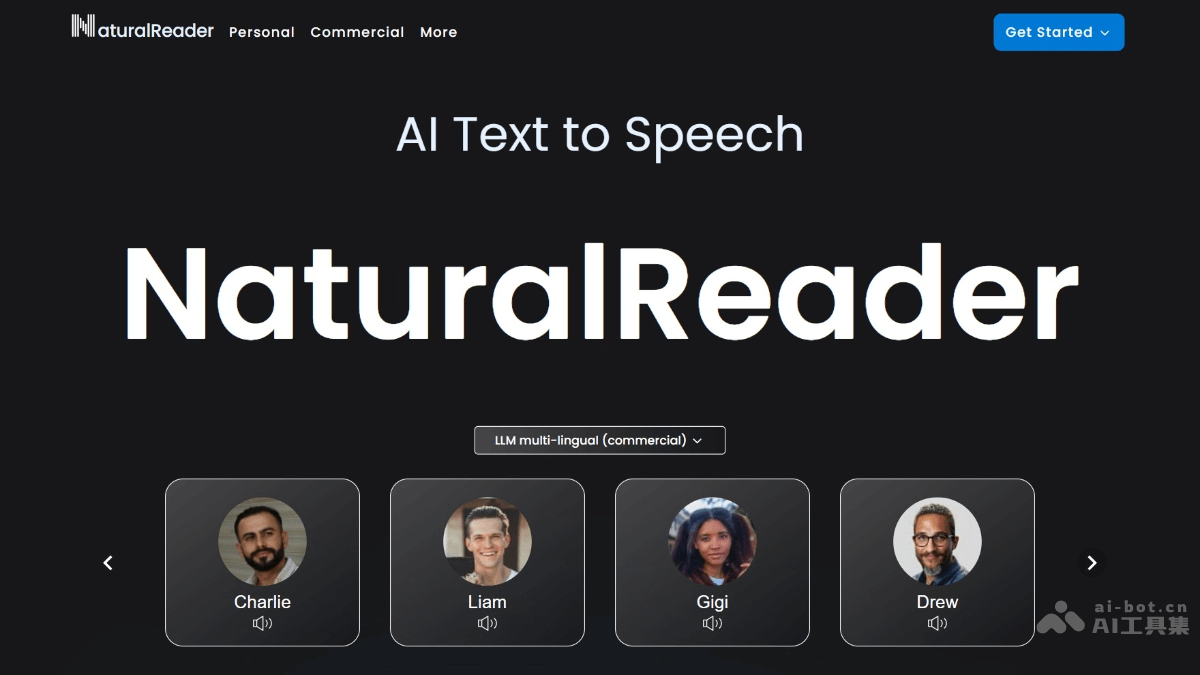
NaturalReader isan AI text-to-speech tool, capable of converting various texts into natural and fluent speech, supporting over 20 formats including PDF and more than 50 languages. The tool's featured functions include multilingual voices powered by large language models,voice cloningtechnology, and content awareness capabilities, making the speech more natural and human-like. NaturalReader's AI voice generator studio supports creating narration audio from text, suitable for various commercial uses such as YouTube, training, online learning, audiobooks, and more, making it a powerful tool for enhancing text accessibility and content creation efficiency.
Main Features of NaturalReader
-
AI Text-to-Speech: Supports reading any type of text aloud with natural AI voices, supporting PDF and over 20 formats.
-
LLM Multilingual Voices: Offers over 50 languages and more than 200 AI voices, with more natural and higher-quality speech.
-
Voice Cloning: Instantly clones any voice based on AI technology, enabling personalized voice synthesis to meet different user needs.
-
Content Awareness: AI voices can read and understand text content, making the speech more natural and human-like, enhancing user experience.
How to Use NaturalReader
-
Visit the official website: Visit the NaturalReader official website https://www.naturalreaders.com/,完整账号注册和登录。
-
Add text: Click "Document" to upload files such as PDFs, or click "+" to enter text (web version); the mobile app can import text to the bookshelf.
-
Choose a voice: Select your preferred voice from over 50 languages and more than 200 AI voices, such as "Jessica," "Bill," etc.
-
Play the voice: Click the play button to have NaturalReader start reading the text aloud.
-
Use additional features: Use voice cloning, content awareness, or the AI voice generator studio to create narration audio and save it as MP3.
Application Scenarios of NaturalReader
-
Personal Learning: Students can convert textbooks and literature into speech, learning while listening to improve study efficiency.
-
Work Assistance: Professionals can use the voice reading feature to free their hands and listen to reports, emails, etc., while on the go.
-
Reading Companion: Reading enthusiasts can convert e-books into speech and enjoy the pleasure of listening to books.
-
Education Sector: Teachers can create audio textbooks for students, helping visually impaired students or those with reading difficulties learn better.
-
Commercial Use: Enterprises can create training audio and advertising narrations, and YouTubers can quickly generate video narrations.


