

What is Meitu Cloud Retouch
Meitu Cloud Retouch is a professional-grade AI portrait retouching software launched by Meitu, Inc., designed specifically for the commercial photography industry. The software uses Meitu's self-developed advanced AI algorithms to provide one-click fully automatic retouching, supporting RAW format conversion, batch processing, intelligent retouching, and rich presets, and can quickly achieve portrait beautification, background replacement, and stylized processing. Meitu Cloud Retouch has powerful color control and image segmentation capabilities and can process 1,000 photos within 1 hour, greatly improving retouching efficiency. With its technical advantages and user-friendly interface, Meitu Cloud Retouch has become the ideal choice for commercial photographers and retouchers.
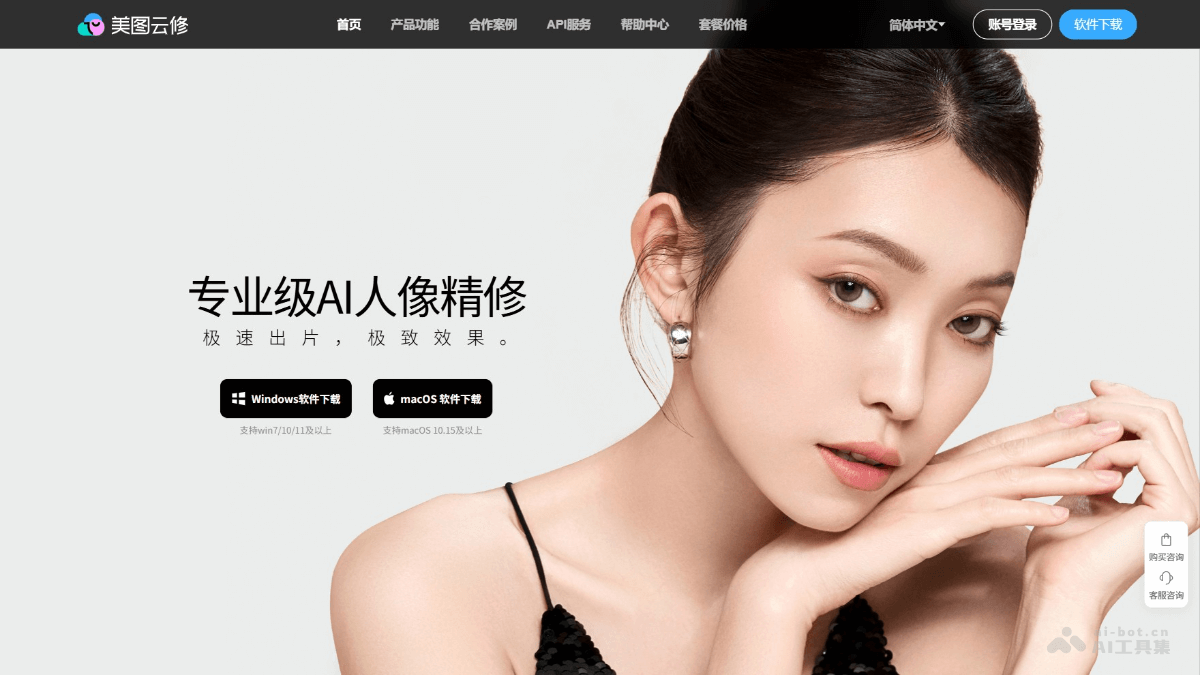
Main features of Meitu Cloud Retouch
- RAW conversion: Easily convert RAW format photos to other formats while preserving rich details.
- Batch processing: Retouch multiple photos with one click, quickly produce photos in batches, and greatly improve retouching efficiency.
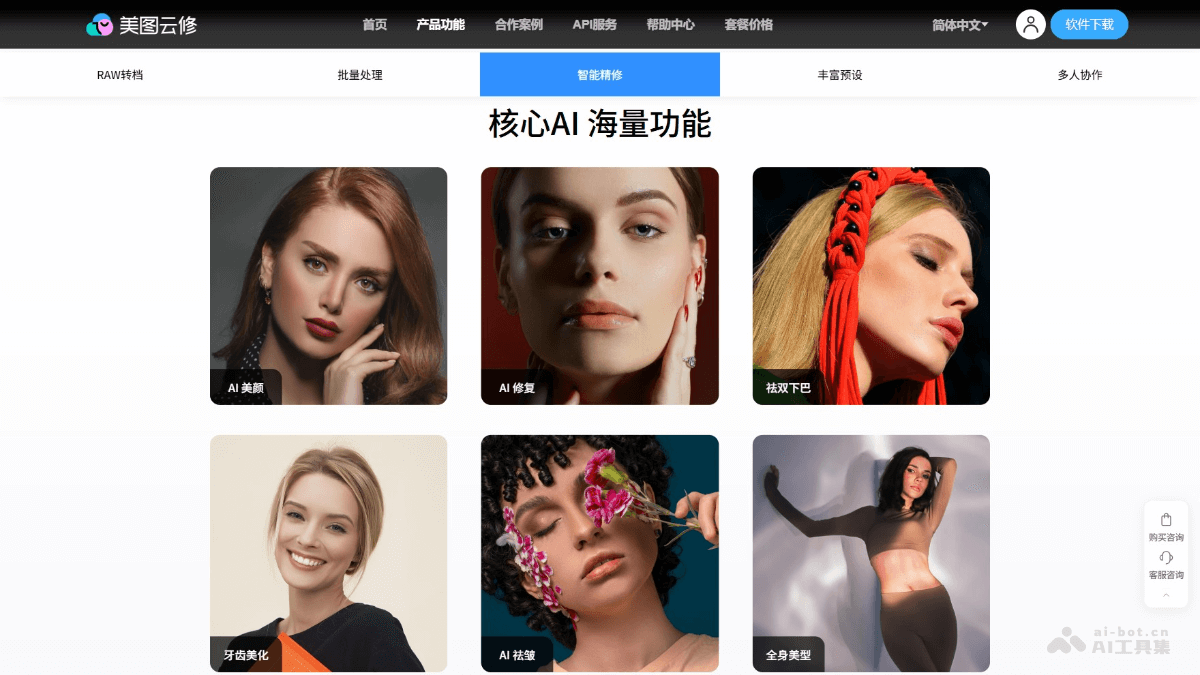
- Intelligent retouching: Based on AI algorithms, achieve complex effects with one click, such as beautification, wrinkle removal, double chin removal, and teeth beautification.
- Rich presets: Provide a variety of style presets, such as wedding dress, children, parent-child, and ID photos, to meet the needs of different scenarios.
- Multi-person collaboration: Support enterprise shared accounts, sub-account management, and real-time usage monitoring through a data dashboard.
- Background processing: Quickly clean up or replace backgrounds, suitable for complex scenarios.
- Full-body reshaping: Intelligently adjust the proportions of a person's whole body, supporting complex scenarios with multiple people.
How to use Meitu Cloud Retouch
- Download and install: Visit the Meitu Cloud Retouch official website https://yunxiu.meitu.com。点击“Download”下载软件。安装完成后,打开软件。
- Register and log in: Complete account registration and login by following the prompts.
- Import photos: After logging in, enter the main interface and click the "Import Photos" or "Add Photos" button. Select the photos that need retouching; batch import is supported.
- Use presets: Select a suitable style in the preset library (such as wedding dress, children, ID photos, etc.) and click Apply.
- Manual adjustment: If finer adjustments are needed, use the following features:
- RAW conversion: Convert RAW format photos to other formats.
- Intelligent retouching: Click the "Intelligent Retouching" button to apply AI algorithms with one click for beautification, wrinkle removal, double chin removal, etc.
- Background processing: Select the "Background Processing" feature to quickly clean up or replace the background.
- Full-body reshaping: Use the "Full-body Reshaping" feature to adjust a person's proportions.
- Other features: Use other features such as teeth beautification and AI repair as needed.
- Batch processing: Select the photos to be processed, set presets or adjust parameters, and then click "Start Processing".
- Export photos: After retouching is complete, click the "Export" or "Save" button. Choose the save path and format, and click "Save".
- View the results: The exported photos will be saved to the specified path, and the retouching results can be viewed in the folder.
Application scenarios of Meitu Cloud Retouch
- Wedding photography: Provides professional wedding dress style presets, achieving dreamy and romantic wedding photo effects with one click, making the couple's photos even more perfect.
- Children's Photography: Supports natural beautification and detail preservation of children's skin, ensuring retouched photos are clear and natural while retaining childlike innocence.
- ID Photo Creation: Quickly adjusts skin tone and removes blemishes, ensuring ID photos meet standards while enhancing their aesthetic appeal.
- Commercial Advertising Shoots: Uses AI algorithms for precise background replacement and color adjustment, meeting the high requirements of commercial advertising for images.
- Family Group Photos: Supports full-body beautification and background optimization for multi-person scenes, making family portraits more harmonious and aesthetically pleasing.


