

What is Huemint
Huemint is an AI color palette tool that generates harmonious color schemes based on the design context. Huemint offers a variety of design templates (such as icons, web pages, gradients, etc.), allowing users to lock specific colors and adjust the diversity of the generated results. Through machine learning, Huemint can understand how colors are used in design and generate color schemes that meet the needs. The tool supports three generation methods: random, Transformer, and diffusion models, and users can control contrast and diversity through the "Creativity" slider. Huemint requires no registration and is free to use online, greatly improving color matching efficiency and making it a powerful assistant for designers.
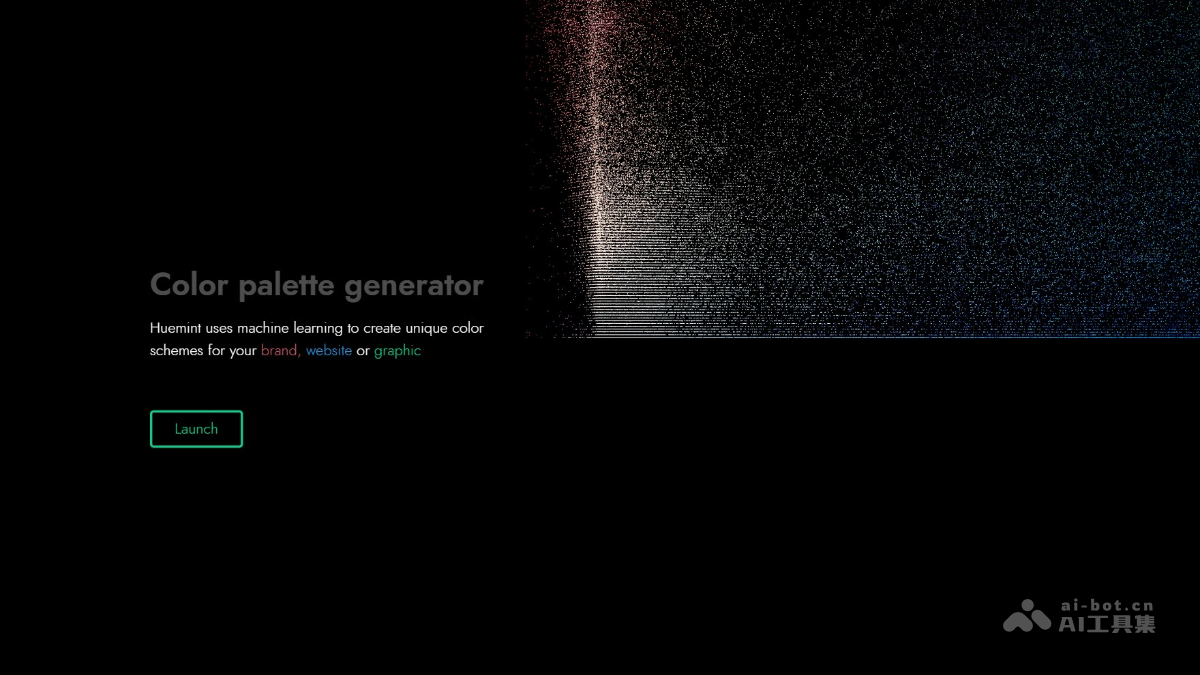
Huemint's main features
-
Intelligent color palette generation: Generates harmonious color schemes based on the design context (such as background color, foreground color, and accent color).
-
Multiple design templates: Supports a variety of design templates, including icons, branding, web pages, gradients, illustrations, and more.
-
Color locking feature: Users can lock specific colors and generate other color schemes around those colors.
-
Creativity adjustment: Controls the diversity and contrast of the generated color schemes through the "Creativity" slider.
-
Upload custom designs: Users can upload their own design images, and Huemint generates color schemes based on the image content.
-
Multiple generation models: Provides three generation methods—random, Transformer, and diffusion models—to meet different needs.
-
Real-time visualization: Color scheme effects are displayed on the design template in real time, intuitively showing the color scheme effect.
How to use Huemint
-
Visit the official website: Visit the Huemint official website https://huemint.com/。
-
Choose a template: Select a design template at the top of the page (such as icons, branding, web pages, etc.).
-
Generate color schemes: Click the "Generate" button in the upper right corner to generate a color scheme.
-
Lock colors: Click on a color swatch you like to lock it, and the color will remain unchanged in subsequent generations.
-
Adjust creativity: Adjust the diversity and contrast of the color scheme through the "Creativity" slider.
-
Choose a model: Select a generation model in "Settings" (random, Transformer, or diffusion model).
-
Upload an image: Upload a custom design image in the "Upload image" tab (solid-color areas are required).
-
View the effect: The color scheme is displayed on the template in real time, allowing you to view the effect intuitively.
Huemint's application scenarios
-
Brand design: Generates color schemes that match the brand tone, and after locking the brand color, generates matching color schemes to ensure color consistency.
-
Web design: Generates high-contrast or coordinated background and text color schemes based on the web page layout, improving web page readability and aesthetics.
-
Icon design: Chooses vivid or soft color schemes for icons, enhancing the visual appeal and recognizability of the icons.
-
Illustration design: Generates complex multi-color color schemes, enriching the color layers of illustrations and improving creative efficiency.
-
Gradient design: Create smooth-transition gradient colors, suitable for backgrounds, buttons, or decorative elements, adjust contrast and diversity.


