

What is AI Inspiration PPT
AI Inspiration PPT is a free and efficientAI PPT generation tool, users only need to enter a title to get a first draft of a presentation within 30 seconds. AI Inspiration PPT provides two modes: theme PPT and document summary generation, and supports content extraction from articles up to 50,000 words. Built-in AI creation tools include mind mapping, drawing, voiceover, and writing, helping users build knowledge frameworks, generate high-definition images, write articles, and create voiceovers. A massive number of templates and a powerful editor ensure diverse PPT creation needs are met, improving work efficiency.
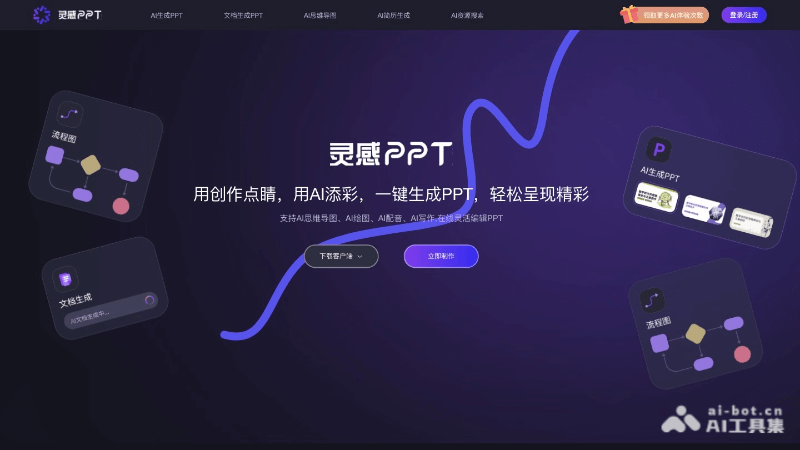
Main features of AI Inspiration PPT
- One-click PPT generation: Users enter a topic or article, and AI Inspiration PPT can quickly generate a PPT containing a title page, table of contents page, and key content.
- Intelligent PPT generation modes: Provides two modes, theme PPT generation and document summary generation, adapting to different content needs.
- AI mind mapping: Enter one sentence to generate a mind map, helping users quickly build knowledge frameworks and analyze problems.
- AI drawing: Automatically generates high-definition images based on keywords, providing two modes: associative image matching and free image matching.
- AI image search: Based on natural language processing technology, searches for and generates the required images according to keywords.
- AI writing: Enter keywords to generate articles, supports a variety of article themes and styles, and provides literary enhancement and multilingual translation.
- AI voiceover: Converts text to speech, provides a variety of emotionally rich voice types, and allows custom voice parameters.
- Massive PPT templates: Provides PPT templates in various styles to meet presentation needs for different occasions.
- Powerful PPT editor: Supports online editing and adjustment of PPT design elements, including drag-and-drop and online adjustments, providing a personalized design experience.
How to use AI Inspiration PPT
- Product official website: Visit lgppt.cn and register and log in to your account.
- Choose a generation mode: According to your needs, choose "Theme PPT generation" or "Article-to-PPT generation mode".
- Enter a topic or upload a document:
- For theme PPT generation, enter the topic or title you want to generate a PPT for.
- For article-to-PPT generation mode, upload or paste the article content you want to convert into a PPT.
- Choose a template: Choose a template you like from the massive PPT templates provided.
- Custom settings:
- Adjust the number of PPT pages as needed.
- Use the AI mind mapping tool to build a knowledge framework.
- Use the AI drawing feature to generate images related to the topic.
- Use the AI image search feature to search for specific image materials.
- Use the AI writing tool to generate or edit article content.
- Use the AI voiceover feature to add voice narration to the PPT.
- Edit and adjust: Use the built-in PPT editor to edit and adjust the generated PPT, including text content, images, layout, and animations, etc.
- Save and export: After editing is complete, save your PPT and export it in different formats as needed, such as PDF or PPTX.
Target Audience for AI Inspiration PPT
- Business Professionals: Professionals who need to quickly create business presentations, product introductions, or market analysis reports.
- Educators: Teachers or lecturers who need to prepare teaching courseware, course outlines, or academic reports.
- Students: Students who need to create course assignments, research reports, or graduation thesis presentations.
- Designers and Creative Professionals: Those who need inspiration and materials to support their visual design and creative projects.
- Marketers: Marketing professionals responsible for creating marketing materials, advertising promotions, or brand introductions.

