

What is Google Translate
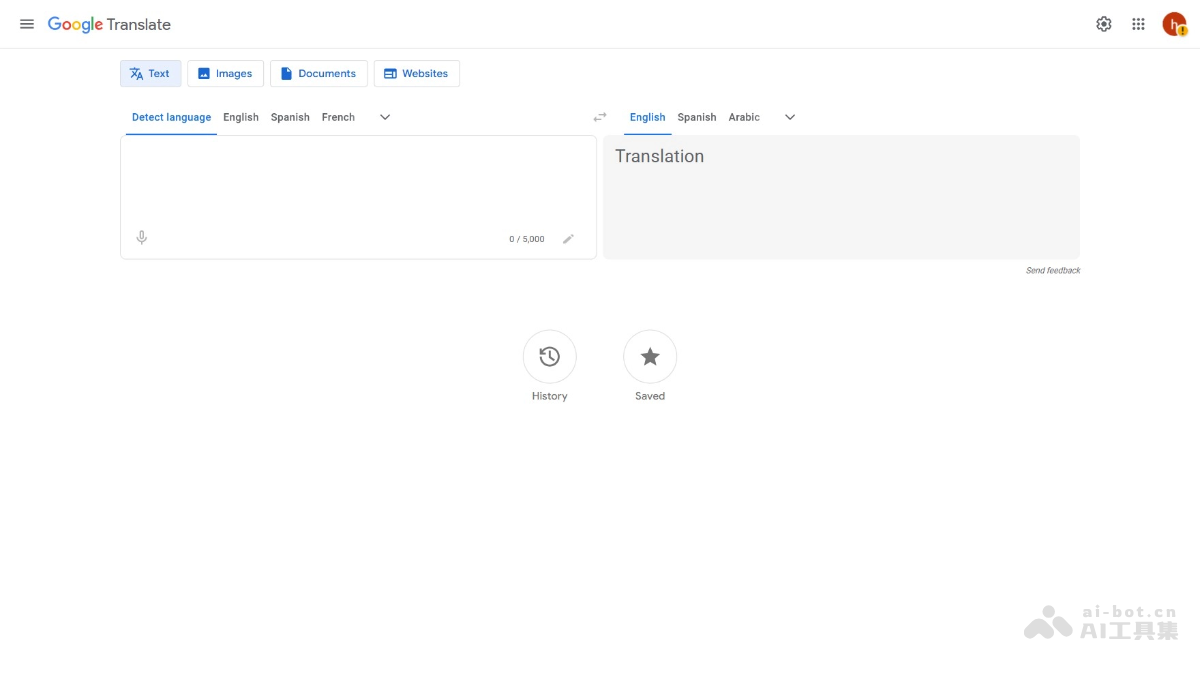
Google Translate is a multilingualintelligent translation toollaunched by Google, supporting more than 100 languages. It allows users to enter text, upload documents, or translate web pages, and the tool can automatically detect the language and provide translation results. Google Translate supports voice input, handwriting input, and image translation, making it convenient for users to use in different scenarios. Google Translate continuously optimizes translation quality through machine learning and is very helpful for daily communication and learning.
Main features of Google Translate
- Text translation: Enter text to translate it into the target language, with support for multiple language pairs.
- Automatic language detection: Automatically identifies the language of the input text.
- Document translation: Supports file translation in multiple formats (such as .docx, .pdf, .pptx, .xlsx).
- Web page translation: Can directly translate web page content, making it convenient to browse foreign-language websites.
- Image translation: After uploading an image, it recognizes and translates the text in the image.
- Voice translation: Translate through voice input, with support for playing the translation result aloud.
- Offline translation: After downloading a language pack, it can be used in an environment without internet access.
- History: Saves translation records, making it convenient for users to view and reuse them.
- Real-time translation: In conversation mode, supports real-time voice translation.
-
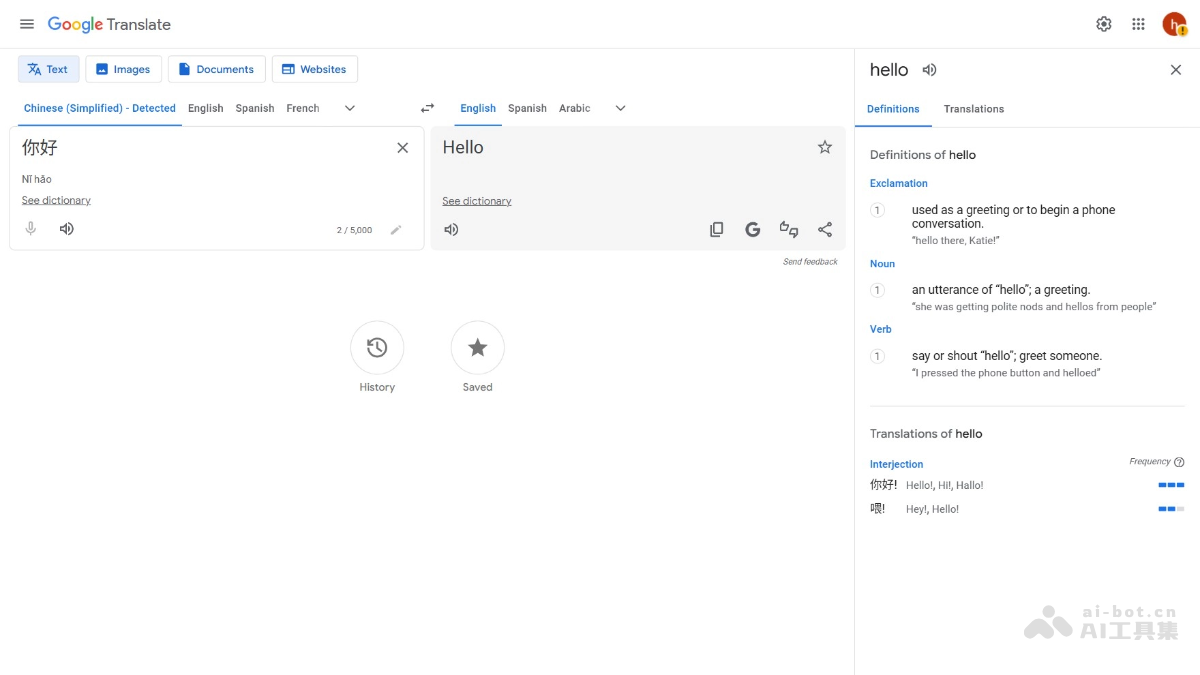
View dictionary: Click “See dictionary” to view detailed dictionary entries for a word, including part of speech, pronunciation, example sentences, and usage, helping users understand the word more deeply.
How to use Google Translate
- Visit Google Translate: For online use, visit the Google Translate official website, or download it on your phone Google Translate app。
- Select languages: On the left, select the source language (the original language to be translated). On the right, select the target language (the language after translation). If you are not sure about the source language, click “Detect language” (automatic language detection).
- Enter text: Enter the text to be translated in the input box on the left, or paste the text directly.
- View the translation result: The translation result will be displayed in the output box on the right.
- Other features:
- Voice translation: Click the microphone icon to input text by voice.
- Voice playback: Click the speaker icon to hear the pronunciation of the translation result.
- Document translation: Click the “Documents” option to upload supported file formats (such as .docx, .pdf, .pptx, .xlsx).
- Web page translation: Enter a web address to directly translate the web page content.
- Image translation: Click the “Images” option and upload an image; Google Translate will recognize and translate the text in the image.
- Offline translation: Download a language pack in the mobile app so it can be used in an environment without internet access.
Application scenarios of Google Translate
- Daily life: Quickly translate foreign-language content for barrier-free communication on social media, while shopping, and in entertainment.
- Learning: Helps translate words, sentences, and literature to improve language learning and academic research efficiency.
- Work: Translates business emails, documents, and meeting content to support cross-border collaboration and communication.
- Travel: Translates transportation information, menus, and travel guides to make travel smoother and more convenient.
- Cultural exchange: Translates descriptions of movies, music, literary works, and art exhibitions to gain a deeper understanding of different cultures.

