

What is Merlin
Merlin is a powerful AI chat assistant that integrates multiple advanced AI models, such as ChatGPT, Gemini, and more. Merlin supports one-click research, writing, summarization, and translation, covering 128 languages, and is applicable to various content forms such as webpages, videos, and documents. Merlin provides cross-platform use (Chrome, iOS, Android, Windows, and Mac), and is equipped with over 70 AI tools, such as AI detectors, writing assistance, translation assistance, and more. Merlin supports real-time webpage and file integration, contextual intelligent assistant, saved prompts, webpage chat, and other features to help users complete tasks efficiently. Merlin helps students, professionals, and creative workers significantly improve work efficiency and creativity.
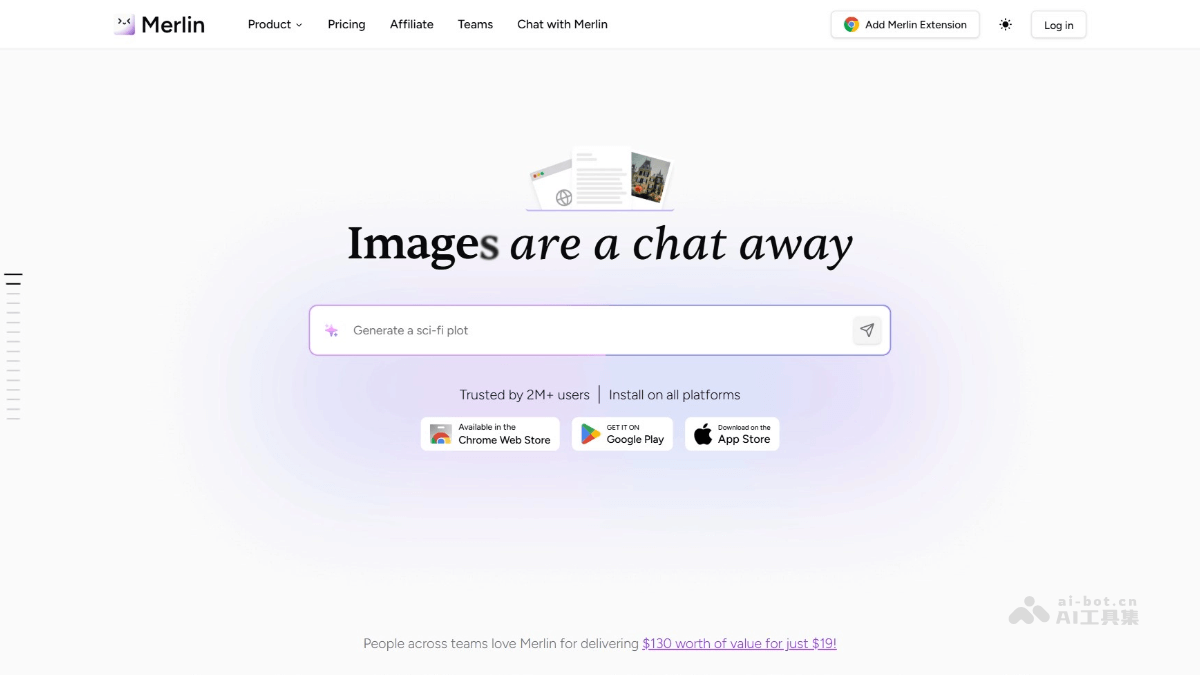
Merlin's main features
- One-click research and summarization: Quickly extract key information from webpages, files, and videos, and generate concise summaries.
- Content creation: Provide real-time writing suggestions, support multilingual writing, and help users efficiently create social media posts, articles, and emails.
- Multi-platform integration: Supports Chrome, Edge, iOS, Android, Windows, and Mac, enabling seamless synchronization across devices.
- Intelligent interaction: Integrates multiple advanced AI models, supports contextual intelligent suggestions, and can directly interact with webpages and files.
- File processing: Supports multiple file formats such as PDF, Word documents, and images, and provides OCR functionality and file chat functionality.
- Personalization and customization: Users can save frequently used prompts, create custom chatbots, and manage projects and knowledge bases.
- Translation and multilingual support: Supports instant translation in over 50 languages, helping users switch writing between different languages.
- Security and privacy: Certified by GDPR, ISO 27001, and AICPA SOC 2, ensuring user data security and privacy protection.
- Other practical tools: Provides a variety of practical tools such as AI detectors, plagiarism checkers, and code generators to meet diverse needs.
How to use Merlin
- Install Merlin: Visit the Merlin official website and install the extension or app according to your needs.
- Register an account: Open the Merlin extension or app, click "Sign Up", and complete registration with an email or social media account.
- Log in to your account: Log in to Merlin with the registered account and start using it.
- One-click summarization: Click the Merlin icon and select "Summarize" to quickly extract key information from a webpage or file.
- Content creation: Enter content in the text box, and Merlin provides writing suggestions to help polish the text.
- File processing: Upload PDF, Word, or image files, and use OCR functionality or file chat functionality.
- Intelligent interaction: Click the Merlin icon on a webpage or file, enter a question, and get intelligent answers.
- Translation function: Enter text, select the target language, and perform instant translation.
- Personalized settings: Save frequently used prompts and create custom chatbots.
Merlin's application scenarios
- Learning and research: Quickly summarize academic articles, online courses, and YouTube educational videos to help students acquire knowledge efficiently.
- Content Creation: Generate creative content for blogs, social media, advertising copy, etc., support multilingual writing, and improve creation efficiency.
- File Processing: Quickly summarize PDF documents and Word files, extract key information, and save reading time.
- Language Learning: Support translation for more than 50 languages, helping users overcome language barriers and learn foreign languages.
- Email Writing: Provide email writing suggestions, polish email content, and improve communication efficiency.

