

What is Audo Studio
Audo Studio is an AI audio processing tool that can quickly remove background noise and enhance speech. The tool is simple to operate; audio cleanup can be completed with just one click, making it suitable for podcasts, YouTube creators, and audio and video production personnel. Audo Studio offers a variety of plans, and users can choose according to their needs. The tool's core advantages lie in efficient, convenient, and high-quality audio processing, which can significantly improve audio clarity and professionalism.
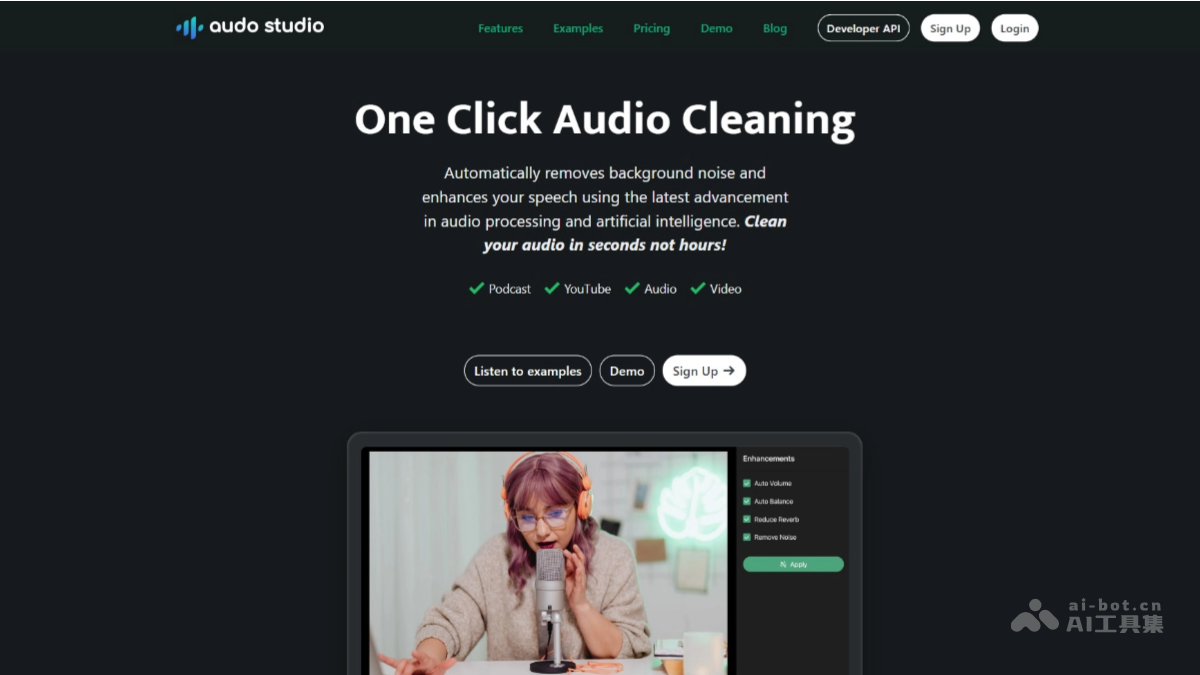
Audo Studio's main features
- Advanced noise reduction: Automatically removes background noise, such as a neighbor's music, dog barking, parrot calls, etc., so users can record high-quality audio anytime and anywhere without needing to find a quiet recording environment.
- Echo reduction: Automatically reduces echo (reverb) in recordings, saving the cost of buying acoustic foam panels and improving audio clarity and professionalism.
- Automatic volume adjustment: Automatically adjusts volume levels to ensure even audio volume, avoiding sudden loud and soft volume and providing a more comfortable listening experience.
- One-click operation: Completes audio processing with a single click, with simple operation and no complex settings, suitable for all users.
- Fast processing: Completes audio cleanup in seconds, 10 times faster than traditional software (such as Adobe Audition or Audacity), saving time and improving work efficiency.
How to use Audo Studio
- Visit the official website: Visit the Audo Studio official website https://www.audo.ai/。完成账户注册和登录。
-
Upload audio: In the control panel, click the "Upload" button and select the audio file to be processed.
-
Select features: Select the required processing features, such as "Noise Removal," "Dereverberation," or "Auto Volume."
-
Start processing: Click the "Process" button, and Audo Studio will automatically process the audio.
-
Download the result: After processing is complete, click the "Download" button to download the processed audio file.
-
Check the effect: Play the processed audio and compare it with the original audio to experience the noise reduction and enhancement effects.
-
Save or share: Save the processed audio locally, or share it directly to podcast platforms, YouTube, etc.
Audo Studio's application scenarios
-
Podcast production: Helps podcast creators remove background noise and improve audio quality, allowing listeners to focus more on the content.
-
YouTube videos: Improves audio effects in videos, reduces background interference, and enhances the viewer's viewing experience.
-
Online courses: Makes online course audio clearer and prevents background noise from distracting students.
-
Audio editing: Provides audio editors with fast noise reduction and volume adjustment tools to improve work efficiency.
-
Video conferencing: Improves audio quality in video conferencing, reduces environmental noise, and ensures smooth communication.


