

What is Raycast AI
Raycast AI is an efficient productivity tool designed for Mac users, combining powerful AI features with a system-level quick launcher. Invoked via keyboard shortcuts, it supports quickly launching applications, searching files, and performing various tasks, with built-in AI chat that lets users get smart suggestions or execute complex operations at any time. Raycast AI supports multiple AI models, such as OpenAI and Claude, to meet the needs of different users. It also offers clipboard management, file preview, browser enhancements, and more. By installing the Raycast Companion browser extension, users can directly invoke AI features in web pages for summarizing, translating, or extracting information.
Raycast AI's main features
-
AI Chat: Users can converse with over 32 different AI models to solve programming problems, plan schedules, and more.
-
AI Commands: Through preset or custom commands, automate repetitive tasks such as correcting spelling and grammar errors, generating code documentation, and more.
-
Natural Language Processing: Supports natural language instructions. Users can enter commands such as "schedule a meeting with John" or "send this file to the team," and Raycast AI will execute them automatically.
-
Multi-model Support: Supports multiple AI models, including OpenAI's GPT-4, Claude, and more, so users can choose the appropriate model based on their needs.
-
Quick File Access: Users can search files by name, type, or content, and open or share them directly from Raycast.
-
System Control: Users can adjust volume, brightness, connect to Wi-Fi, and perform other system tasks through Raycast AI.
-
Clipboard History Management: Records and retrieves clipboard history content for easy copy-paste reuse.
-
Cloud Sync: Ensures content remains consistent across all devices, making it easy to switch between different devices.
-
Custom Themes: Users can customize Raycast's appearance according to their personal preferences.
-
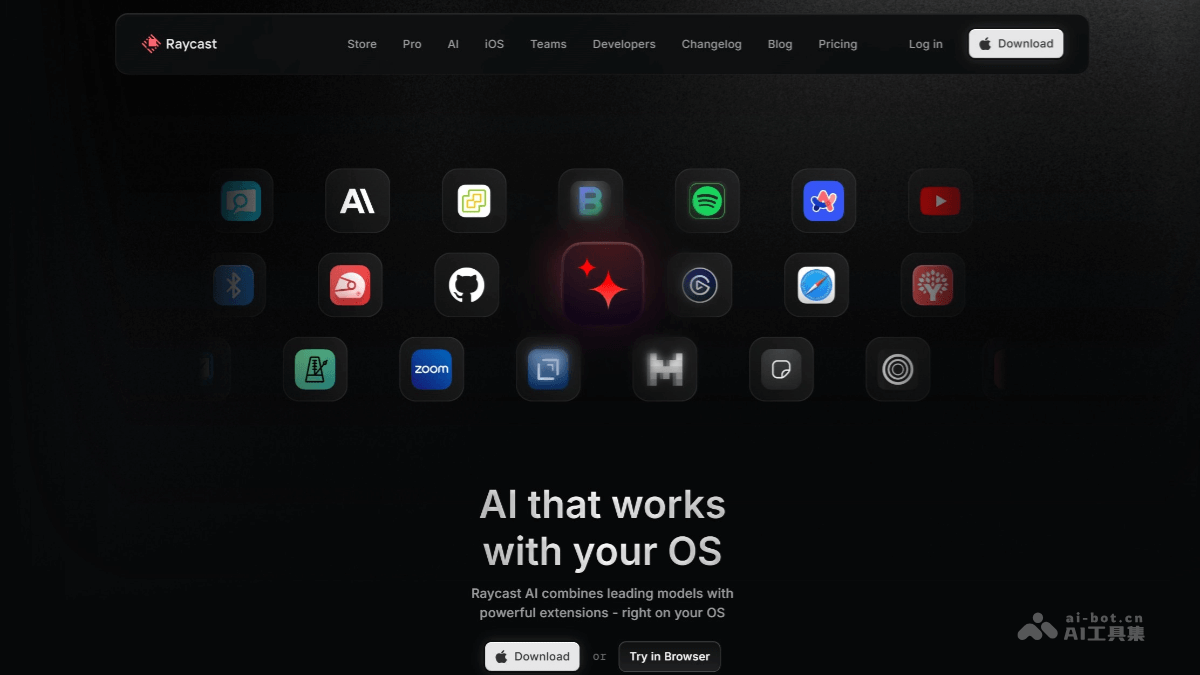
Extension Ecosystem: Supports integration with a variety of tools and services, such as GitHub, Notion, Jira, and more.
How to use Raycast AI
-
Download and Install: Visit the official Raycast website, download the Raycast installer for macOS, and install it.
-
Launch and Configure: Open the Raycast application and set a global shortcut (the default is
⌥ 空格) for quick invocation. -
Activate AI Features: When using it for the first time, you need to sign in or activate AI features, such as choosing to use models like GPT.
-
AI Chat:
-
Press the shortcut (such as
⌥ J) or search for "AI Chat" to open the chat window. -
Enter a question or instruction, and the AI will reply immediately.
-
You can set a shortcut to quickly bring up the chat window.
-
-
Quick AI:
-
Open Raycast, enter your question, then press
Tabto switch to Quick AI. -
Suitable for one-off questions, allowing you to get answers quickly.
-
-
AI Commands:
-
You can choose preset commands or custom commands.
-
Use natural language to enter commands, such as "translate this text into English."
-
You can create personalized commands by combining placeholders (such as
{selection}、{clipboard}). -
Bind shortcut keys to frequently used commands to improve efficiency.
-
-
AI Extension:
-
Type the "@" symbol in Raycast to invoke the AI Extension.
-
It can perform complex tasks such as searching, file operations, and task management.
-
It supports multiple models, such as OpenAI's GPT-4 and Google's Gemini.
-
- Advanced Features
-
Browser Enhancement:Install the Raycast Companion browser extension.While browsing the web, you can use Raycast to summarize, translate, and perform other operations on web page content.
-
Custom Commands and Workflows:Create custom commands in Raycast settings.Combine AI features and system tools to automate complex tasks.
-
Cloud Sync:After subscribing to the Pro version, cloud sync is automatically enabled.You can sync settings such as extensions, custom snippets, and shortcuts.
-
Use Cases of Raycast AI
- Quick Information Retrieval and Processing: Users can use the quick answer feature of Raycast AI to quickly get answers to questions without frequently switching to a search engine.
-
Cross-Language Communication: It supports translation in multiple languages, helping members of international teams communicate smoothly in multilingual environments.
-
Text and Image Generation: Raycast AI can generate text content, such as reports and articles, and also supports content editing and customization. For designers, it can quickly generate visual assets such as posters and icons.
-
Writing Assistance: Content creators can use Raycast AI to provide writing suggestions and materials, enhancing creative inspiration and efficiency.
-
Learning Assistance: Raycast AI can help users learn new knowledge, provide explanations and examples, and assist users in better understanding and mastering the content.

