

What is Ayoa Ultimate
Ayoa Ultimate is an AI mind mapping and brainstorming tool that combines mind mapping, task management, team collaboration, and other functions. The tool supports multiple views, including mind maps, canvas, whiteboard, flowchart, kanban, Gantt chart, and more, meeting the needs of different work scenarios. With AI features, users can more efficiently conduct creative ideation, project planning, and team collaboration. Ayoa Ultimate's neuro-inclusive design suits various ways of thinking, allowing individuals and teams to improve work efficiency and creativity.
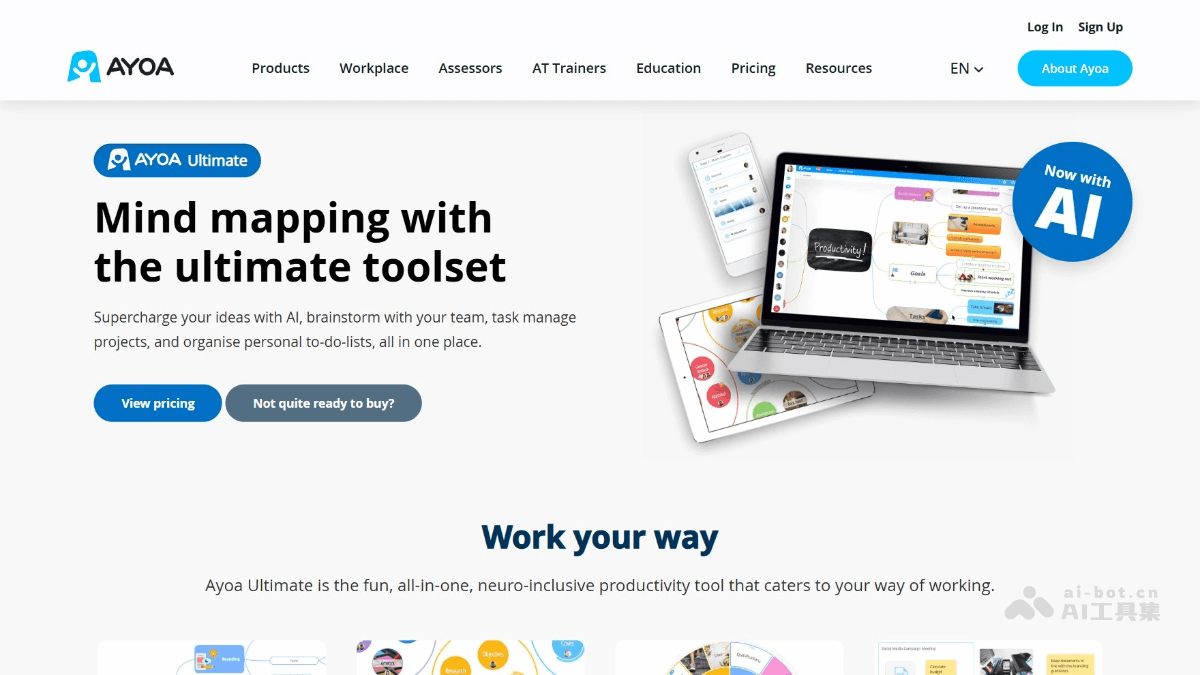
Main features of Ayoa Ultimate
- Mind mapping features: Provides multiple modes such as mind maps, canvas view, and flowcharts, supports personalized editing and AI generation, and helps organize information efficiently.
- Task management features: Supports setting task attributes (such as priority and due date) and linking them to mind map nodes for easy progress tracking.
- Team collaboration features: Enables team communication based on Ayoa Chat, supports team sharing and real-time synchronization, and allows members to comment and communicate on tasks or maps, improving collaboration efficiency.
-
Personalized customization: The interface is user-friendly and supports custom layouts and themes to meet different user habits.
- Document and note features: Supports document views and note-taking, making it convenient to organize and store information.
How to use Ayoa Ultimate
- Register and log in: Visit the Ayoa Ultimate official website and follow the prompts to create an account and log in.
- Choose a version: Choose to upgrade to Ayoa Ultimate to unlock AI features.
- Create a project: After logging in, click "Create New", choose the project type (such as mind map, whiteboard, etc.), and name the project.
- Use views: Switch between different views as needed (such as mind map, canvas, Gantt chart, etc.) to plan and manage content.
- Add members: Click "Invite Team", enter team members' email addresses, and invite team members to join project collaboration.
- Use AI: Click the AI assistant icon, enter a question or request, and get suggestions or content generation provided by AI.
- Export and share: After completing the project, export it as PDF, PNG, and other formats, or share the link with others.
Application scenarios of Ayoa Ultimate
- Personal planning: Used for setting personal goals, planning daily tasks, and managing to-do items.
- Creative ideation: Quickly capture inspiration based on mind maps and stimulate creativity.
- Project management: Track project progress with Gantt chart and kanban views to ensure completion on time.
- Team collaboration: Team members collaborate and communicate in real time using whiteboards and chat features.
- Education: Teachers and students organize course content, study notes, and group projects.

