

What is Appicons AI
Appicons AI is an App icon generation tool based on AI technology. Users only need to input the app name and style preferences, and the tool can quickly generate a variety of professional icon options. The icons support online editing, allowing adjustments to colors, fonts, and other elements. Appicons AI provides PNG files in various sizes, perfectly compatible with Android and iOS apps, meeting the needs of different scenarios such as websites, social media, and business cards. The tool is simple and easy to use, suitable for developers and designers to quickly create high-quality app icons, helping to enhance brand image and user experience.
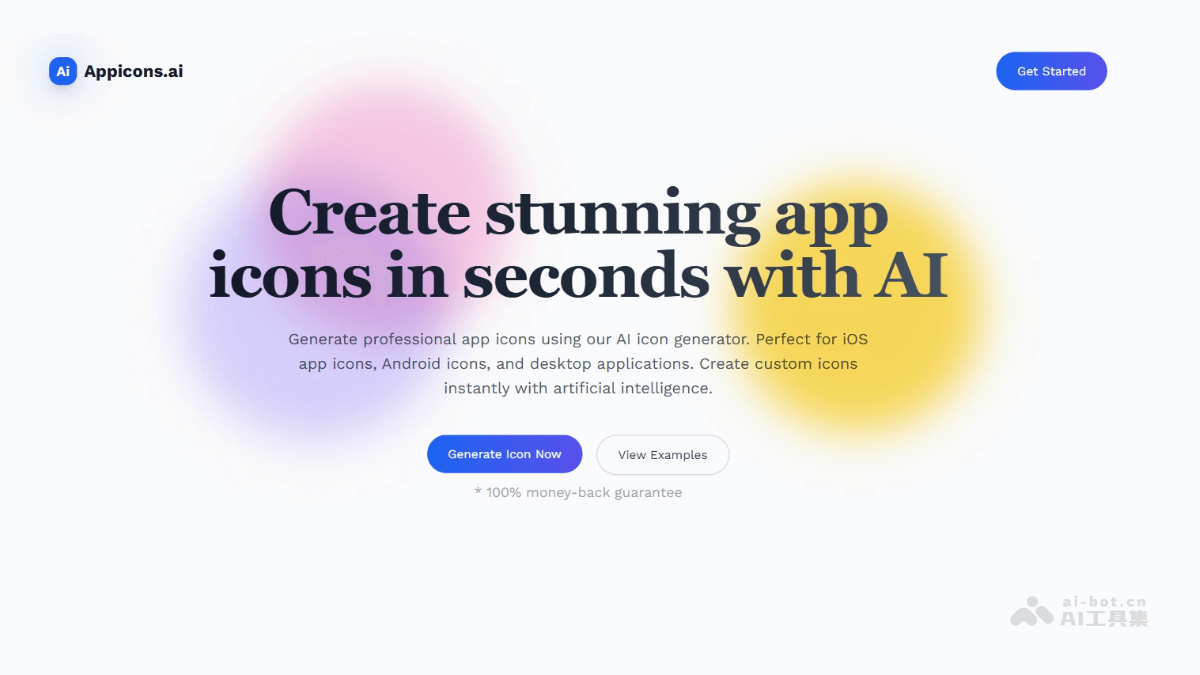
Main features of Appicons AI
-
AI-driven icon generation: Quickly generate professional icons suitable for iOS and Android apps based on user descriptions.
-
Online editing feature: Supports online editing of generated icons with Photopea, allowing adjustments to colors, fonts, and other elements to meet personalized needs.
-
Export in multiple formats: Provides 1024×1024 PNG format export, meeting the needs of various scenarios such as websites, social media, and mobile apps.
-
Transparent background support: Generated icons support transparent backgrounds, making them easy to use on different background colors and ensuring icons are clear and attractive.
-
Multi-size export: Supports export in multiple sizes, adapting to the different icon requirements of iOS, Android, and desktop applications.
How to use Appicons AI
-
Visit the website: Visit the Appicons AI official website https://appicons.ai/。
-
Describe the icon: Enter the app name and icon description in the input box on the homepage (such as style, color, elements, etc.).
-
Generate icons: Click the "Generate Icon Now" button, and AI will generate multiple icon options based on the description.
-
Select and customize icons: Choose one from the generated icons and adjust it using the Photopea online editing tool.
-
Export and download: Once satisfied with the icon, click the "Export" button, choose the format and size, and download the icon.
-
Use the icon: Use the downloaded icon file for app development, adapting to the needs of different platforms.
Application scenarios of Appicons AI
-
Mobile app development: Quickly generate icons suitable for iOS and Android apps, meeting the icon specifications of different platforms.
-
Brand promotion: Design brand-related icons for use in materials such as business cards and brochures to enhance brand image.
-
Game development: Generate attractive icons for game apps to enhance the appeal of the game.
-
Personal projects: Help individual developers or designers quickly create personalized icons, saving design time.
-
Enterprise applications: Generate professional icons for internal enterprise tools or applications to enhance corporate image.


