

What is Khroma
Khroma is an AI color tool built for designers. Through AI, it learns the colors a user prefers and generates personalized infinite color palettes. Users can train the algorithm, generate color combinations they like, and block colors they dislike. Khroma can search and filter palettes and supports finding them by hue, color value, and other criteria. It supports saving favorite combinations to favorites, where users can view color names, hexadecimal codes, and more at any time. Khroma helps designers quickly find ideal colors and improves design efficiency and creativity.
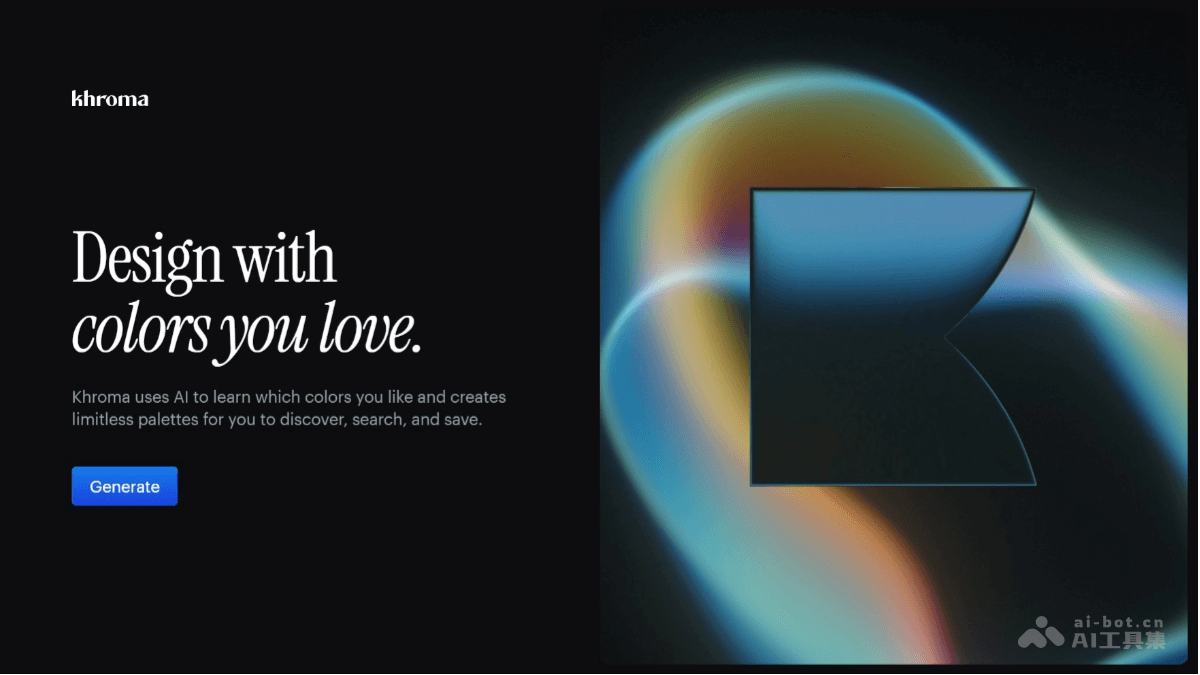
Khroma's main features
- Personalized color generation: Train a neural network algorithm with colors selected by the user to generate color combinations that match the user's preferences and block disliked colors.
- Infinite palette creation: Based on learned color preferences, create infinite palettes for users and provide a rich selection of colors.
- Diverse display formats: Users can view color combinations in the form of typography, gradients, palettes, or custom images to meet different design needs.
- Powerful search function: Users can search and filter color combinations by criteria such as hue, shade, color value, color name, hexadecimal and RGB values to quickly find the colors they need.
- Favorites and management: Users can save favorite color combinations to personal favorites and create unlimited color libraries for future reference and use.
- Detailed information provided: Provides the name, hexadecimal code, RGB values, CSS code, and WCAG accessibility rating for each pair of colors, making it convenient for designers to apply them in actual projects.
How to use Khroma
- Visit the website: Open a browser and visit the Khroma official website https://www.khroma.co/。
- Choose colors: Pick favorite colors through the color slider or by entering a hexadecimal code.
- Generate a palette: Click the "Generate" button, and the algorithm generates color combinations that match preferences.
- View and adjust: Choose different display formats (such as typography, gradients, etc.) and adjust the generated palette.
- Search palettes: Enter criteria such as color name or hexadecimal code to quickly search for the desired color combinations.
- Save the palette: Click the "Save" button to save favorite color combinations to personal favorites.
- Export color information: Copy the color name, hexadecimal code, RGB values, and other information to use in design projects.
Khroma's application scenarios
- Graphic design: When designing posters, brochures, business cards, and other graphic design works, it helps designers quickly find color combinations that match the theme and are visually appealing, improving the overall effect of the design.
- UI/UX design: For interface design, Khroma can generate color schemes that match the user interface style and brand requirements, ensuring the interface is beautiful and the user experience is good.
- Web design: In web design, Khroma provides a variety of color matching schemes, helping designers choose colors suitable for the website theme while ensuring the website's readability and visual comfort.
- Brand design: During brand creation or rebranding, it assists designers in finding color combinations that represent the brand's personality and values, enhancing the brand's visual recognition.
- Interior Design: In interior decoration design, provide designers with color matching inspiration, help select color schemes suitable for the spatial atmosphere, and create the ideal interior environment.


