
What is Scribe
Scribe is an AI-assisted tool launched by ScribeHow that supports the rapid generation of operation guides and tutorials. The tool automatically records users' operation steps in web pages or desktop applications, captures mouse clicks and screenshots, and can generate detailed text descriptions and step-by-step guides. Scribe's core advantages lie in its simple operation process and strong compatibility, supporting integration with a variety of work platforms (such as Google Workspace, Microsoft Azure, etc.). Users can install and use it through a browser extension, easily create and share operation guides, significantly improve work efficiency, reduce repetitive labor, and it is suitable for teams and individuals who need to frequently create operation guides.
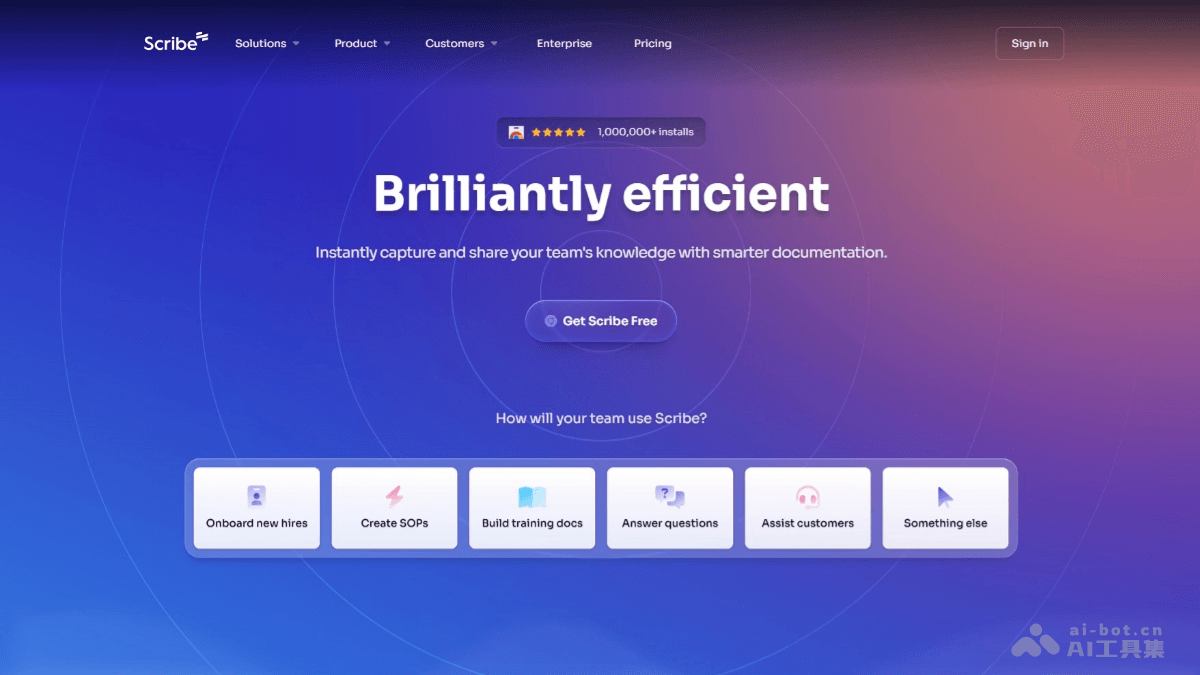
Scribe's main features
- Automatically capture operation steps: Record users' operations in web pages or desktop applications in real time, including mouse clicks, keyboard input, etc.
- Generate detailed guides: Organize the captured operation steps into clear step-by-step guides, automatically generating text descriptions and screenshots.
- Editing and customization: Provide an integrated editor, allowing users to crop and annotate screenshots and add additional explanations to make the guide more complete.
- Multi-platform integration: Support integration with platforms such as Google Workspace and Microsoft Azure, making it convenient to use in different environments.
- Sharing and export: Support generating links, PDF files, or embedding into knowledge bases, help centers, etc., making it easy to share and archive.
- Data protection: Automatically hide sensitive information, ensure data security, and comply with multiple industry compliance standards.
- Template support: Provide a variety of templates to help users quickly create standardized operation manuals and training materials.
Scribe's official website address
- Official website address:https://scribehow.com/
Scribe's product pricing
- Basic: Experience Scribe's basic features for free, suitable for individual users to generate operation guides in the browser.
- Pro Team: $12 per seat per month, starting from 5 seats, providing teams with a tool to quickly create documents, including collaboration and multi-format export features.
- Pro Personal: $23 per seat per month, starting from 1 seat, providing individuals with professional-grade document production features, including brand customization and editing redirected screenshots.
Scribe's application scenarios
- Internal enterprise training: Quickly create onboarding guides and operation manuals for new employees, helping employees quickly become familiar with workflows and tools and reducing training time.
- Customer support: Provide customers with detailed operation guides and self-service manuals, reducing customer inquiries and improving customer satisfaction and the ability to solve problems on their own.
- Software development and testing: Automatically generate software operation guides and testing process documents, helping users quickly get started with new software and ensuring standardization and consistency in testing.
- Education and training: Generate standardized teaching materials and online course operation guides, helping students better understand and operate, and improving teaching efficiency.
- Finance and accounting: Create detailed compliance operation guides and financial process manuals, ensuring team members follow industry standards and regulations, and improving work efficiency and accuracy.