
What is Roo Code
Roo Code is a tool that provides a powerful AI assistant for VS Code. It can understand codebases and help developers quickly write, refactor, and debug code. It supports a variety of modern development needs, including code optimization, real-time suggestions, multi-mode development, and more. Roo Code supports developers in choosing or configuring AI models according to their own needs. Installation is simple and can be done from the VS Code Marketplace or via the CLI, and you can get started in just a few minutes.
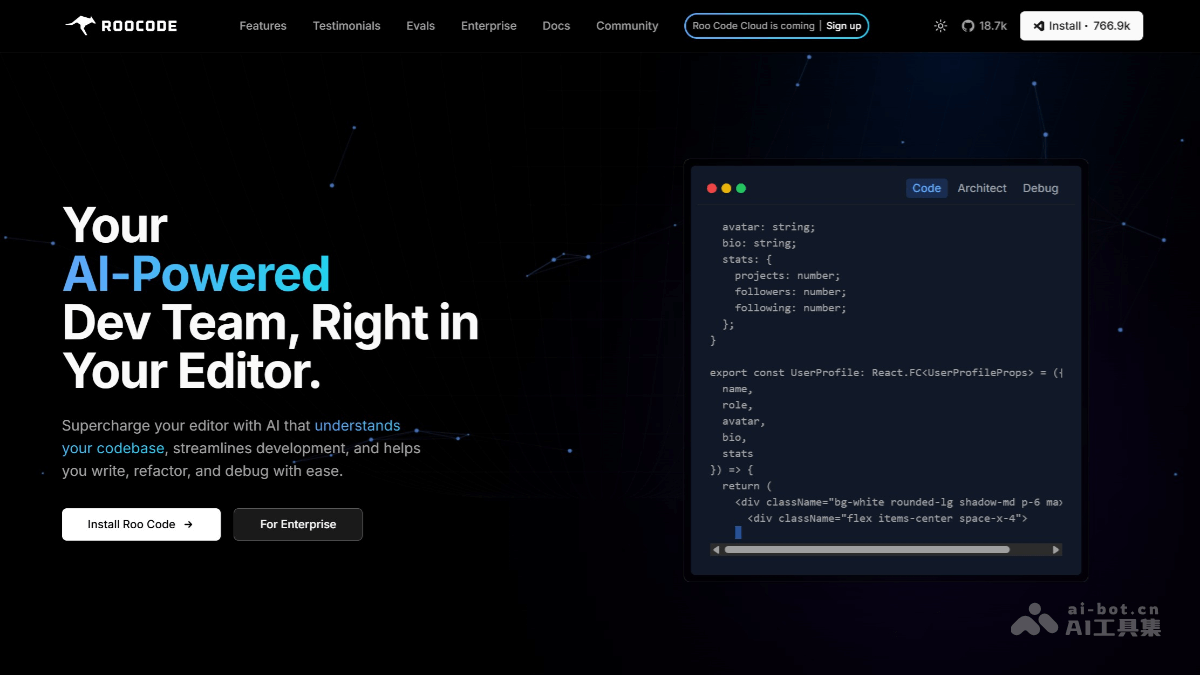
Main features of Roo Code
-
AI-driven code understanding and optimization: It can understand codebases, provide code optimization suggestions, and help developers quickly improve code quality.
-
Simplified development workflow: Through AI features, it simplifies the development workflow, reduces repetitive work, and improves development efficiency.
-
Real-time code assistance: It provides real-time code suggestions and autocomplete features to help developers write code faster.
-
Multi-mode support: It supports multiple development modes, such as Architect Mode, Code Mode, and Ask Mode, to meet different development needs.
Roo Code's official website address
- Official website address:https://roocode.com/
Roo Code application scenarios
-
Daily coding tasks: In Code Mode, Roo Code can help developers quickly complete basic work such as writing, modifying, and deleting code, and provides auxiliary features such as intelligent code completion and syntax checking.
-
System design and architecture analysis: Through Architect Mode, developers can describe system architecture requirements in natural language, and Roo Code will generate architecture design plans based on AI analysis, including architecture diagrams, module code frameworks, and more.
-
Technical question answering: In Ask Mode, Roo Code can answer developers' questions about codebases, programming concepts, or technical implementation, and provide detailed answers.
-
Automated development workflows: In Orchestrator Mode, Roo Code can coordinate and automate workflows and set the execution order of a series of tasks and operations, such as code formatting, running test scripts, code deployment, and more.
-
Project context maintenance: Roo Code Memory Bank can avoid context loss during project development and maintain the continuity of project development. By creating and loading Memory Bank files locally, it ensures persistent storage of project information.