
What is Raphael AI
Raphael AI is a free and unlimited tool based on the Flux.1-Dev modelAI image generation tool, users do not need to register or log in, and can quickly generate or edit images by entering text prompts. The tool supports a variety of artistic styles, including realism, anime, oil painting, and digital art. With the image editing feature, professional-level editing such as changing the background and adjusting lighting effects can be completed simply by describing it in text. Raphael AI has fast generation speed and adopts a zero data retention policy to protect user privacy. The generated images can be used for personal and commercial purposes.
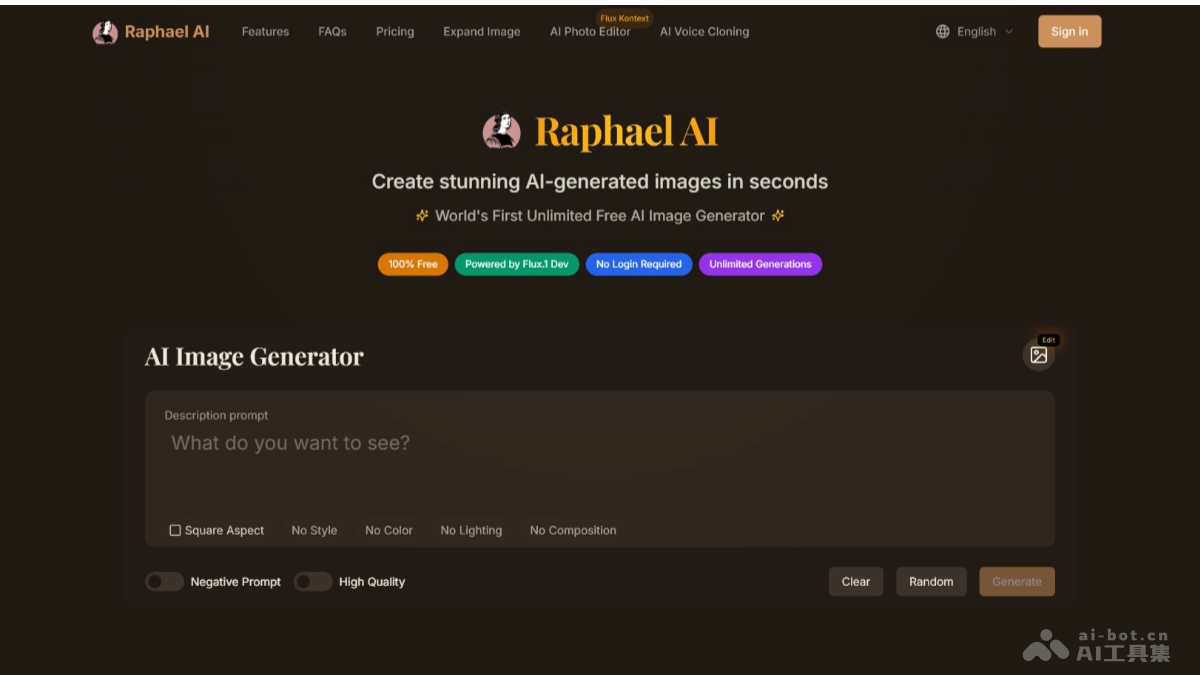
Main Features of Raphael AI
- Zero-cost creation: No registration or login required, and high-quality images can be generated indefinitely.
- Advanced text understanding: It can accurately interpret complex prompts and generate images that match the description.
- Support for diverse styles: Supports multiple artistic styles such as photorealistic, anime, oil painting, and digital art.
- Fast generation: The optimized inference pipeline ensures fast image generation speed.
- Unlimited use: No usage limit, suitable for personal and commercial purposes.
- Supports multiple languages: English is recommended for prompts, and Chinese input is supported.
- Random generation and inspiration: Provides a "Random" button to randomly generate prompts, and provides sample images for users to find inspiration.
-
AI image editor: Supports further editing of generated images through text input.
-
Image expansion: Supports expanding existing images.
Raphael AI's official website address
- Official website address:https://raphael.app/zh
Raphael AI's application scenarios
- Art enthusiasts: Used to find creative inspiration and explore different artistic styles.
- Content creators: Add unique visual elements to blogs, videos, or social media.
- Marketing teams: Create unique visual effects and save budget.
- Game developers: Quickly generate high-quality game assets.
- Data visualization: Build interactive charts and dashboards to display complex data.
- Web design: Add vector icons, dynamic graphics, or decorative elements to web pages.