
What Is Question AI
Question AI is an AI learning assistant app launched by Zuoyebang, primarily targeting overseas markets, especially the United States and Indonesia. Through various methods such as taking photos of questions, text input, and PDF uploads, the app provides students with cross-disciplinary homework answers and learning support. It covers multiple subjects including mathematics, history, biology, English, physics, and chemistry, and can provide detailed solution steps and step-by-step explanations to help students better understand and master knowledge points. Question AI has multilingual support features to help students around the world overcome language barriers.
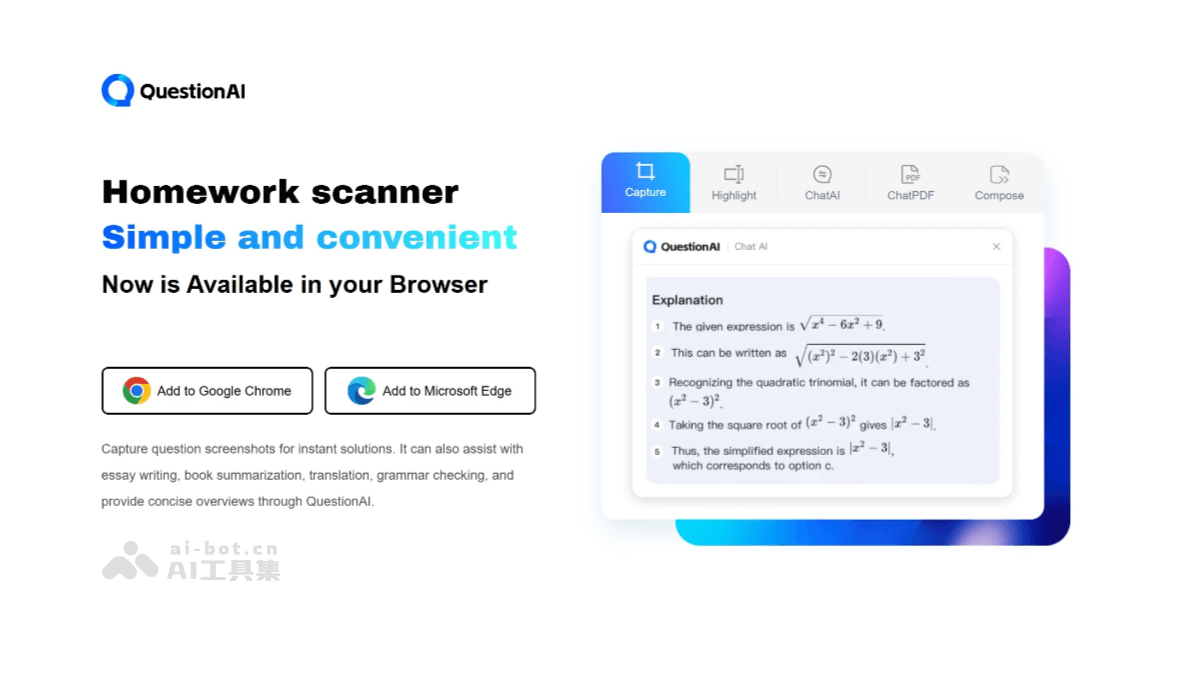
Main Features of Question AI
- Photo-Based Problem Solving: Users can take photos of questions, and the system will quickly recognize them and provide answers.
- Text Summarization: Helps users quickly understand the main content of books or articles.
- Translation Feature: Supports text translation in multiple languages, making cross-language learning convenient.
- Grammar Check: Provides detailed grammar error checking and revision suggestions.
- Formula Recognition: Supports OCR technology and can recognize mathematical formulas and text in images and PDFs.
- AI Chat Feature: Users can interact with the AI to get instant help.
- PDF Processing: Upload PDF files, and the system can generate document summaries and answer related questions.
- 24-Hour AI Assistant: Provides round-the-clock professional answer services, helping users solve learning problems anytime, anywhere.
- Multilingual Support: Supports translation and learning in multiple languages, helping users learn and communicate across languages.
How to Use Question AI
- Download and Install the App: VisitQuestion AI's official website, and install the app according to your device.
- Open the App: Launch the Question AI app.
- Ask a Question: You can enter your question in the chat interface, or use the photo feature to take a picture of your homework question, and the system will automatically recognize it and provide an answer. You can also upload documents or images containing questions.
- Get the Answer: Click the submit button, and the AI will quickly analyze your question and generate a solution. You can see detailed step-by-step answers.
- Further Interaction: If you need more details or have other questions, you can continue interacting with the AI and ask follow-up questions.
- Use Other Features: Question AI also provides features such as translation, grammar checking, and text summarization. You can use these tools as needed.
Application Scenarios of Question AI
- Daily Homework Assistance: Students can use Question AI to solve difficult problems in daily homework. It supports multiple subjects such as mathematics, science, or humanities, and provides detailed solution steps and answers.
- Exam Review: Before exams, students can use Question AI to quickly review and consolidate key knowledge points, practice with mock exams, and strengthen training for weak areas.
- Independent Learning: For topics of interest, Question AI can provide in-depth explanations and related learning resources to help students expand their knowledge.
- Group Discussions and Collaborative Projects: In group study or project collaboration, Question AI can serve as a shared reference resource, helping to solve problems encountered in the project and stimulate innovative thinking.
- Professional Writing: Professionals can use Question AI's writing assistance features to improve writing quality, for example, writing emails, reports, or creative writing, etc.
- Language Learning: Language learners can practice conversations and obtain translations through interaction with Question AI, improving language skills.