
What is the Qingyan Browser Extension
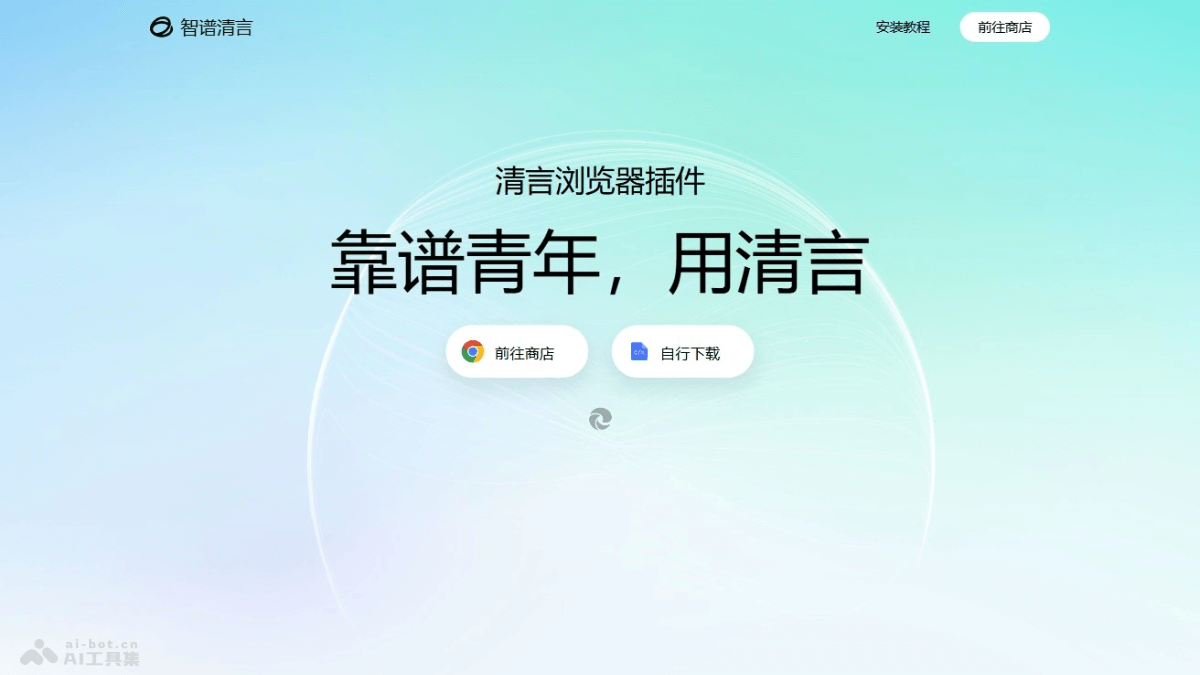
The Qingyan Browser Extension isZhipu QingyanA browser extension launched based on intelligent Agent technology, capable of understanding user intent and automatically completing complex tasks. The Qingyan Browser Extension integrates general conversation, page summarization, intelligent writing, and other features, and supports advanced features such as AutoGLM and in-site advanced search. Whether for academic research, work and office tasks, or daily browsing, Qingyan can be your good helper, greatly improving efficiency and making web browsing easier and more convenient.
Main Features of the Qingyan Browser Extension
General Features
- General Conversation: Engage in natural language conversation with the extension to obtain information, solve problems, and more.
- Page Summarization: Automatically summarize the content of the current webpage and extract key information.
- Page Conversation: Conduct conversations on the webpage, such as commenting on or asking questions about articles.
- Highlighting Tool: Highlight on the webpage to mark key content.
- Intelligent Writing: Assist with writing, such as generating article outlines, rewriting sentences, and more.
- Webpage Translation: Translate webpage content into other languages.
Advanced Features
- AutoGLM: Convert natural language instructions entered by users into machine instructions to achieve more intelligent interaction.
- In-Site Advanced Search: Supports in-site advanced search, making it convenient for users to quickly find the information they need.
- Multi-Link Summarization: Automatically summarize the content of multiple links to improve information acquisition efficiency.
- Github Issue Q&A: Help users quickly answer Github Issue questions.
How to Use the Qingyan Browser Extension
- Install the Extension:
- Visit the Qingyan Browser Extensionofficial website, choose to download from the Chrome Store, click "Add to Chrome" or "Get", and select "Add extension" to complete the installation.
- Or download the CRX installation package, enable Developer Mode on the browser's extensions page, and drag the downloaded CRX file into the extensions page to install it.
- Launch the Extension: After installation is complete, you will see a Qingyan icon or floating ball in the upper right corner or sidebar of the browser.
- Use AutoGLM: Convert entered natural language instructions into machine instructions to achieve more intelligent automatic interaction and help you complete specified tasks.
- Use In-Site Advanced Search: Enter a specific search task and execute it; the extension automatically searches and summarizes within the current website.
- Use Multi-Link Summarization: In the webpage input box, click Qingyan's writing button to wake up the writing assistant and assist with writing.
- Use Github Issue Q&A: After selection, it can quickly answer Github Issue questions.
- Explore More Features: For other features of the Qingyan extension, click the extension icon or floating ball to explore and use them.
Pricing of the Qingyan Browser Extension
- The Qingyan Browser Extension is currently completely free.
Application Scenarios of the Qingyan Browser Extension
- Academic Research: The Qingyan plugin can help academic researchers quickly search literature, summarize content, and assist with writing, improving the efficiency and accuracy of academic research.
- Work and Office: For professionals, the Qingyan plugin is an efficient work assistant, helping to quickly obtain information, write reports, and manage emails, improving work efficiency.
- Daily Browsing: For everyday users, the Qingyan plugin can simplify the information acquisition process, such as automatically summarizing articles and translating content, making browsing the internet easier and more convenient.
- Online Learning: The Qingyan plugin can help online learners study more efficiently, for example by generating study notes and translating course content, improving learning outcomes.
- Translation Work: For translation practitioners, the Qingyan plugin can serve as a translation assistant, helping to quickly translate documents, emails, and more, improving translation efficiency.
- Game Guides: The Qingyan plugin can help game enthusiasts obtain game guides, tips, and more, enhancing the gaming experience.